
Add White Background to Photo with Fava AI - Fast and Easy AI Image Editing
InstantlyAI Background Removal Guide replace backgrounds with pure white, ideal for eCommerce, social media, and more!


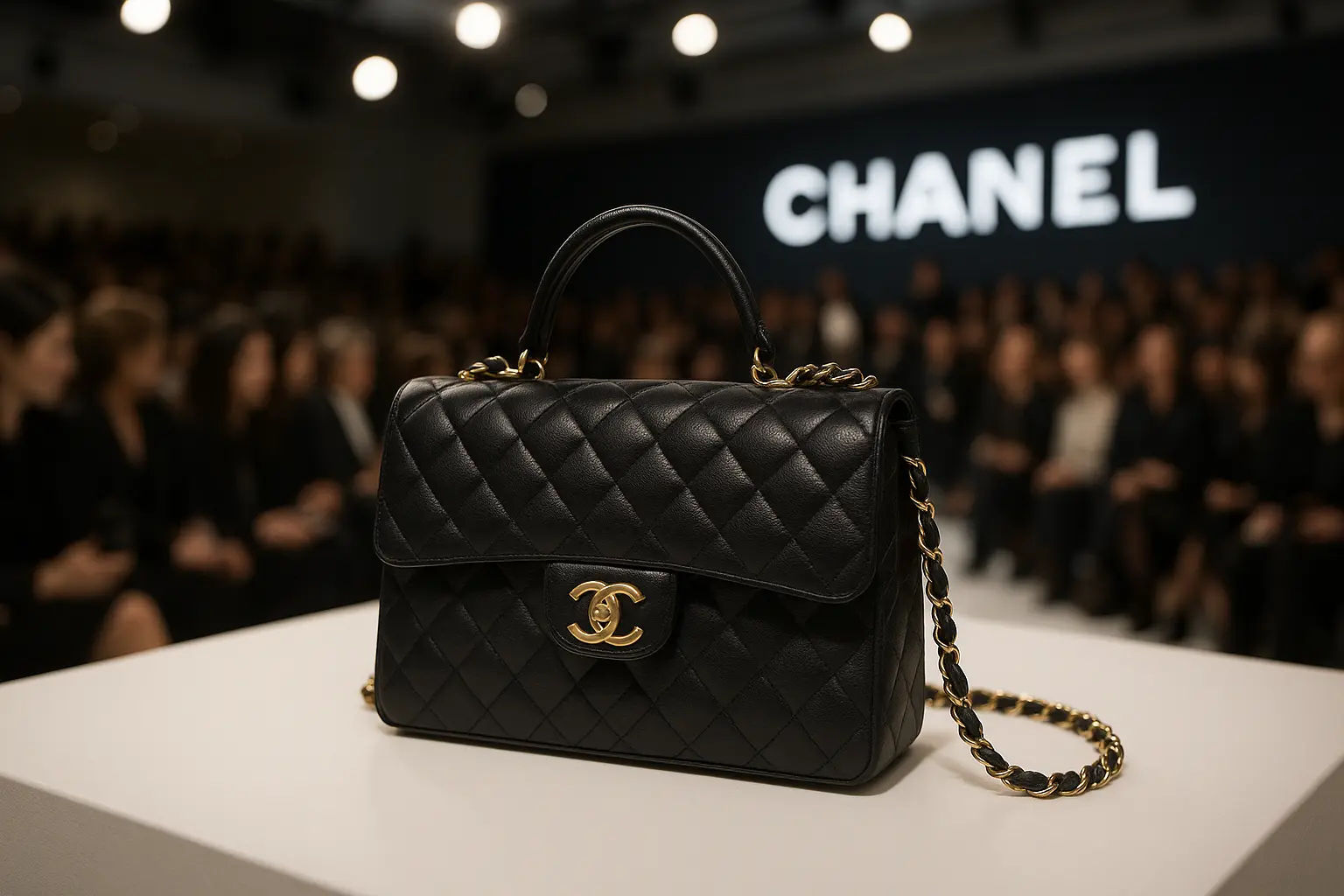
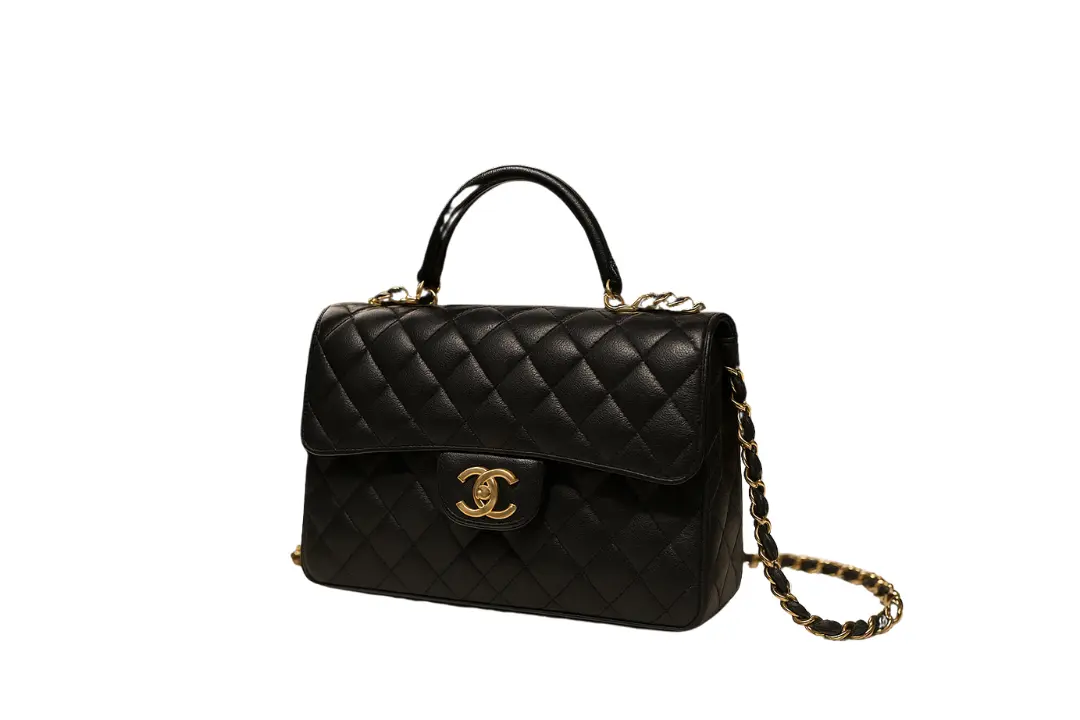
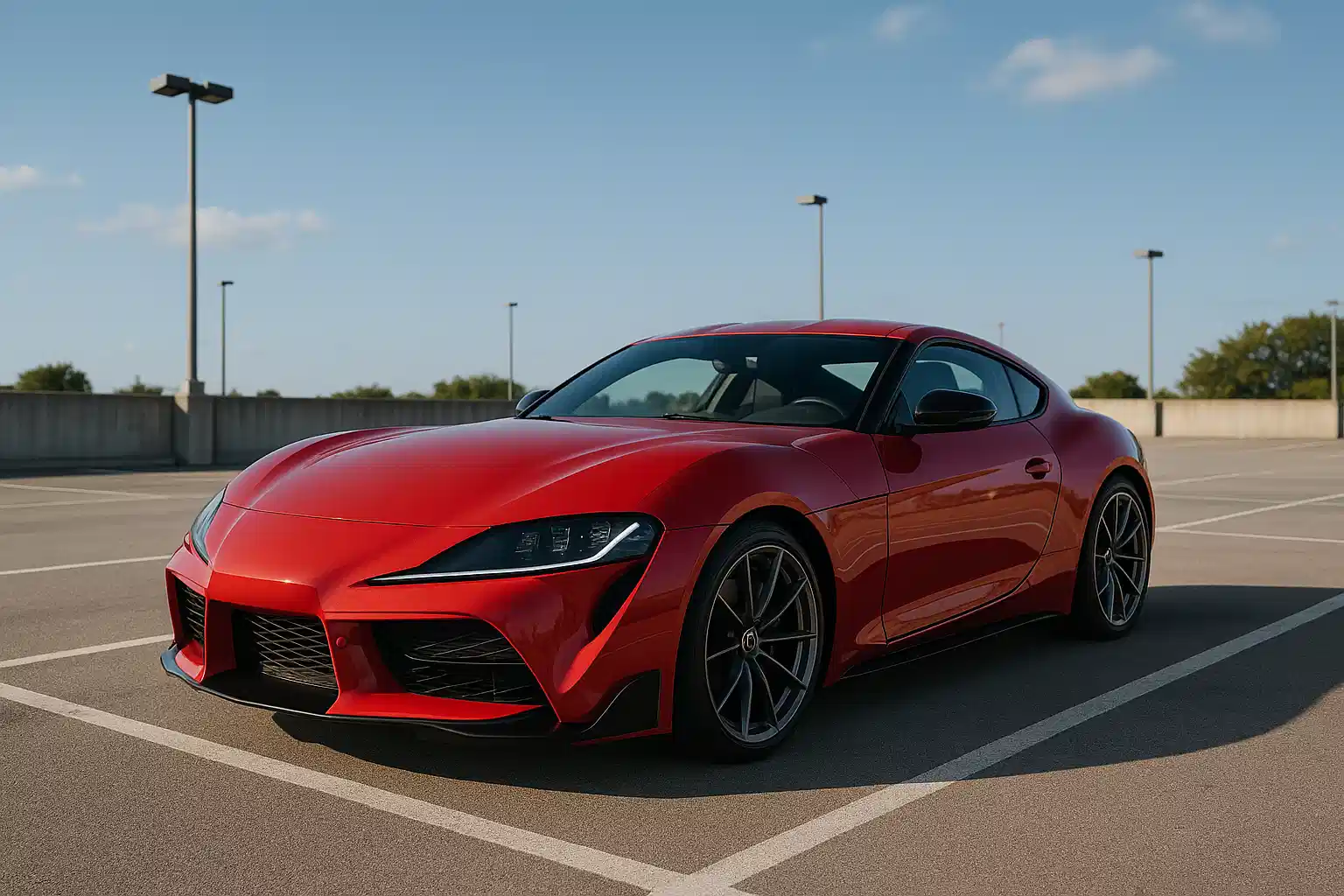
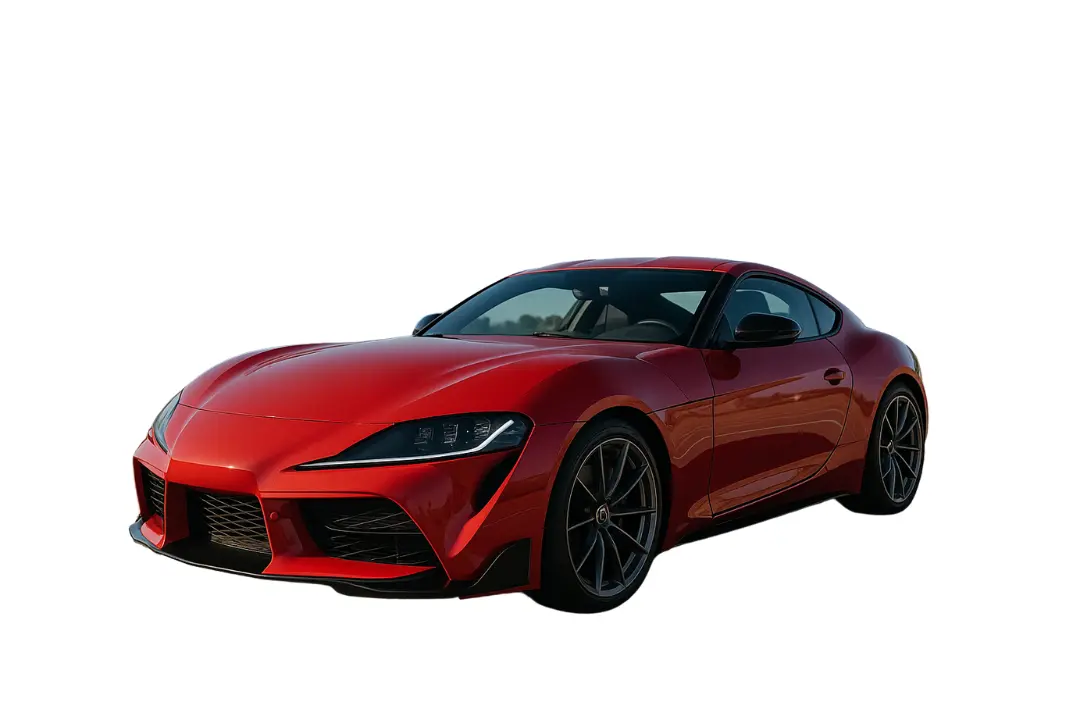
Key Features of Fava AI's Add White Background to Photo Tool

One-Click Background Removal and White Background Addition
With Fava AI, you can easily add a white background to your photo in just one click. Our AI-powered tool automatically detects the main subject of your image and replaces the background with a clean, pure white, perfect for professional-looking results.

Free and No Login Required
Start editing instantly without the need to sign up or log in. Fava AI offers a hassle-free experience—just upload your photo and get started. Enjoy full access to background removal and white background features completely free of charge, making it perfect for quick tasks and on-the-go users.
High-Quality Output in PNG or JPG
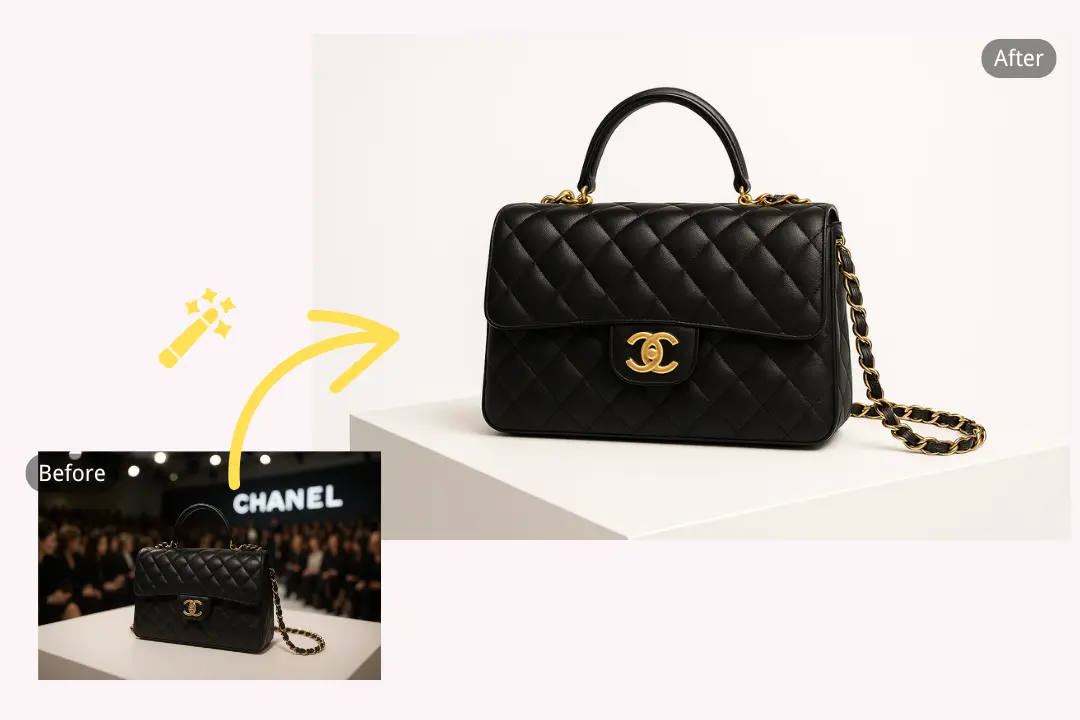
Fava AI ensures your images are exported in high-definition formats, such as PNG or JPG. Whether for eCommerce listings, social media, or printing, you can rely on the sharpness and quality of your photos.
AI-Powered Detail Recognition
Our intelligent AI is designedAdd White Background Tool to recognize fine details such as hair, jewelry, and intricate edges. This ensures that the transition to a white background is seamless, providing a natural and polished look.
How to Add White Background to Photo with Fava AI
Upload Your Image
Simply drag and drop your photo onto the Fava AI tool to get started. No registration or login is required.
Automatic Background Removal
Once uploaded, the AI will automatically detect and remove the background from your photo. The tool works efficiently and requires no manual effort from your side.
Download Your Image
After the white background has been applied, preview your image and click ‘Download’ to receive your photo in high-quality PNG or JPG format.
Who Can Benefit from Adding a White Background to Their Photos?
eCommerce Sellers
If you run an online store on platforms like Amazon, eBay, or Shopify, using white background product images is essential. Fava AI helps you enhance your product images quickly, improving your product’s appeal and conversion rate.
Social Media Creators
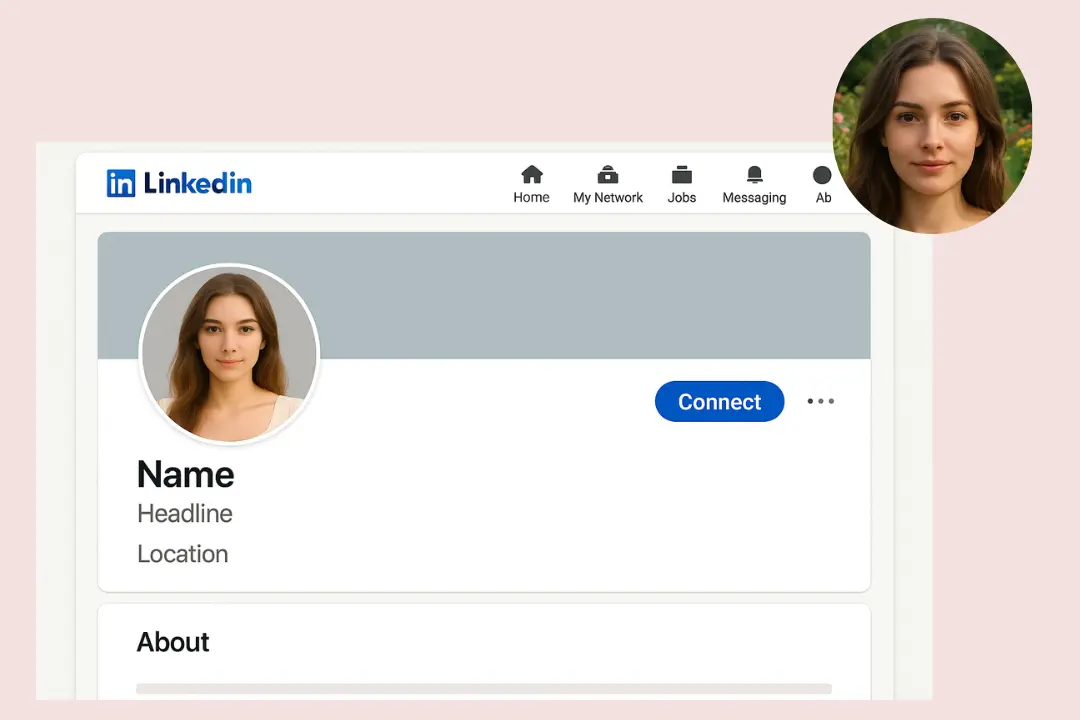
For Instagram, LinkedIn, and other social media users, having a clean white background draws attention to the subject, making your posts more professional and visually cohesive.
Freelancers and Photographers
If you frequently create professional headshots or product photos for clients, Fava AI saves you time and effort by automatically adding a white background, so you can focus on other aspects of your work.
Designers and Marketers
For graphic designers working on presentations, ads, or digital campaigns, having clean, white-background images is a must. Fava AI helps you quickly create perfect images for your designs.
What Our Users Are Saying About Fava AI’s White Background Tool
With Fava AI, I can easily create professional product photos just by taking a quick picture with my phone. It saves me so much time and money on photo shoots and editing!
Sebastian Pilch
eBay SellerI love how easy Fava AI makes it to create clean, white-background images. My products look much more polished and I get better customer engagement on my website.
Sue Darte
Small Business OwnerI've been using this tool for my Instagram content for over a year. The AI background removal is fast, easy, and the images look stunning with a crisp white background.
Jacob P.
Content CreatorThe customizable background colors are a game-changer. I use this tool to match my clients’ branding, and it always delivers high-quality results with zero hassle.
Emily W.
Brand DesignerSwitching to Fava AI improved the visual consistency across my brand’s social media pages. It's now a key tool in my workflow.
Natalie R.
Brand ManagerFava AI helped me prepare all my Amazon product images in one afternoon. The batch processing feature is incredibly efficient.
Emily C.
Amazon Seller
Frequently Asked Questions (FAQs)
How does Fava AI remove the background from my photo?
Fava AI uses advanced AI algorithms to detect and separate the subject of your photo from the background, then automatically replaces it with a clean, white background.
Can I customize the background color?
Yes! You can choose from various background styles, including solid colors, gradients, or transparent backgrounds.
Do I need to register to use this tool?
No registration is required. You can use Fava AI for free without the need to log in.
What file formats are available for download?
You can download your edited image in high-quality PNG or JPG formats.
Is Fava AI suitable for product photography?
Absolutely! It’s perfect for creating clean, white-background product images for eCommerce platforms like Amazon, eBay, and Shopify.
Can I use Fava AI for social media photos?
Yes! Fava AI works great for enhancing your social media posts with white-background photos, making your content look professional and polished.