
Fisheye Filter: Create Stunning Fish Eye Lens Effects Online
Bend Reality, Boost Creativity: Craft Striking Fisheye Effects with Fava AI
Key Features of Fava AI’s Fisheye Filter
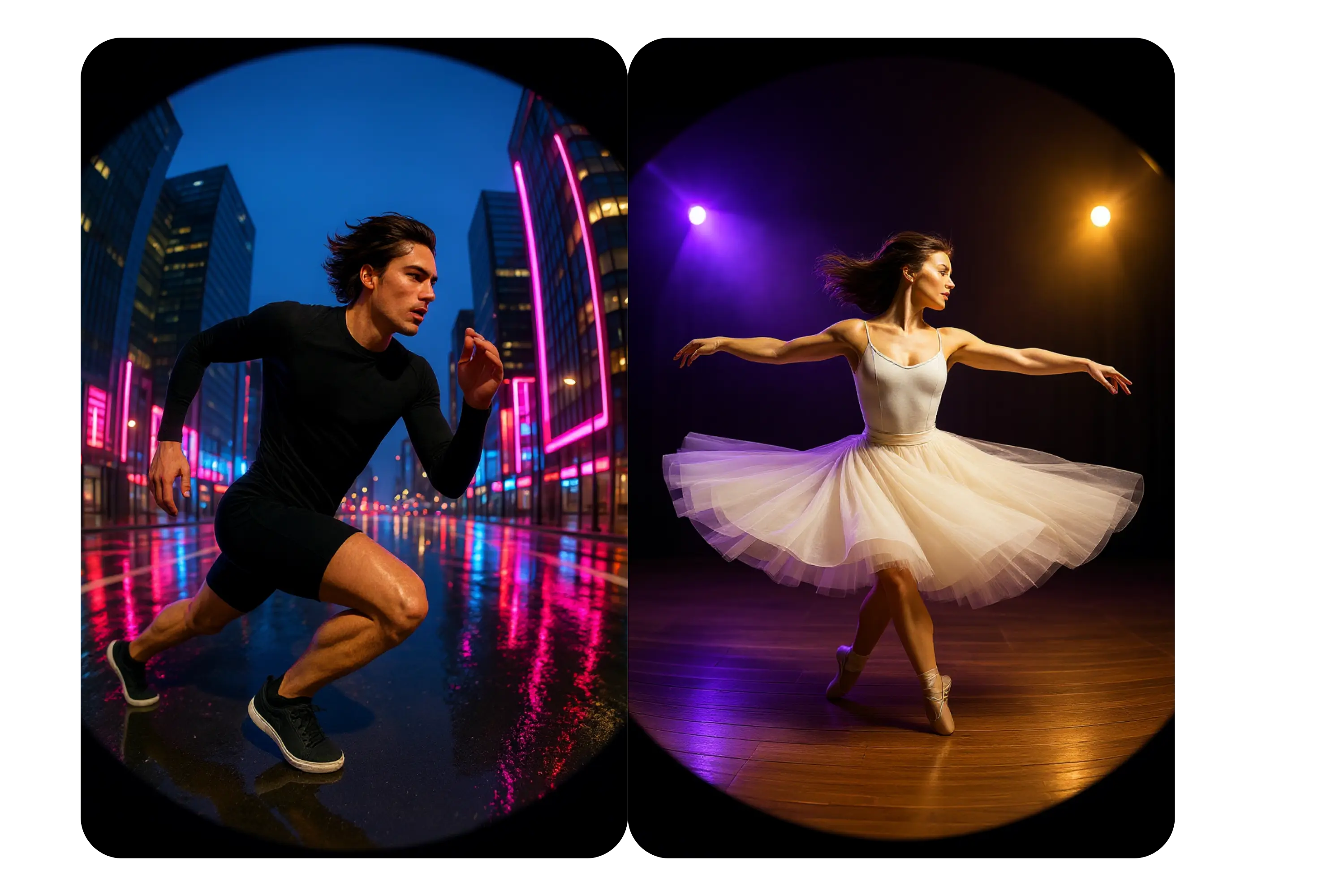
Dial-Up Distortion Magic:
Twist the fisheye lens effect knob from a gentle bend to a wild fish eye perspective phot warp, giving you total control over the vibe.
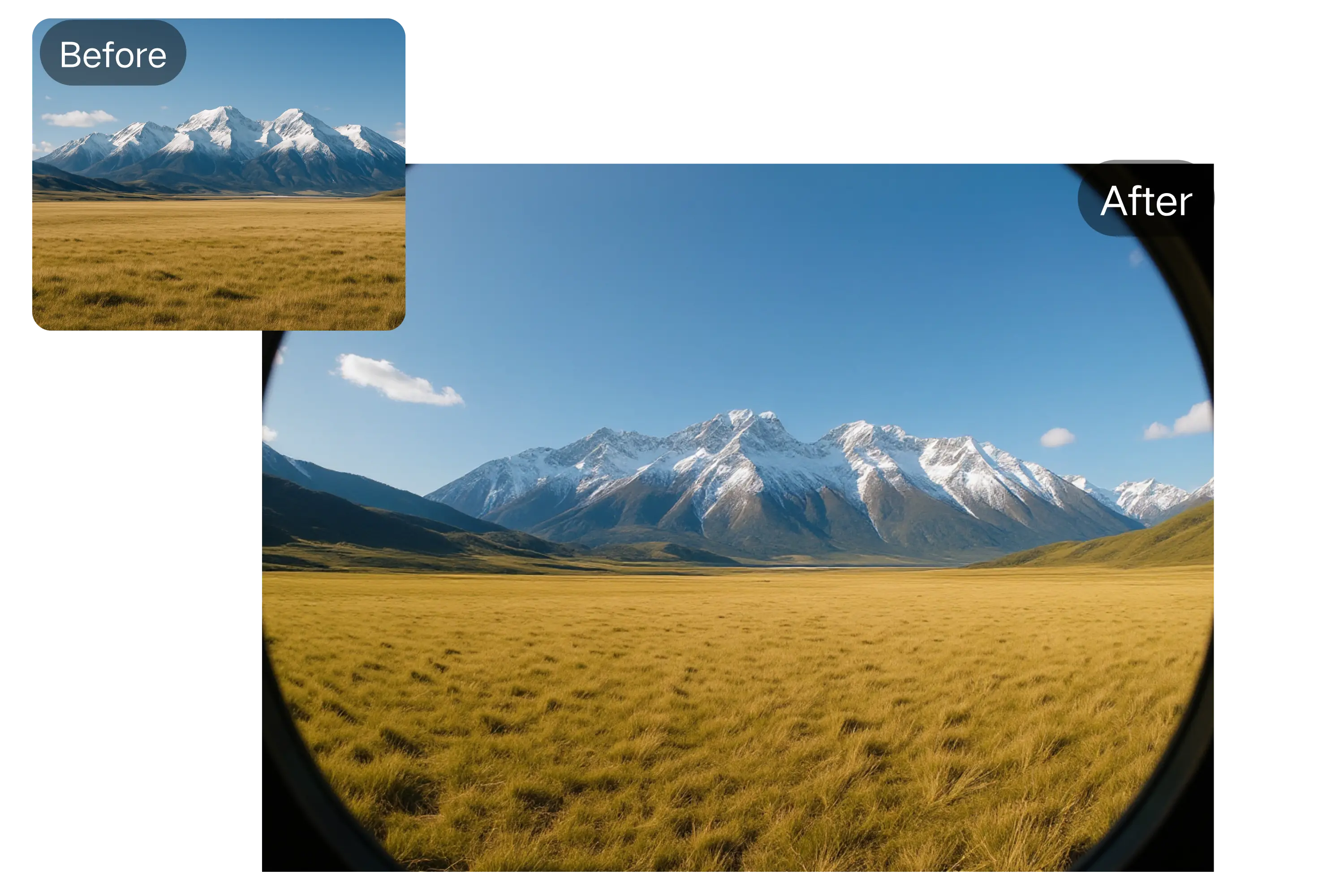
Live Warp Window:
Watch your fisheye effect face or fisheye photo morph in real-time, like a portal to a curved dimension as you tweak the settings.
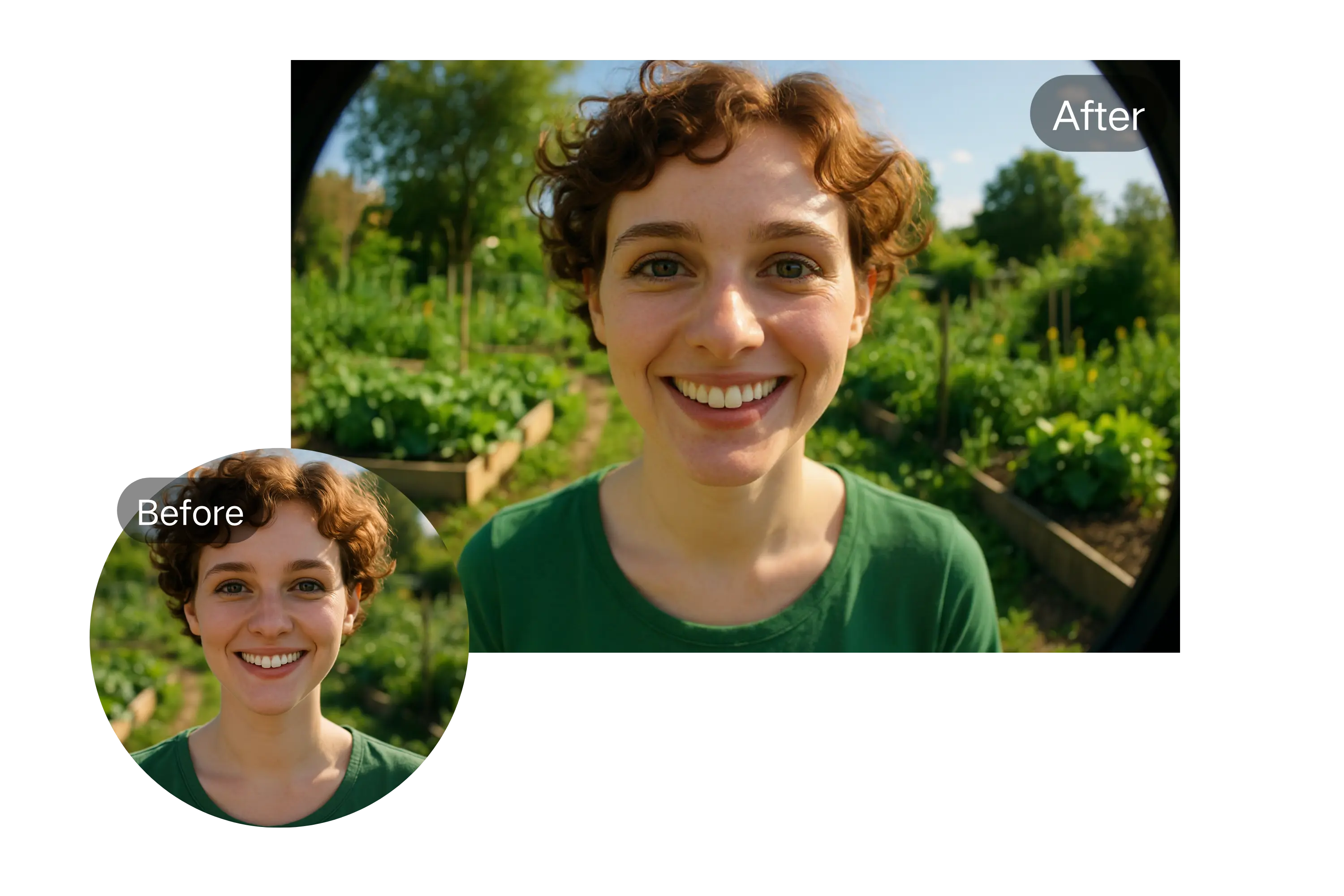
Crystal-Clear Creations:
Download fisheye lens photos in ultra-sharp JPEG or PNG, ready to dazzle on socials or shine in professional portfolios.
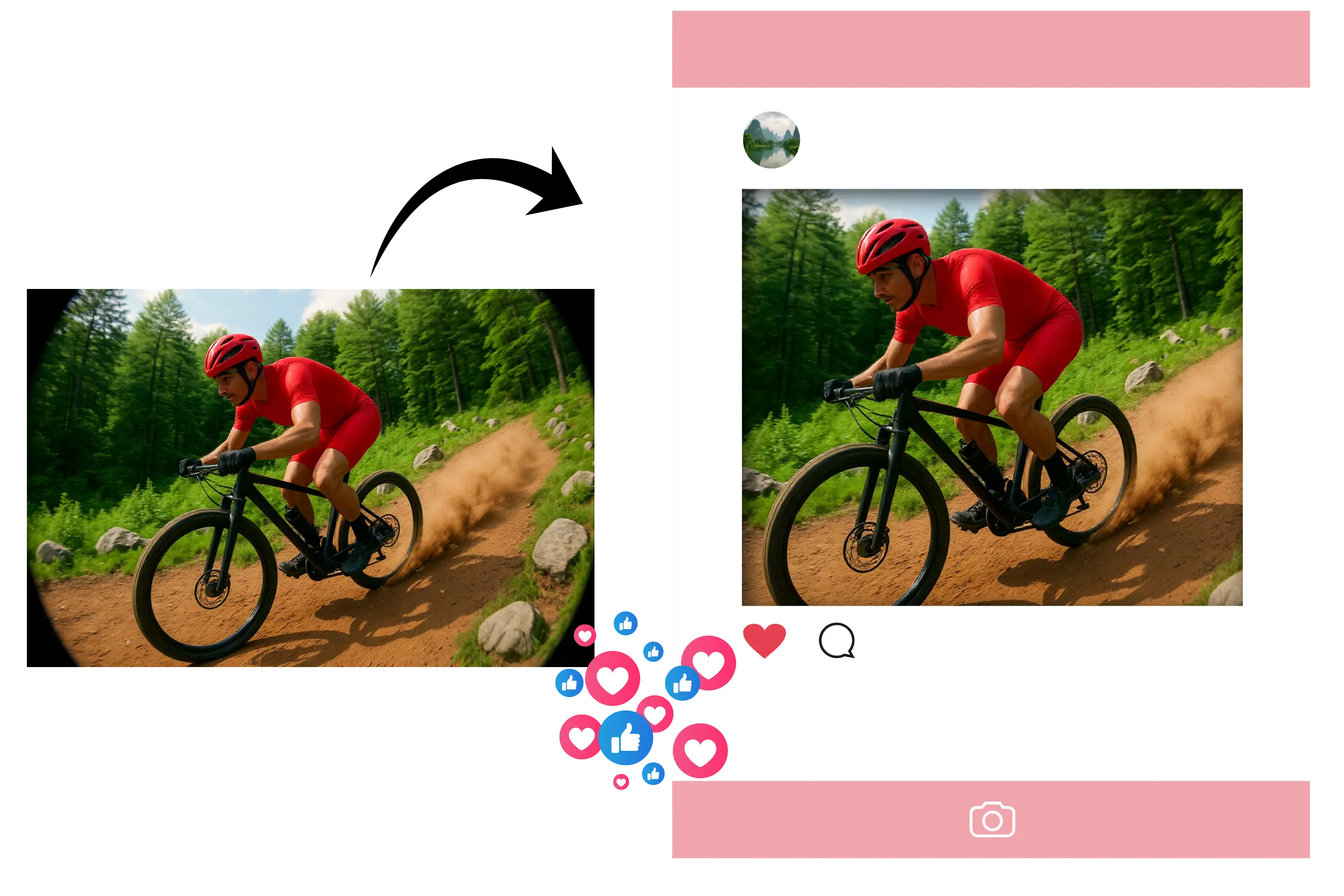
No-Fuss, All-Fun Interface:
Skip the downloads—Fava AI’s fisheye filter online is a sleek, web-based playground for instant creativity.
How to Use Fava AI’s Fisheye Filter
Upload Your Photo
Select a clear image from your device to be transformed into a fisheye masterpiece using Fava AI’s fisheye filter.
Customize the Look
Adjust the distortion slider to fine-tune your fisheye effect, giving it the desired level of curvature and perspective.
Download and Share
Once you're satisfied with the fisheye filter effect, download the high-resolution image and share your new fisheye creation across social media or use it for your projects.
Use Cases for the Fisheye Effect
Social Media Profiles:
Build a memorable fisheye pfp maker creation for platforms like TikTok, Instagram, or X with a playful fish eye pfp aesthetic.
Video Content:
Apply the fisheye effect to YouTube thumbnails or intros for a captivating fish lens effect that draws viewers in.
Event Captures:
Use the fisheye camera filter for group photos or lively scenes, delivering a bold, immersive fish eye perspective phot.
Creative Photography:
Enhance your fisheye photo collection with striking fish eye lens filter effects for portraits, landscapes, or abstract imagery.
What Users Are Saying About Fava AI’s Fisheye Filter
Fava AI’s fisheye filter transformed my standard shots into bold fisheye lens photos. The live preview feature is amazing!
Isabella
PhotographerI used the fisheye pfp maker for my channel thumbnails, and my engagement soared. It’s incredibly user-friendly!
Mason
YouTuberThe fisheye effect on Fava AI gave my selfies a fun, unique vibe. My followers adore the fisheye effect face!
Olivia
InfluencerFava AI’s fisheye lens effect online replaced my need for Photoshop. It’s quick and perfect for my creative projects.
Lucas
DesignerThe fish eye lens filter added a cool edge to my video thumbnails. Fava AI makes fisheye pfp creation a breeze.
James
VloggerI tested the fisheye filter online for free, and I’m obsessed! My fisheye picture edits look so professional.
Mia
Amateur Creator
FAQs About Fava AI’s Fisheye Filter
Is Fava AI’s Fisheye Filter Free to Use?
Yes, you can try Fava AI’s fisheye filter for free to create your first fisheye photo without any signup or payment.
Can I Use Fisheye Photos for Commercial Purposes?
Commercial use may require a subscription. Check Fava AI’s terms of service for details on using fisheye lens photos.
How Fast Can I Create a Fisheye Effect?
Fava AI’s fisheye effect online tool generates your customized fisheye picture in moments, delivering high-quality results quickly.
Do I Need to Install Anything to Use the Fisheye Filter?
No software installation is needed. Fava AI’s fisheye filter online is entirely web-based and works on all modern devices.
What File Formats Can I Download?
Save your fisheye pfp or fish eye lens filter creations as high-resolution JPEG or PNG files, perfect for social media or professional use.
Can I Use the Fisheye Filter for Video Thumbnails?
Yes! The fisheye camera filter is great for crafting attention-grabbing YouTube thumbnails with a dynamic fish eye effect.