
Turn Your Photo to Oil Painting with AI — Free at Fava AI
Transform your photos into breathtaking oil paintings instantly with Fava AI's free AI tool.
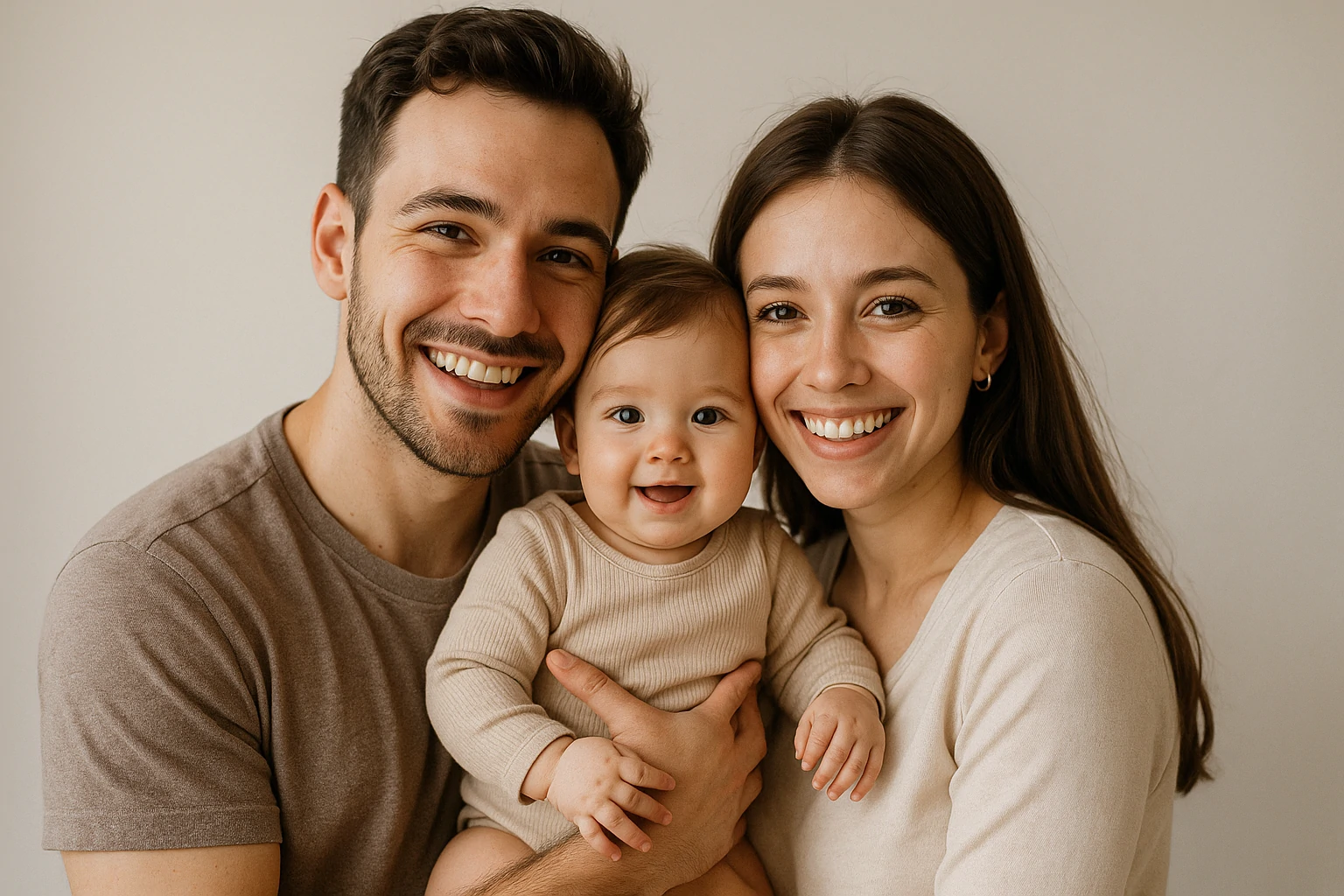
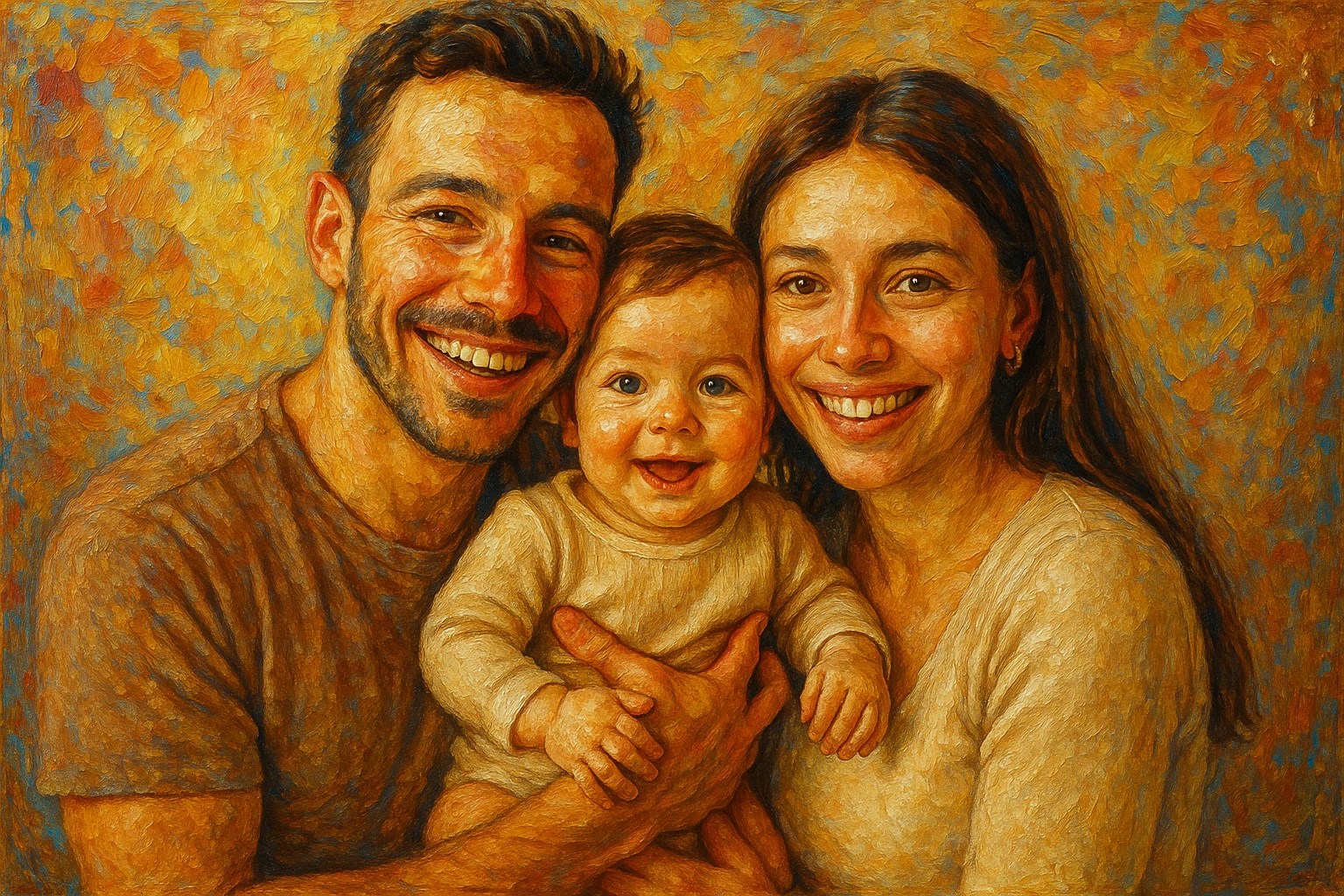
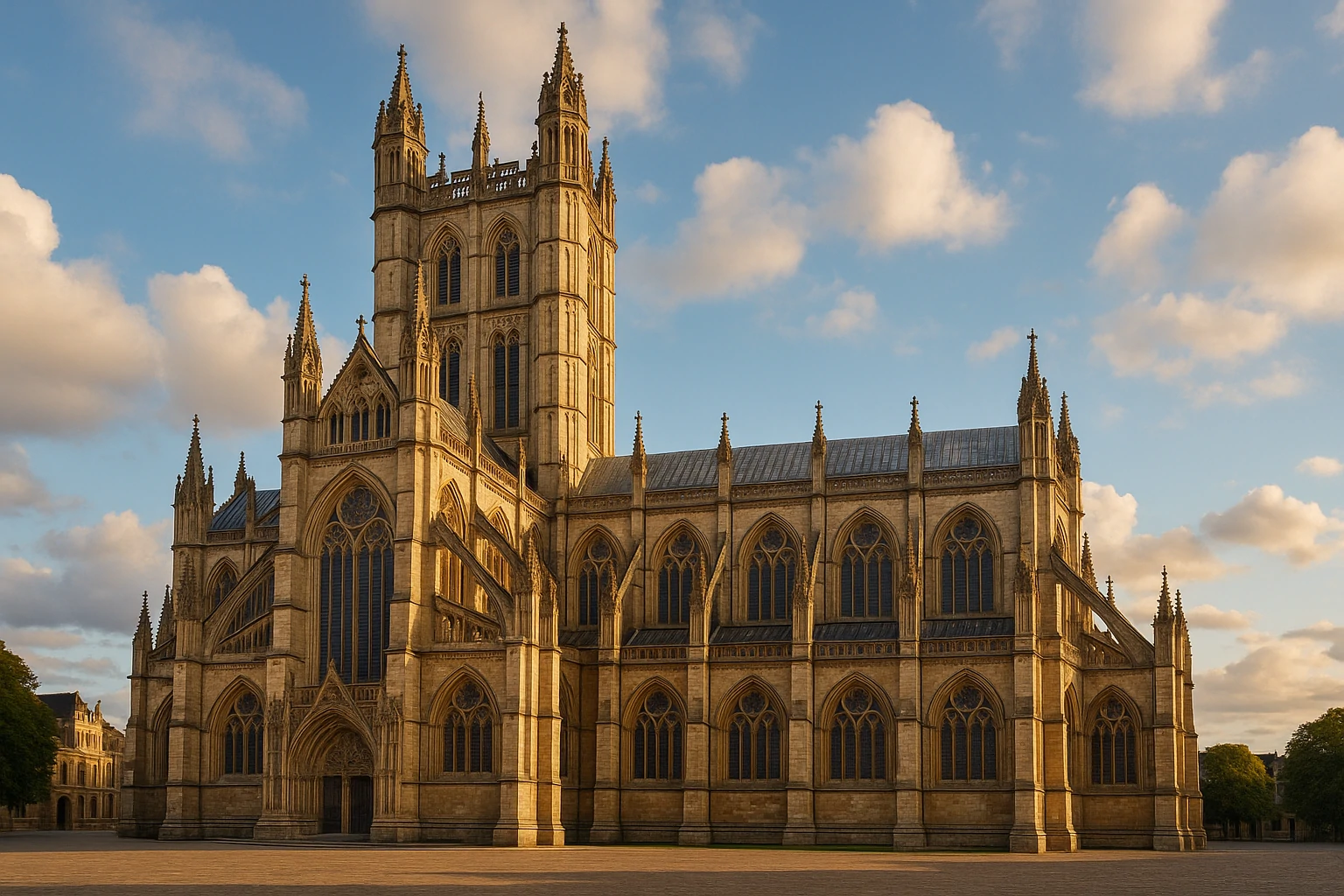
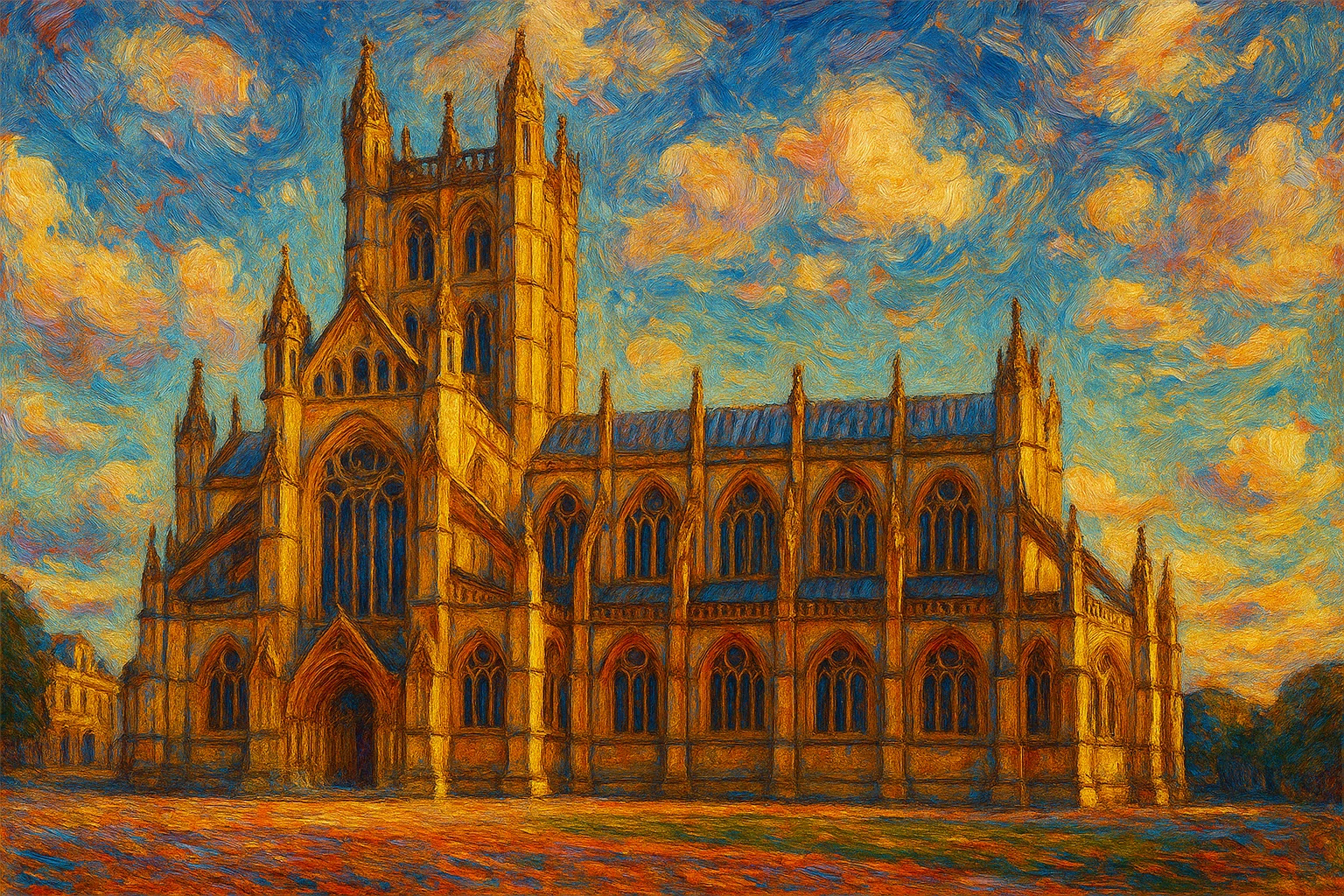
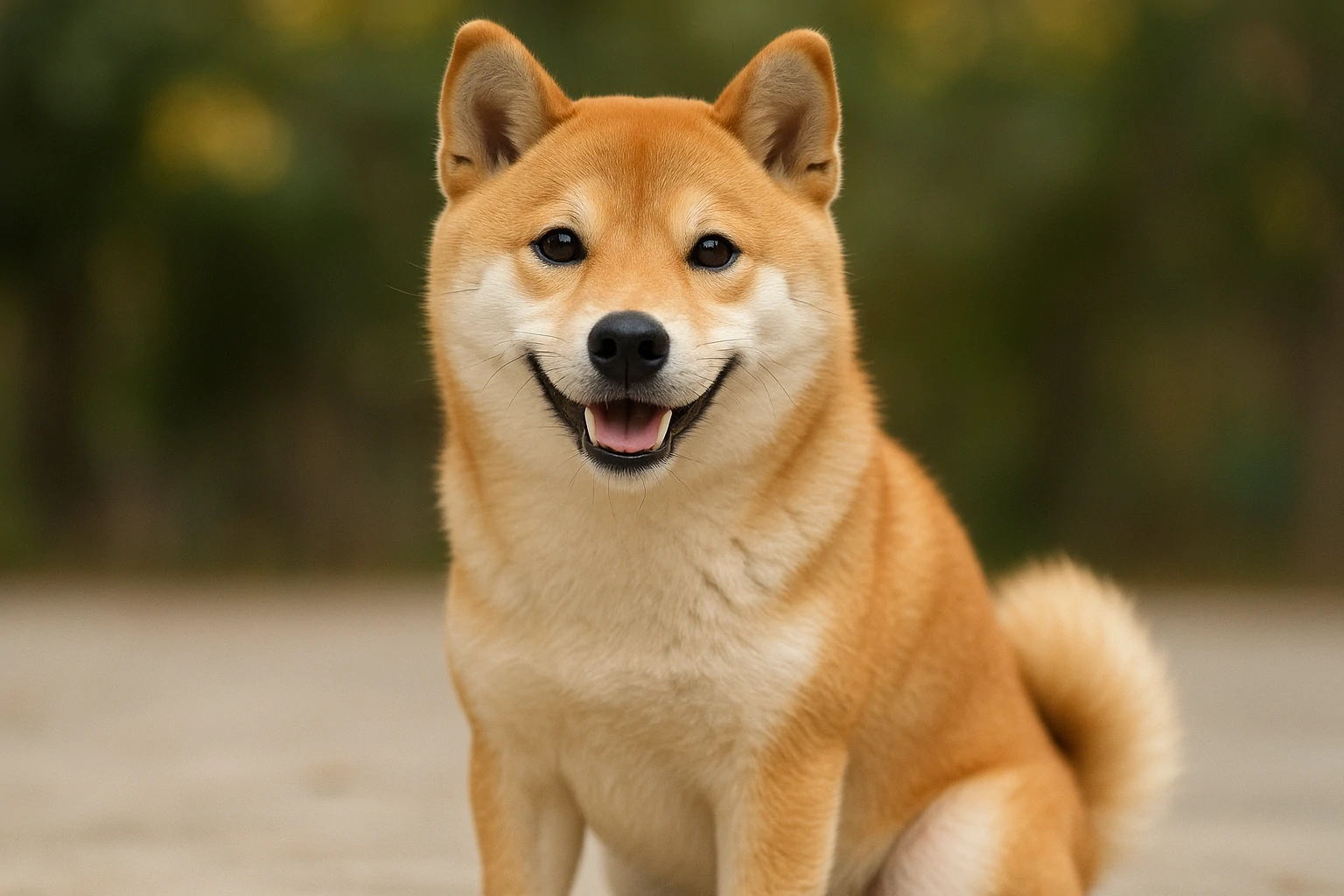
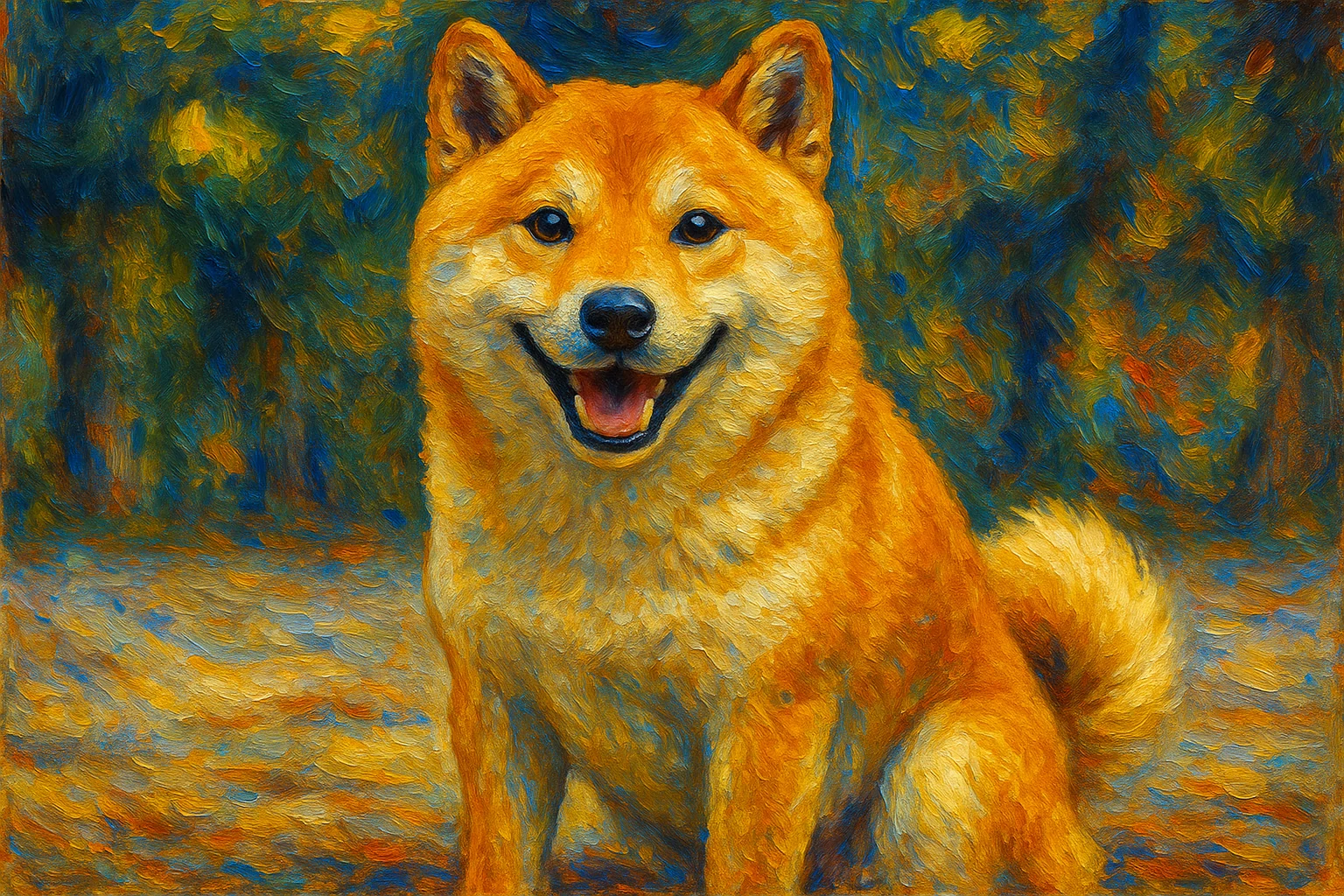
AI Photo to Oil Painting Features by Fava AI
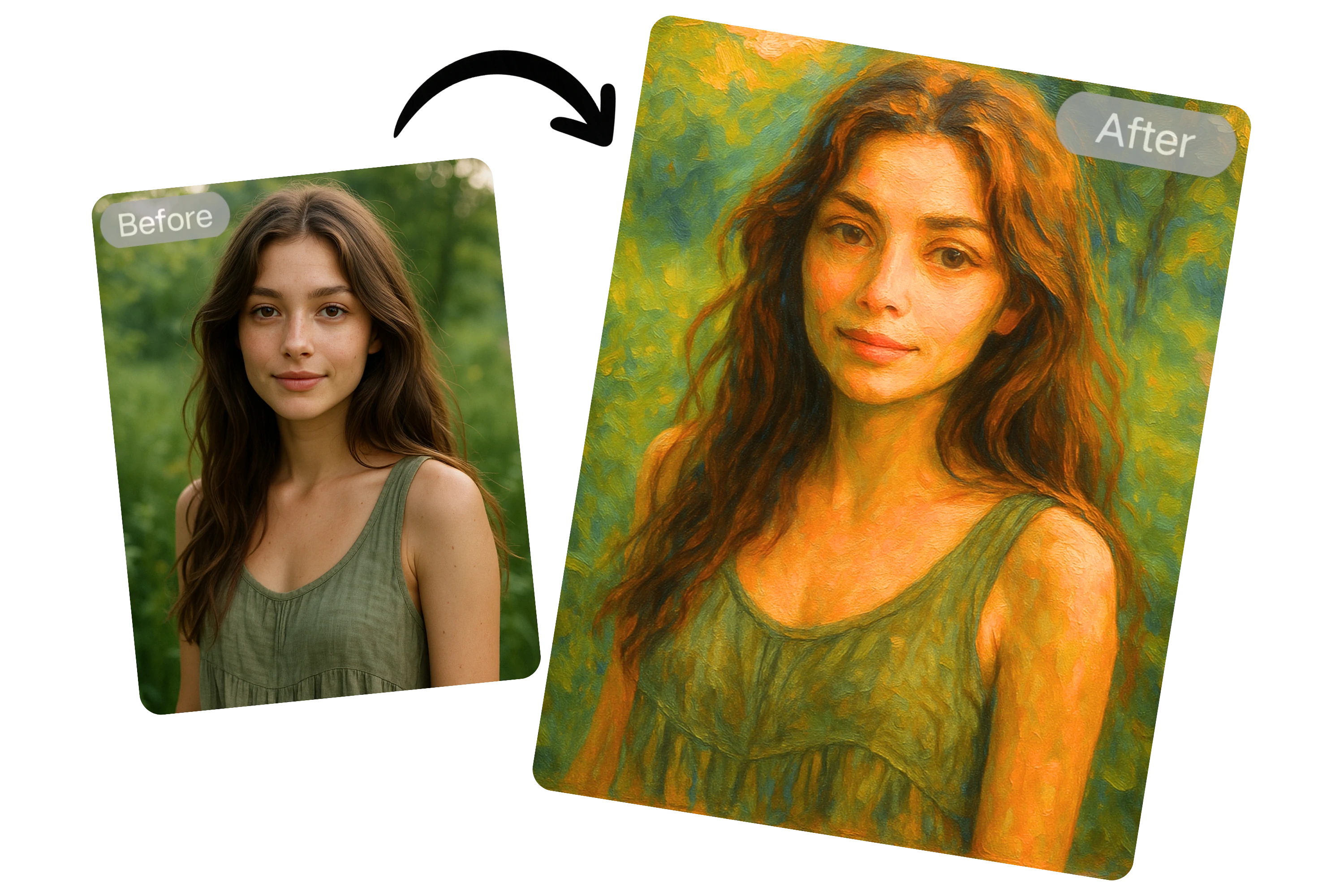
Free Online Photo to Oil Painting Conversion
With Fava AI, you can try stunning AI-powered watercolor transformations directly in your browser — no downloads or payments required. Upload a photo, apply the watercolor filter, and see the magic instantly. It’s completely free to explore.
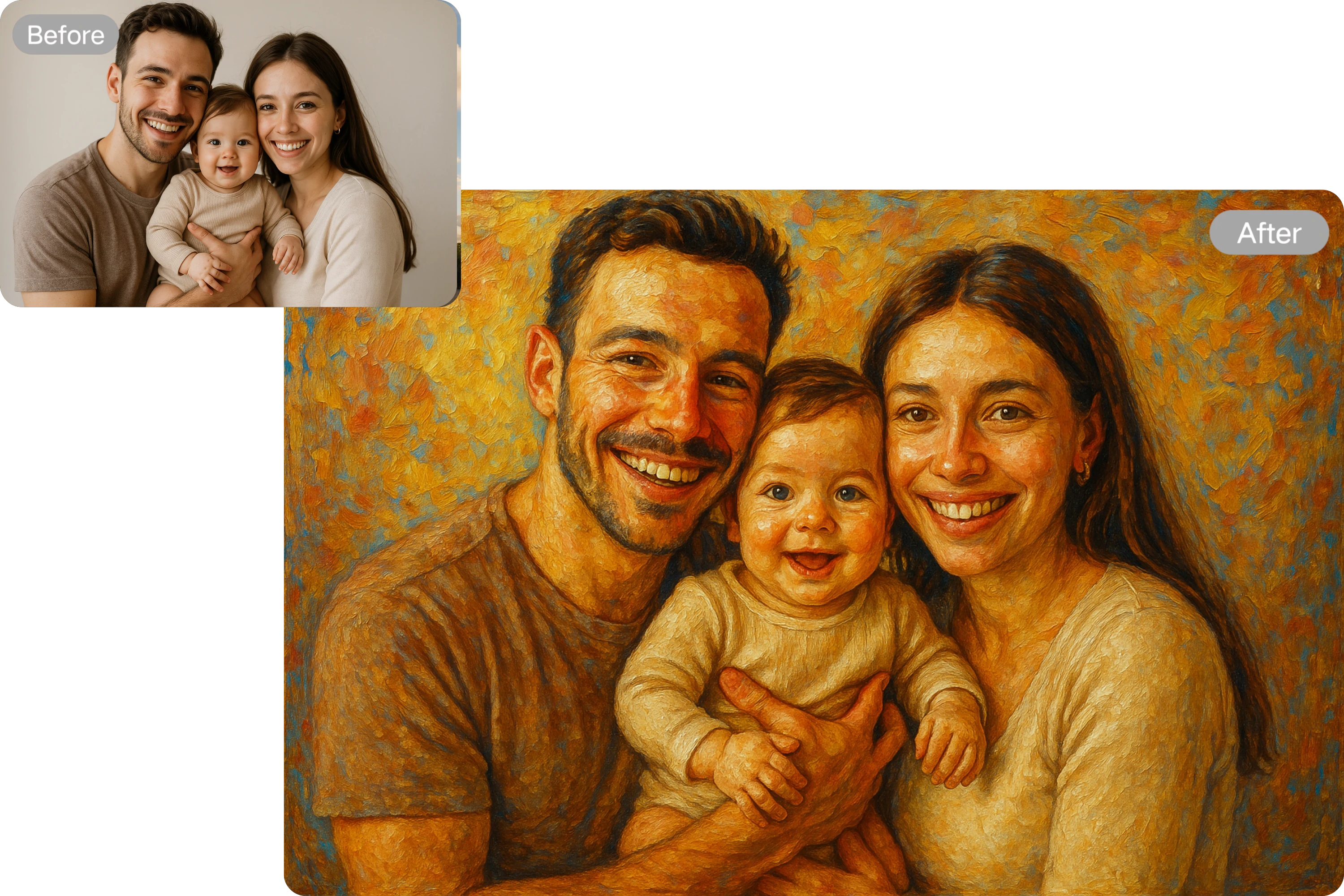
AI-Powered Precision for Stunning Detail
Our advanced photo to oil painting AI ensures every brushstroke looks authentic. With deep learning models trained on real artwork, Fava AI generates results with impressive realism and artistic finesse.
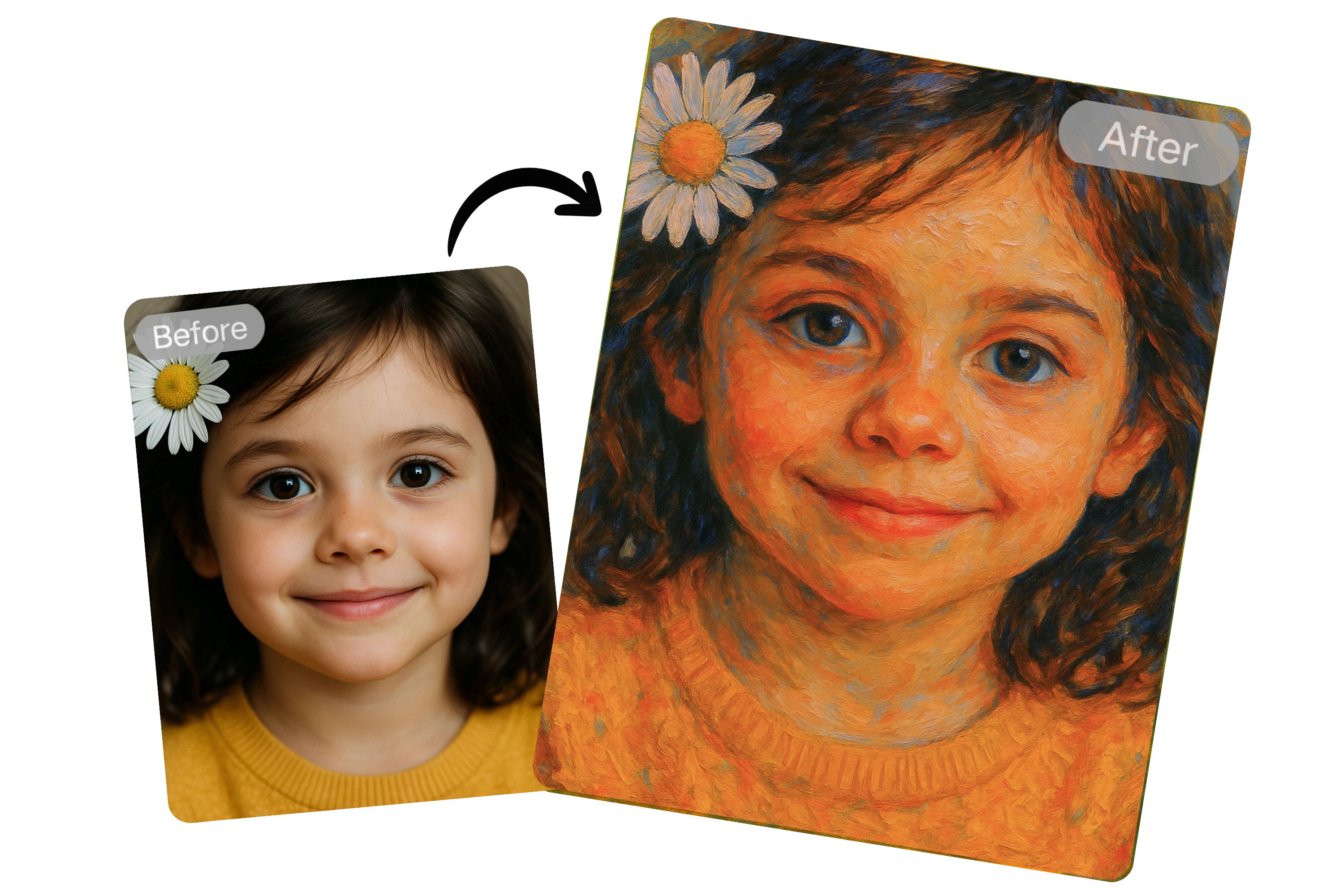
Instant One-Click Generation
Convert your photo to oil painting in seconds with a single click. No software or editing skills needed — just upload, choose 'Oil Painting', and let Fava AI do the rest.
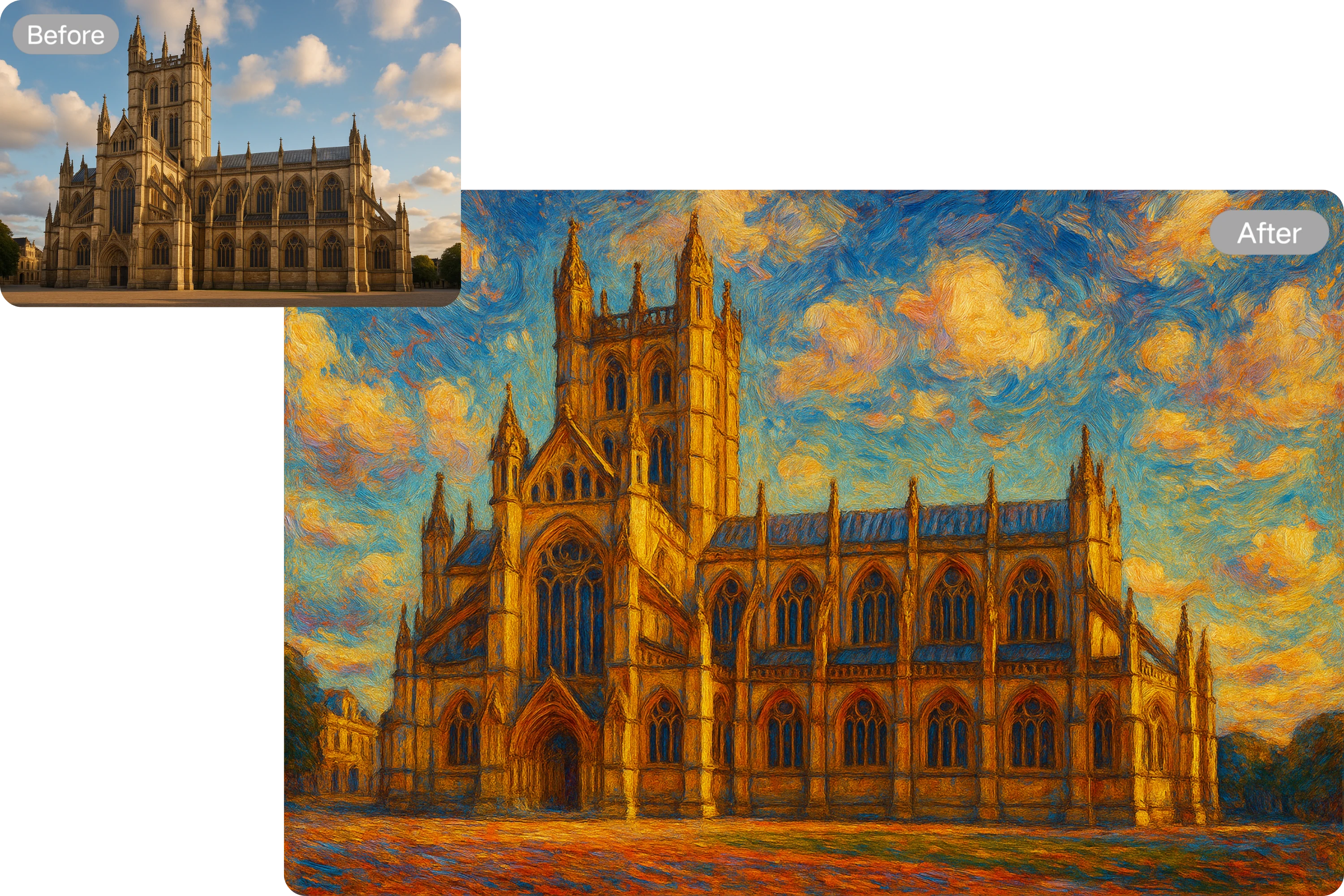
Cross-Device, Web-Based Tool
Use the AI convert photo to oil painting feature seamlessly on any device. Whether you're on mobile, tablet, or desktop,Photo to Oil Painting Fava AI is optimized for all platforms and browsers.
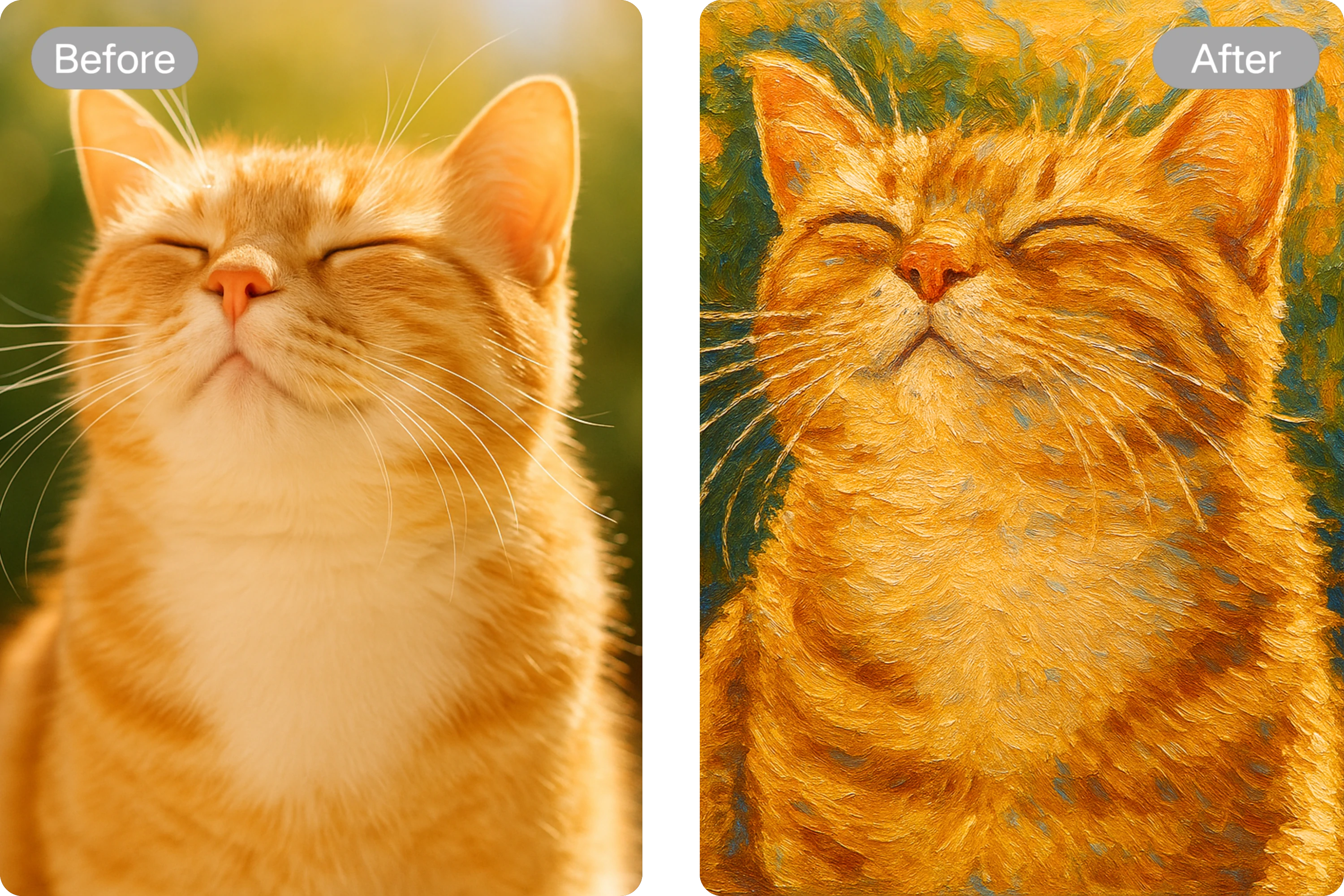
Privacy-Focused and Secure
Your photos are safe with us. Fava AI never stores your uploaded images and ensures a secure, encrypted environment for every photo to oil painting conversion.
How to Convert Photo to Oil Painting with Fava AI
Step 1: Upload Your Photo
Upload any photo you want and click the 'Generate' button to convert into an oil painting — portraits, landscapes, pets, and more.
Step 2: Apply the Oil Painting Filter
Customize through your prompt.Let Fava AI's AI oil painting filter work its magic.
Step 3: Preview and Download
In just seconds, your photo becomes a painting! Preview the result and download the oil painting image once you're satisfied.
Use Cases for the Photo to Oil Painting AI at Fava AI
Interior Designers & Home Stylists
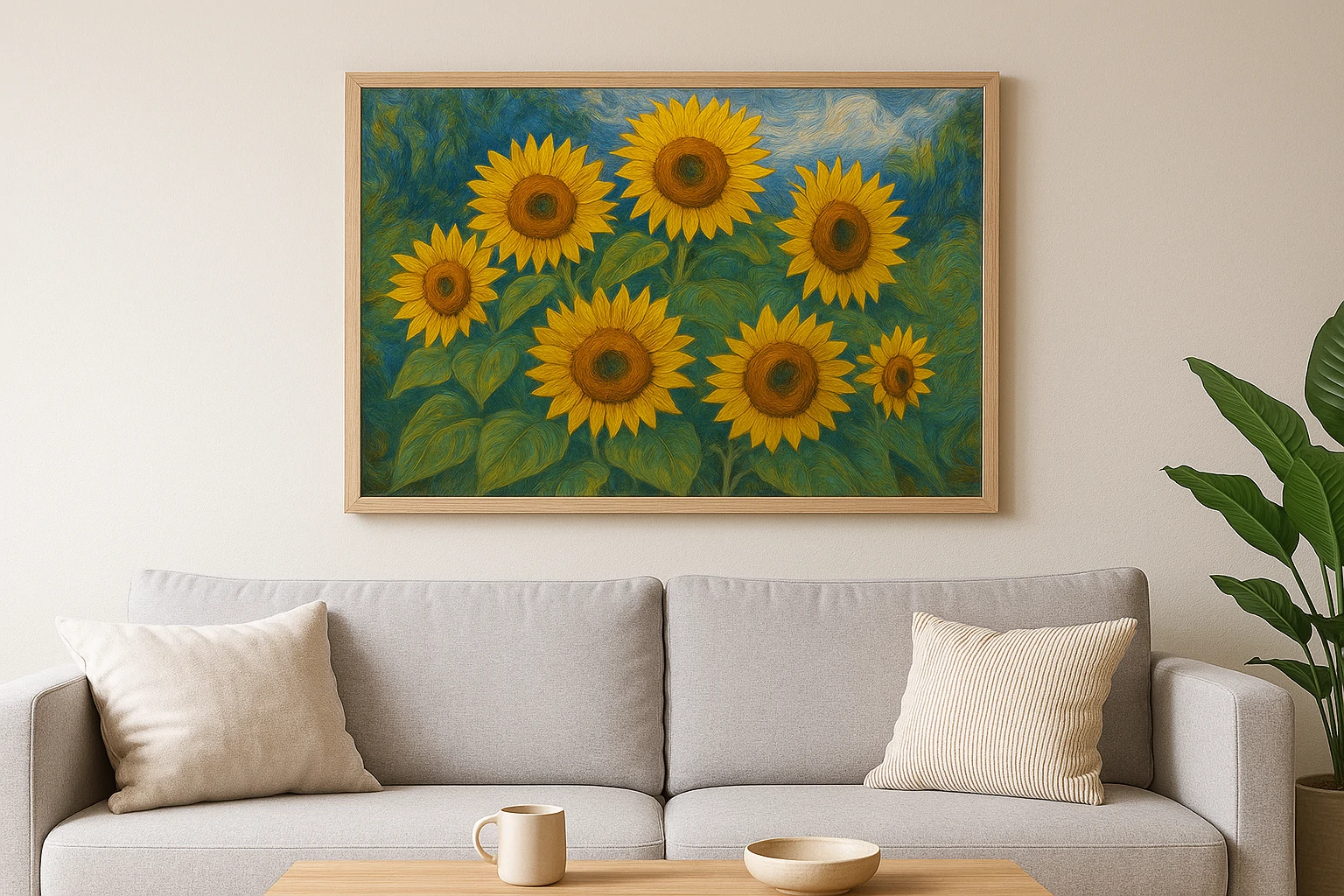
Fava AI enables designers to transform client photos into custom oil paintings for wall art mockups. Visualize how a portrait or landscape would look in specific decor styles before commissioning physical pieces, saving time and costs while enhancing client presentations.
Social Media Content Creators
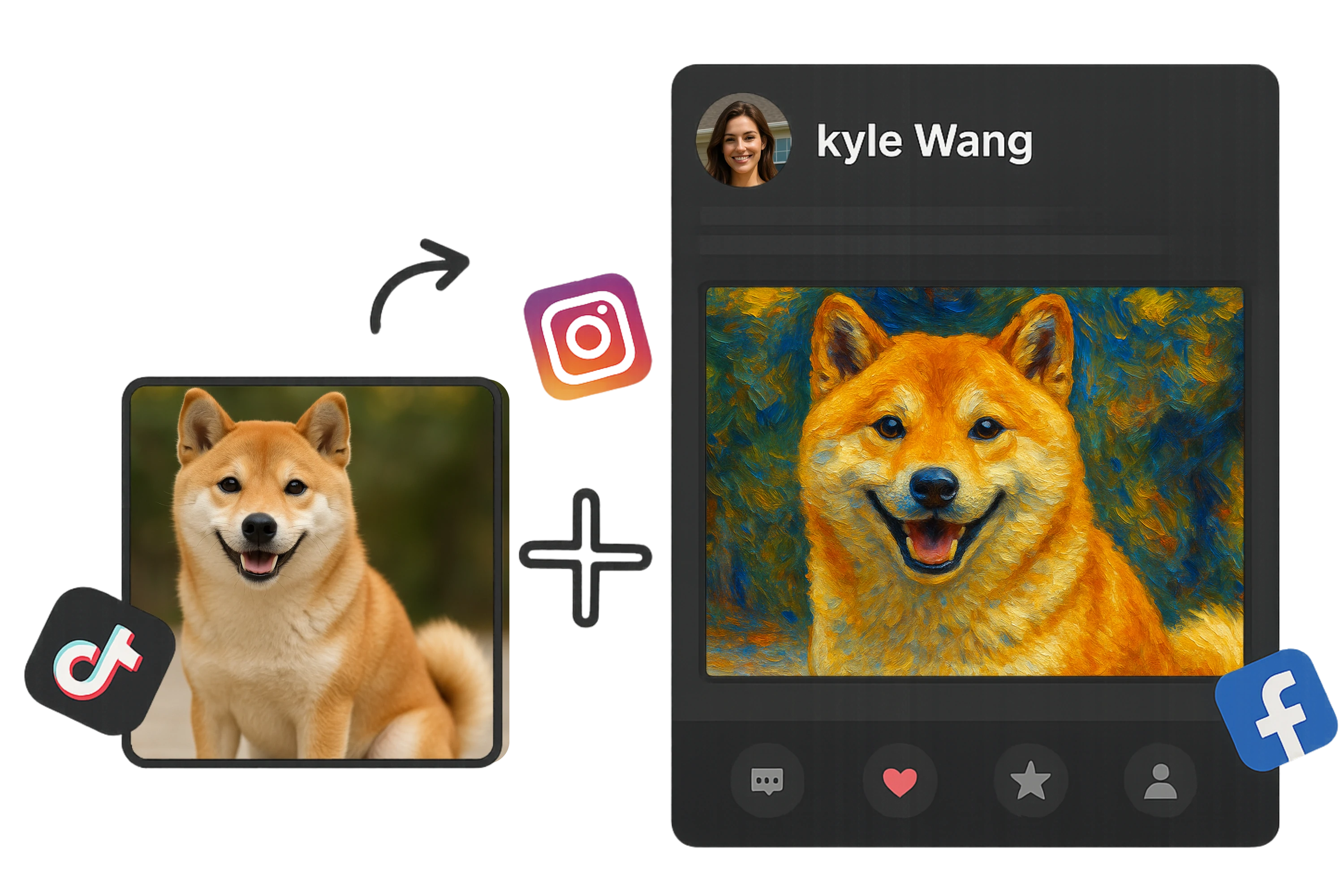
Elevate your feed with AI-generated oil painting effects. Instantly convert travel photos, product shots, or selfies into artistic masterpieces, creating unique, eye-catching content that boosts engagement—no design skills required.
Personalized Gift Businesses
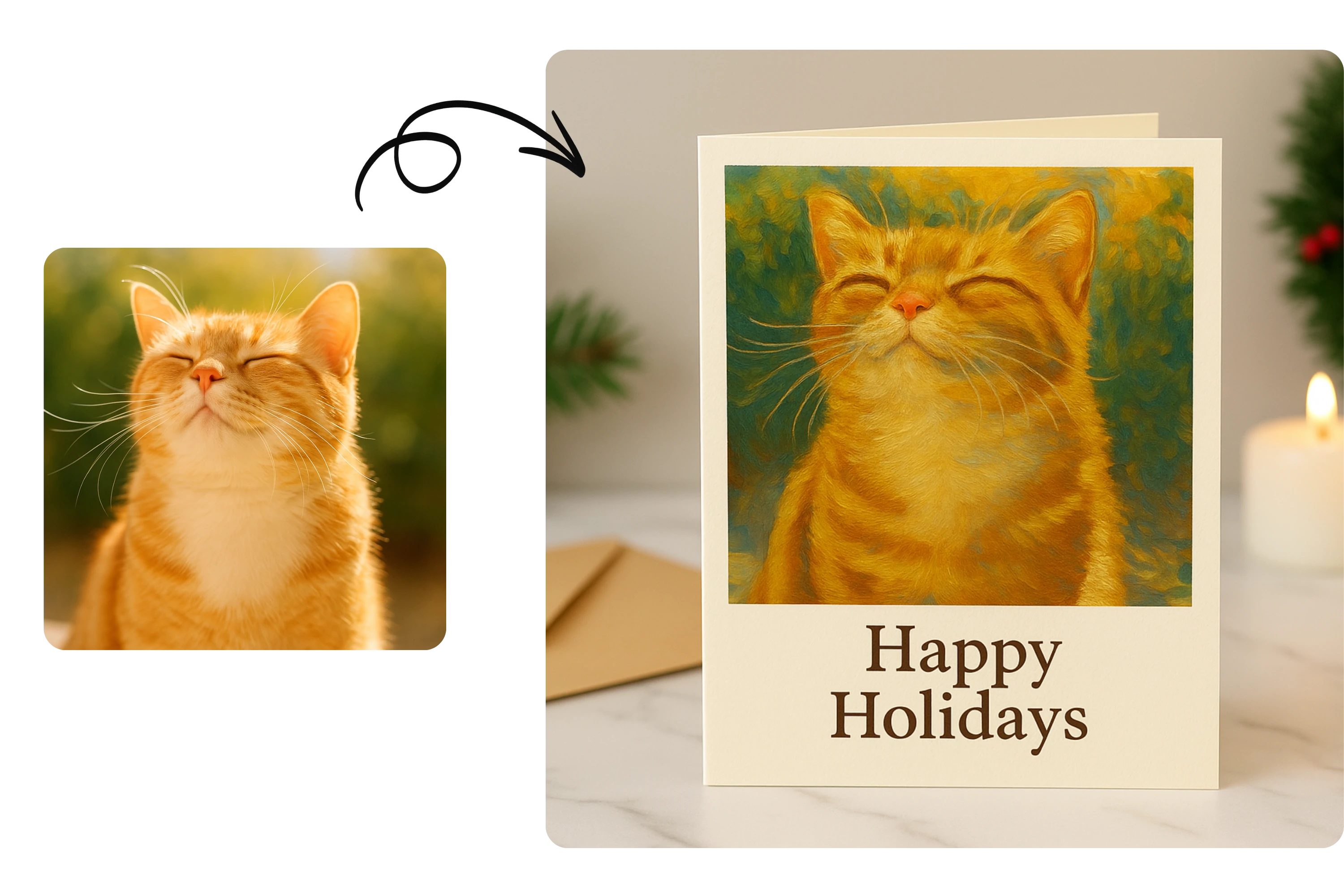
Offer one-of-a-kind oil painting gifts—from pet portraits to wedding memories—with Fava AI. Streamline production with AI automation, delivering premium-quality artwork on mugs, canvases, and cards at scale.
Digital Artists & Illustrators
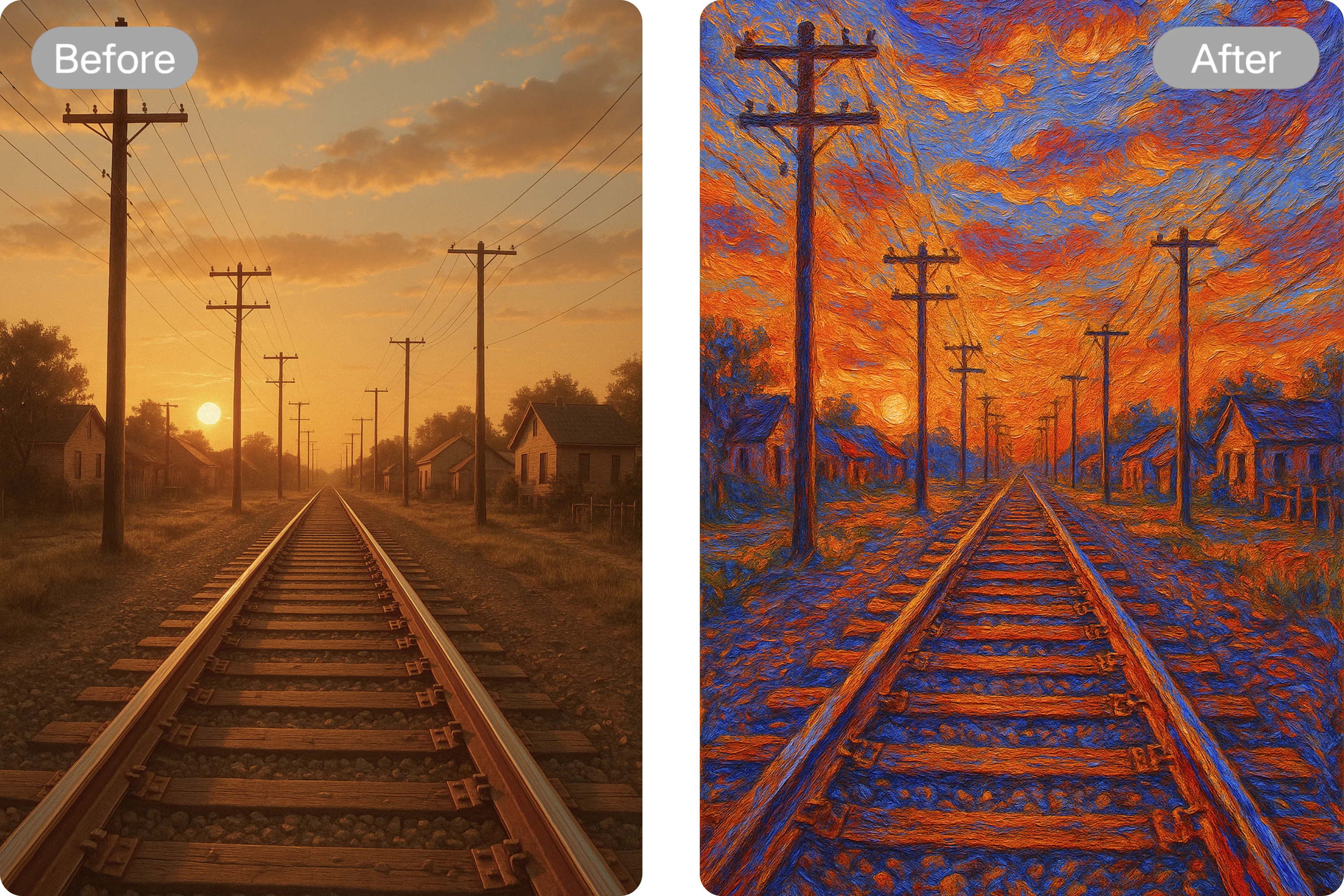
Jumpstart projects by converting reference photos into oil-painting-style drafts. Use AI-generated bases to refine details in Procreate or Photoshop, speeding up workflows while maintaining artistic control.
What Users Say About Fava AI's Photo to Oil Painting AI
Fava AI turned my simple selfies into stunning oil paintings. It’s like having a personal digital painter — I love how easy it is!
Emily Carter
Digital ArtistI’ve used the AI convert photo to oil painting tool to create NFT artwork, and it’s been an absolute game-changer for my collection.
Liam Gomez
NFT CollectorMy profile visuals have never looked more artistic. It’s so fast and reliable, and the oil painting results are always gorgeous.
Sophia Kim
Social Media ManagerThe photo to oil painting AI helped me generate beautiful product art for my t-shirt shop. Highly recommend for eCommerce sellers.
Marcus Allen
Online Store OwnerFava AI gives my photos a timeless oil painting look without spending hours in Photoshop. Just upload and go!
Isabella Nguyen
PhotographerWe’ve used Fava AI to preview how modern photos would appear as classical oil paintings. It’s surprisingly accurate and artistically rich.
Daniel Rivera
Gallery Assistant
Frequently Asked Questions about AI Photo to Oil Painting
Do I need to install any software?
No. The entire process is web-based and runs online through your browser — no downloads or installations required.
Can I use the tool on mobile devices?
Absolutely. The photo to oil painting AI is mobile-friendly and works on smartphones, tablets, and desktops alike.
Are my photos safe and private?
Yes, we value your privacy. All uploads are encrypted and automatically deleted after processing — your images are never stored.
Can I use the oil paintings for commercial purposes?
Free images can only be used for personal use, and the images generated during the subscription period can be used commercially.
How long does the conversion take?
It only takes a few seconds. Once you upload and select the oil painting style, the AI processes your image almost instantly.
What kind of photos work best with the oil painting filter?
Portraits, landscapes, pet photos, and artistic scenes all work great. The AI is optimized for a variety of image types.