
Fava AI Sketch to Photo Converter
From pencil sketch to polished digital image — Fava AI brings your ideas to life with AI.
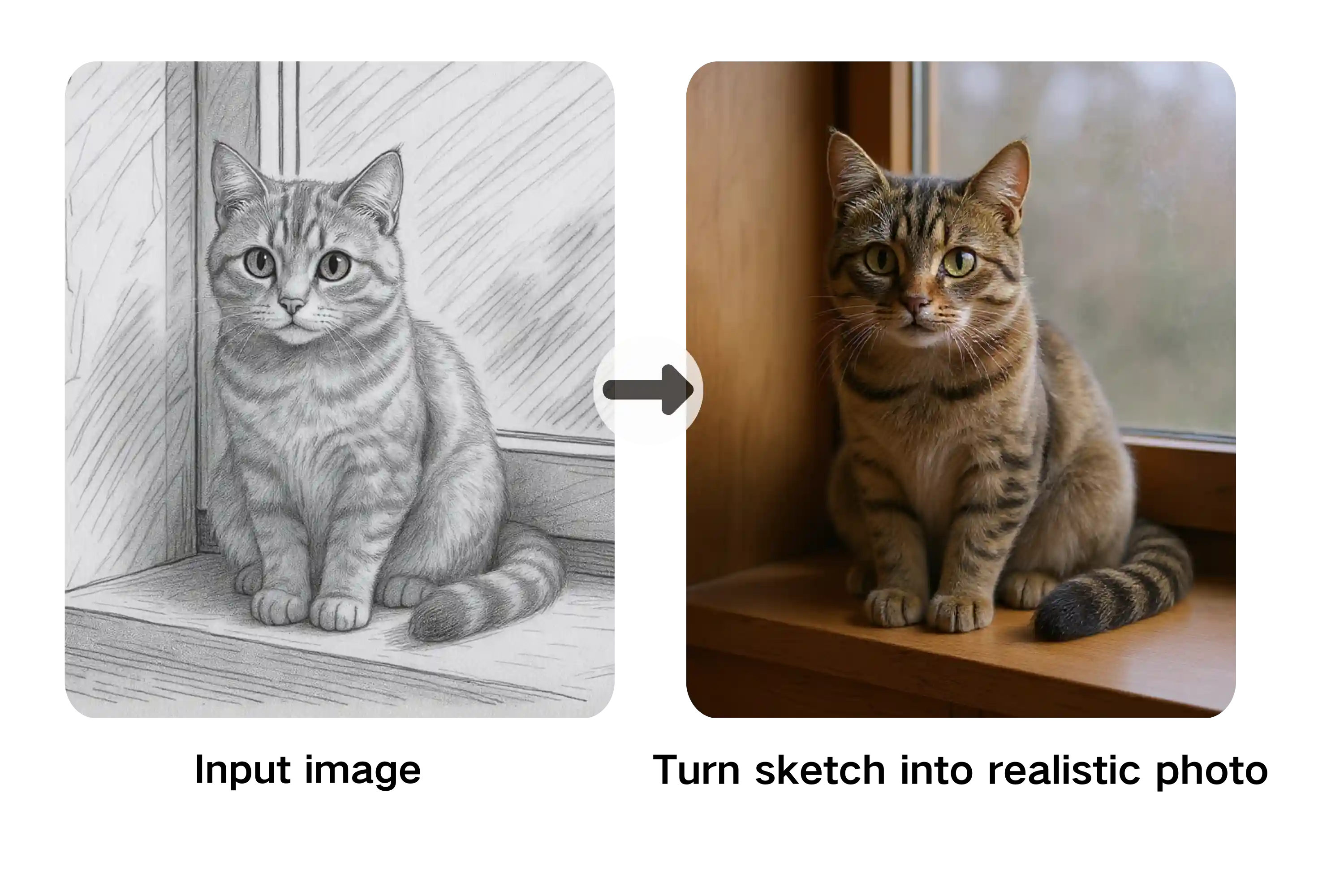
Why Choose Fava AI to Convert Sketch to Photo?
AI-Powered Sketch to Image Conversion Online
Fava AI makes it simple to convert sketch to photo. Upload any hand-drawn sketch and the AI instantly produces a photo-quality image. The process is fully online — no installation, no extra tools. Start free and see how fast sketch to image AI can bring your ideas to life.
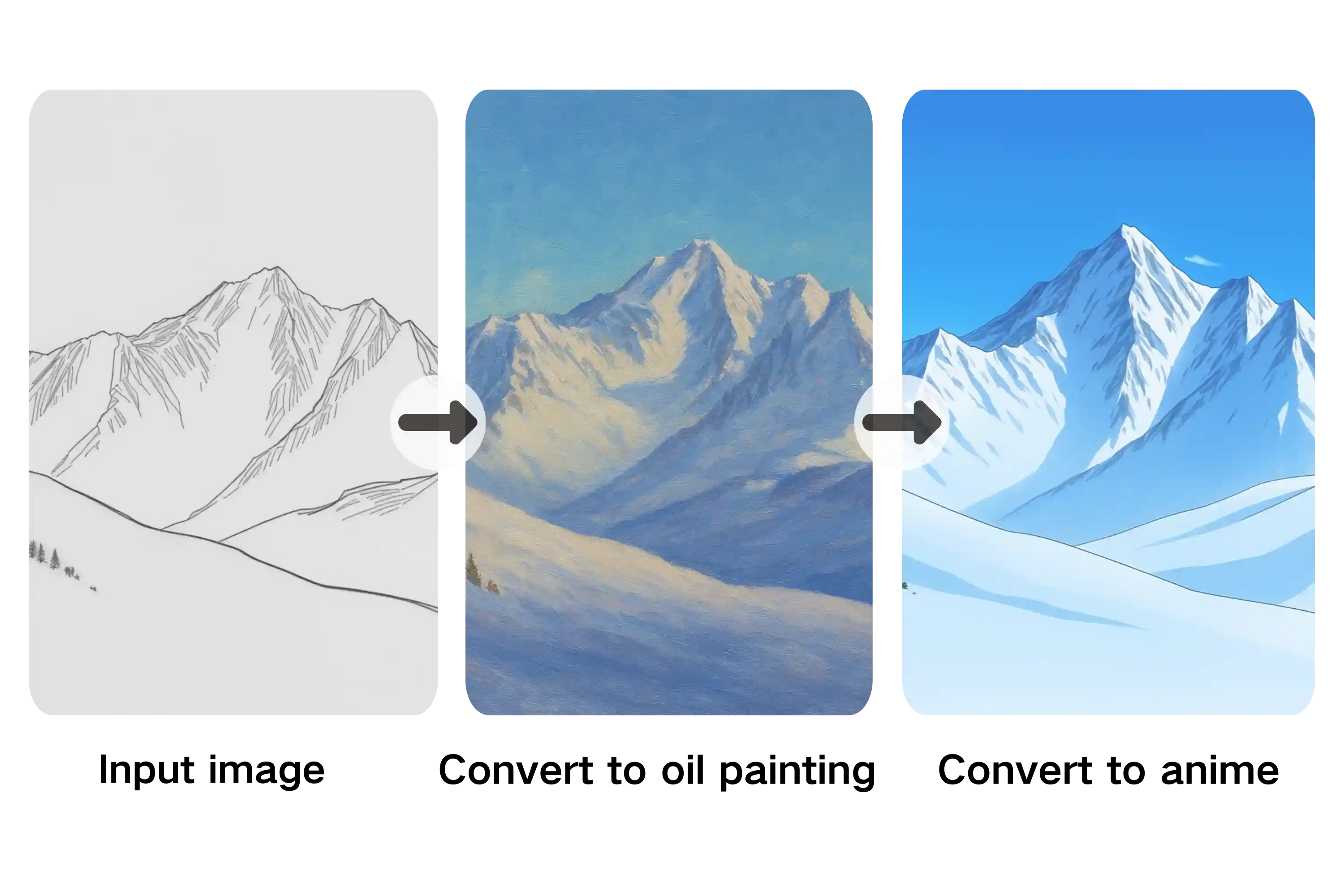
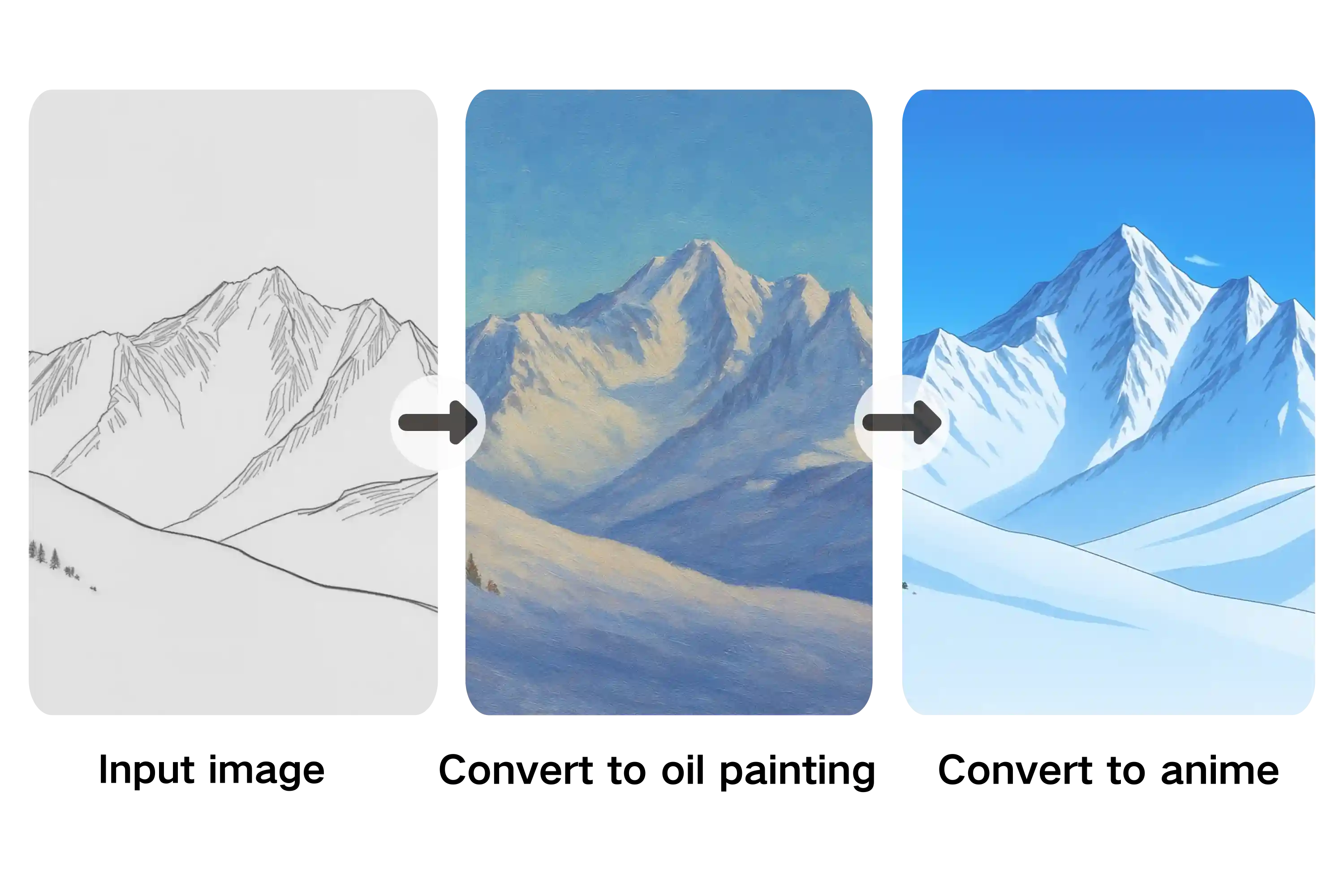
Multiple Artistic Styles and Realistic Renders
Go beyond basic conversions. With Fava AI, you can convert drawing to digital image in a wide range of styles. Create realistic photos, polished illustrations, anime-inspired visuals, or even 3D concept renders. The sketch to image AI lets you explore creative directions for fun, design work, or professional presentations. Each output feels fresh, unique, and tailored to your vision.
Customize Sketch to Photo with Prompts
Don’t settle for generic results. Fava AI allows you to guide the sketch to photo converter with prompts. Add keywords to control lighting, textures, or colors, and adjust details to fit your exact needs. Whether you want to refine a casual sketch or bring a design prototype to life, the online sketch to image ai adapts to your input and delivers a polished result.
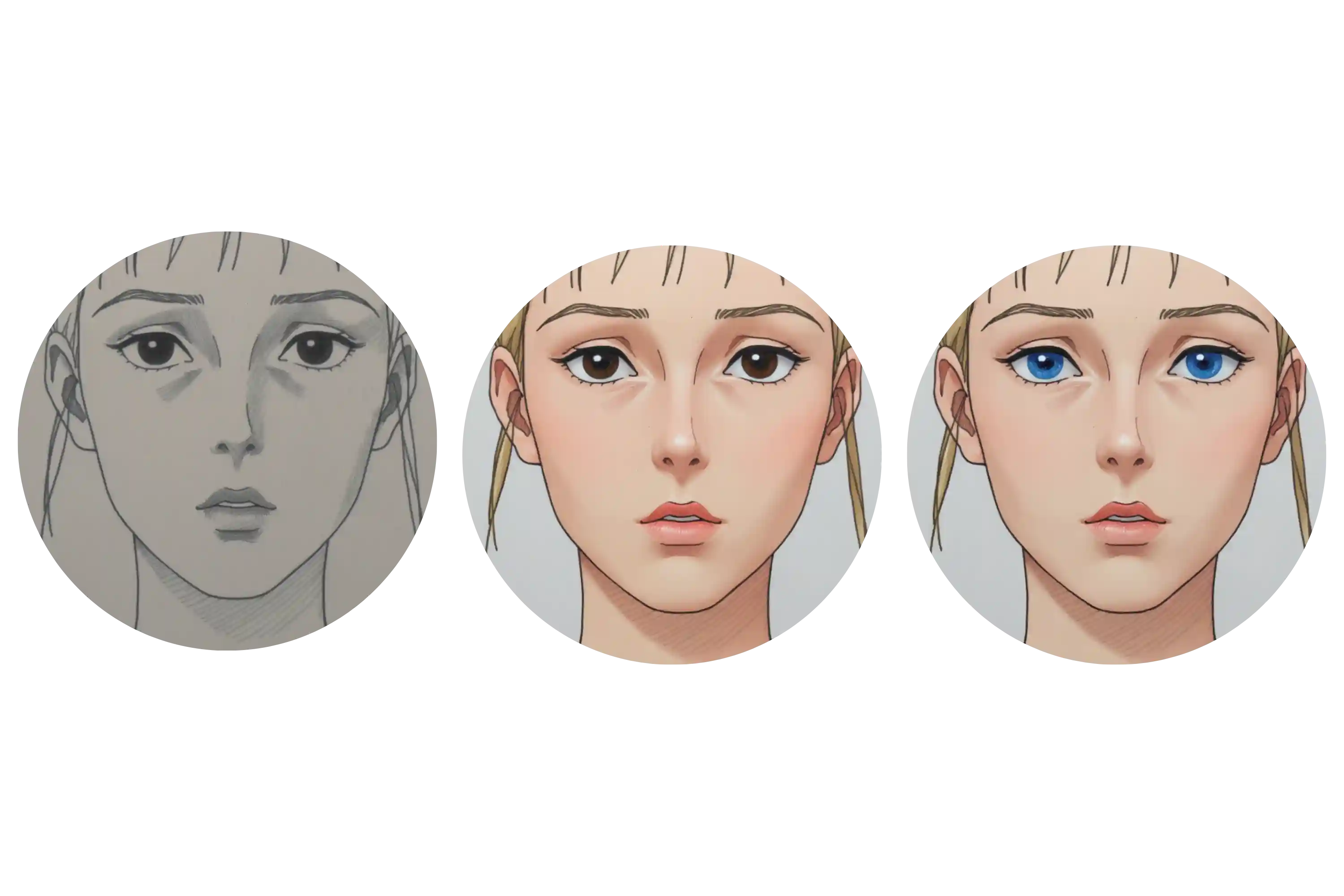
Free Sketch to Photo Converter with High-Resolution Output
Fava AI gives you a free way to try sketch to image ai without limitations. Generate detailed images online and export them in high-resolution formats ready for print, portfolios, or social media. From quick experiments to professional projects, our free sketch to photo converter ensures you can turn sketches into digital art.
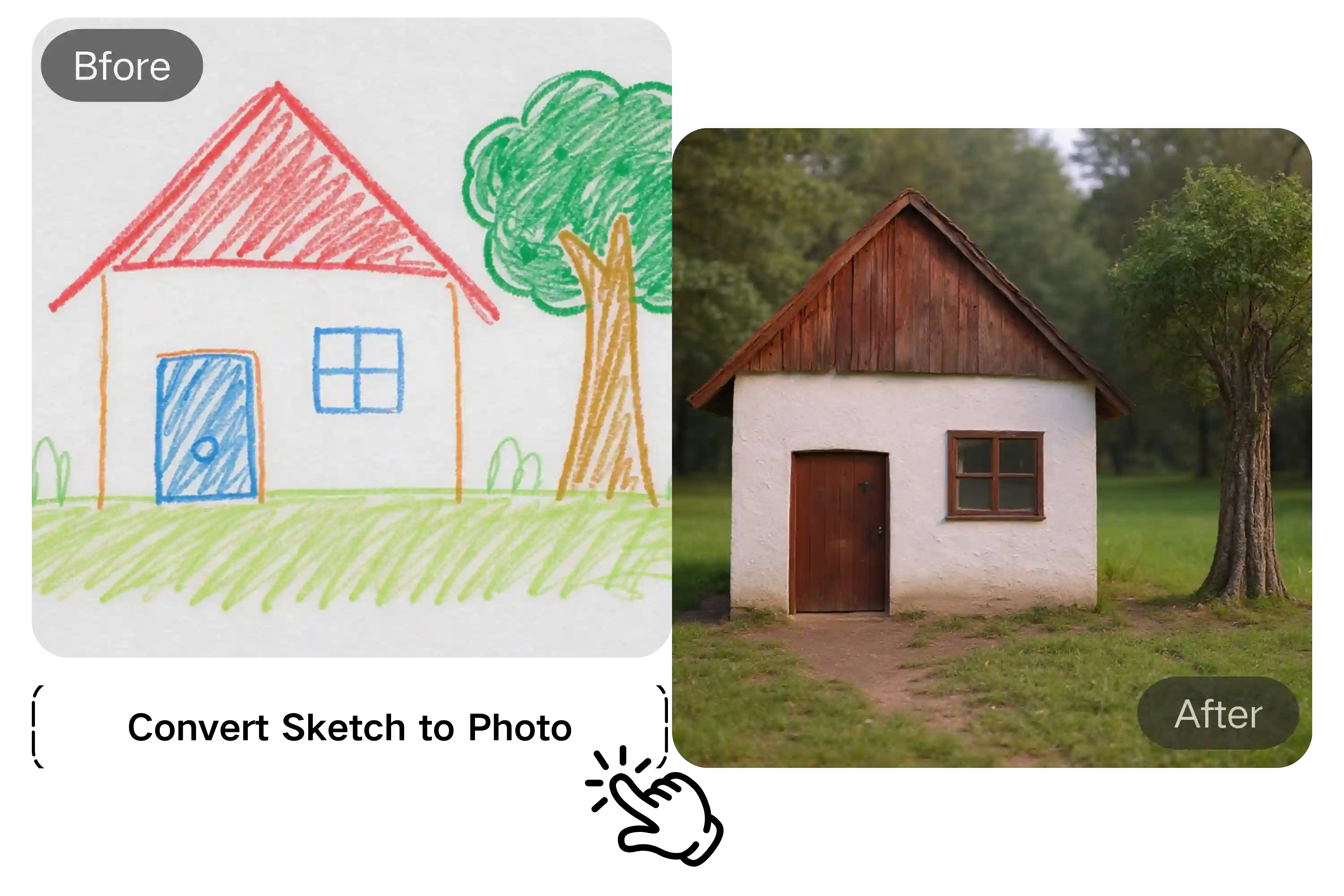
How to Convert a Sketch to Image AI Free with Fava AI
Step 1 – Open Fava AI Sketch to Photo Converter
Open Fava AI in your browser. The online sketch to image AI works instantly, letting you start for free without sign-up.
tep 2 – Upload Sketch or Drawing + Add a Prompt
Upload any sketch, doodle, or line art. Add a descriptive text prompt to guide the AI. This helps the system convert drawing to digital image that fits your vision, whether realistic, artistic, or stylized.
tep 3 – Generate, Review, and Download
Click generate to turn drawing into digital art within seconds. Review the output, explore variations, and download in high-resolution formats. With Fava AI, you can even transform photo into a colored pencil drawing for added creativity.
Convert Drawing to Digital Image in Any Styles
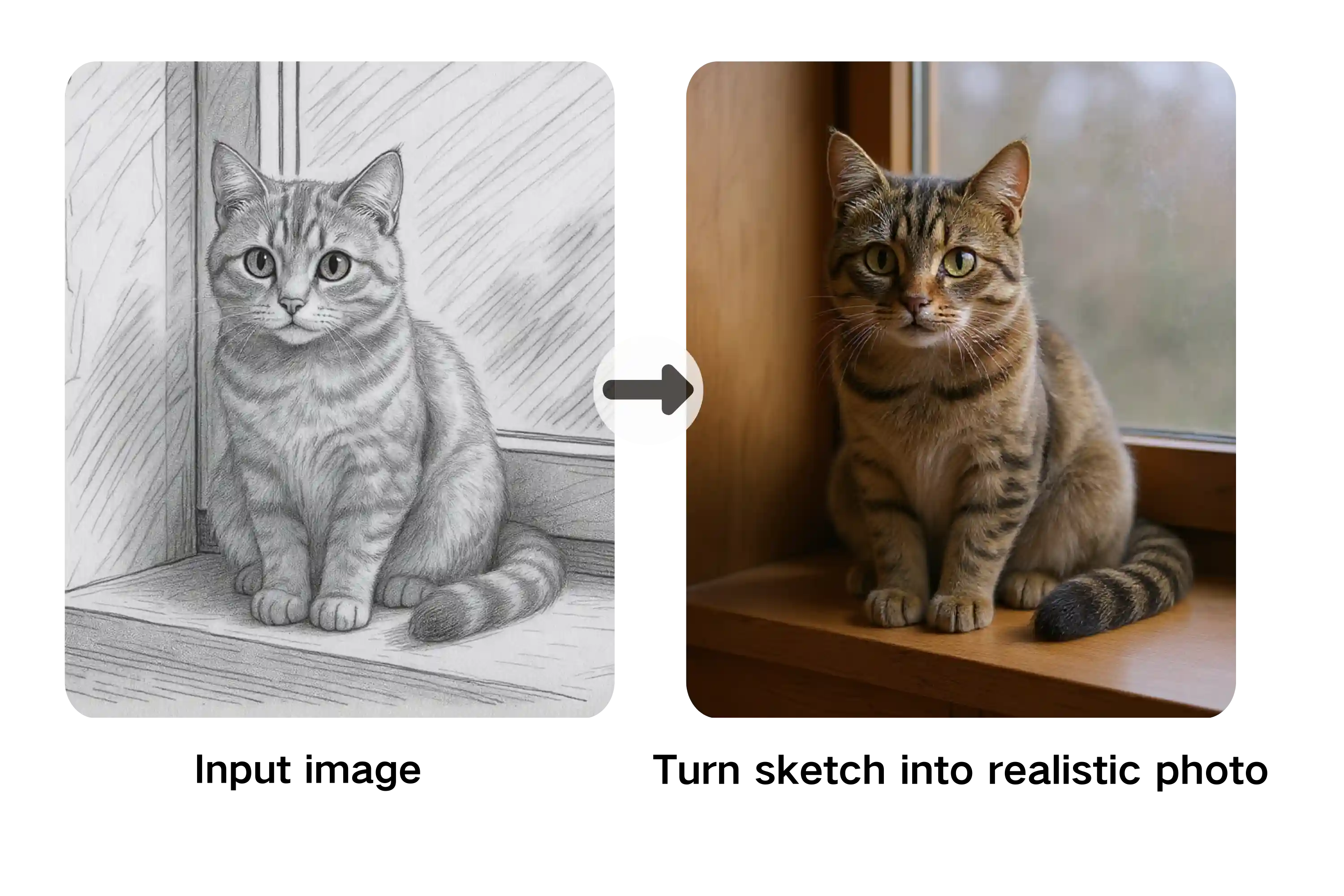
Convert Sketch to Photo Realistic Renders
Create photo-quality results from any sketch. This feature is perfect for product designers, architects, and anyone who needs accurate visualization of ideas.
Online Sketch to Image AI for 3D Concepts
Turn drawing into digital art with depth and perspective. Fava AI’s online sketch to image AI generates 3D-style renders that elevate portfolios, marketing materials, or client presentations.
Transform Photo Into a Colored Pencil Drawing Style
Go beyond realism by applying sketch-inspired effects. Fava AI sketch to photo converter can transform photo into a colored pencil drawing, giving your output a handcrafted, artistic look.
Explore More: Fava AI Photo to Sketch Converter
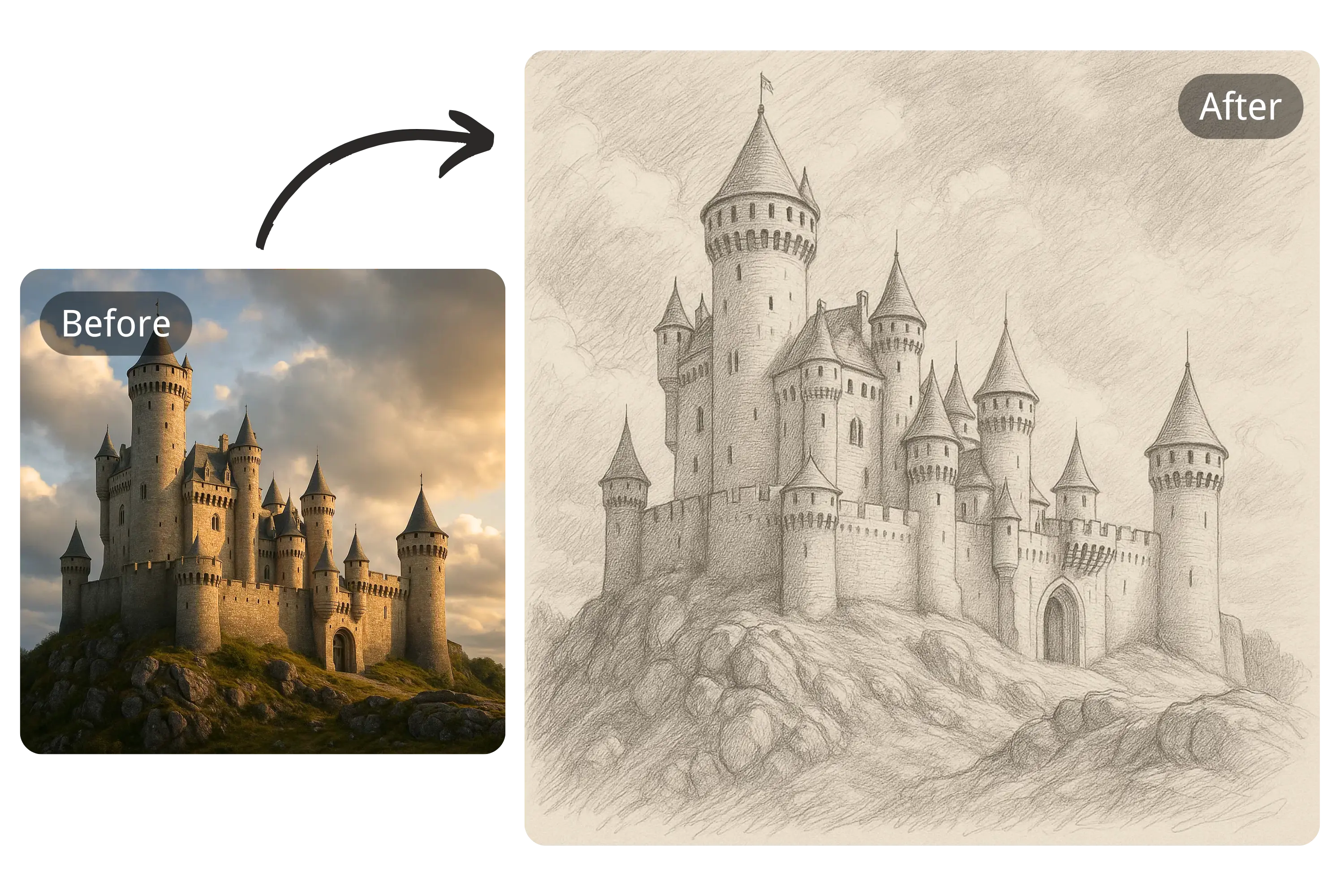
Create Pencil Sketches from Any Photo with Fava AI
Fava AI goes beyond sketch-to-photo generation. With its Photo to Sketch Converter, you can instantly convert photo to sketch and create pencil drawings, outline sketches, or stylized digital art. It’s the fastest way to experiment with new aesthetics, enhance creative projects, or add an artistic edge to everyday photos.
Frequently Asked Questions
How do I use Fava AI to convert sketch to photo?
Simply upload your sketch, add a prompt, and generate results. The sketch to photo converter is fully online, fast, and requires no installation.
Is Fava AI an online sketch to image AI free tool?
Yes. Fava AI offers a free trial so you can test the sketch to image AI. You can convert sketch to photo online free before upgrading for more features.
Can I convert drawing to digital image for professional work?
Definitely. Fava AI is used by designers, architects, and artists to turn sketches into polished digital images that can be used in portfolios or presentations.
What makes Fava AI different from other sketch to photo converters?
Fava AI emphasizes flexibility. You can turn drawing into digital art across realistic, 3D render, anime, or colored pencil styles, all in one platform.
Does the tool support high-resolution downloads?
Yes. The free sketch to photo converter lets you preview results, and premium plans allow you to export HD images suitable for print or client work.
Can I transform photo into a colored pencil drawing with Fava AI?
Yes. Beyond converting sketches, Fava AI also applies artistic effects to photos. You can easily transform photo into a colored pencil drawing or other creative styles.