
Unlock Creative Possibilities with Mirror Image Tool on Fava AI
Experience the Power of Free Mirror Image Creation – No Login Required, Just Upload and Start Flipping with Fava AI
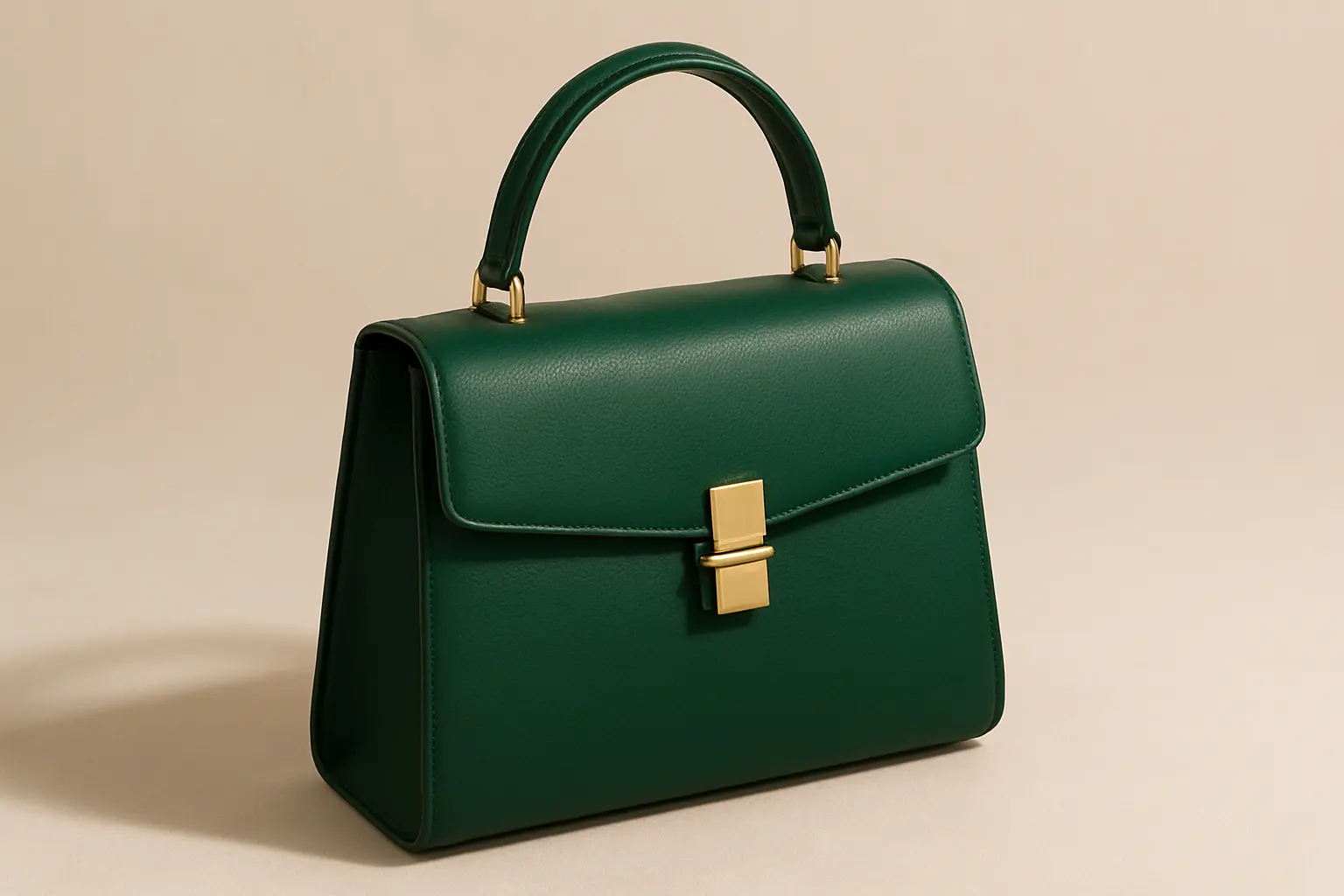
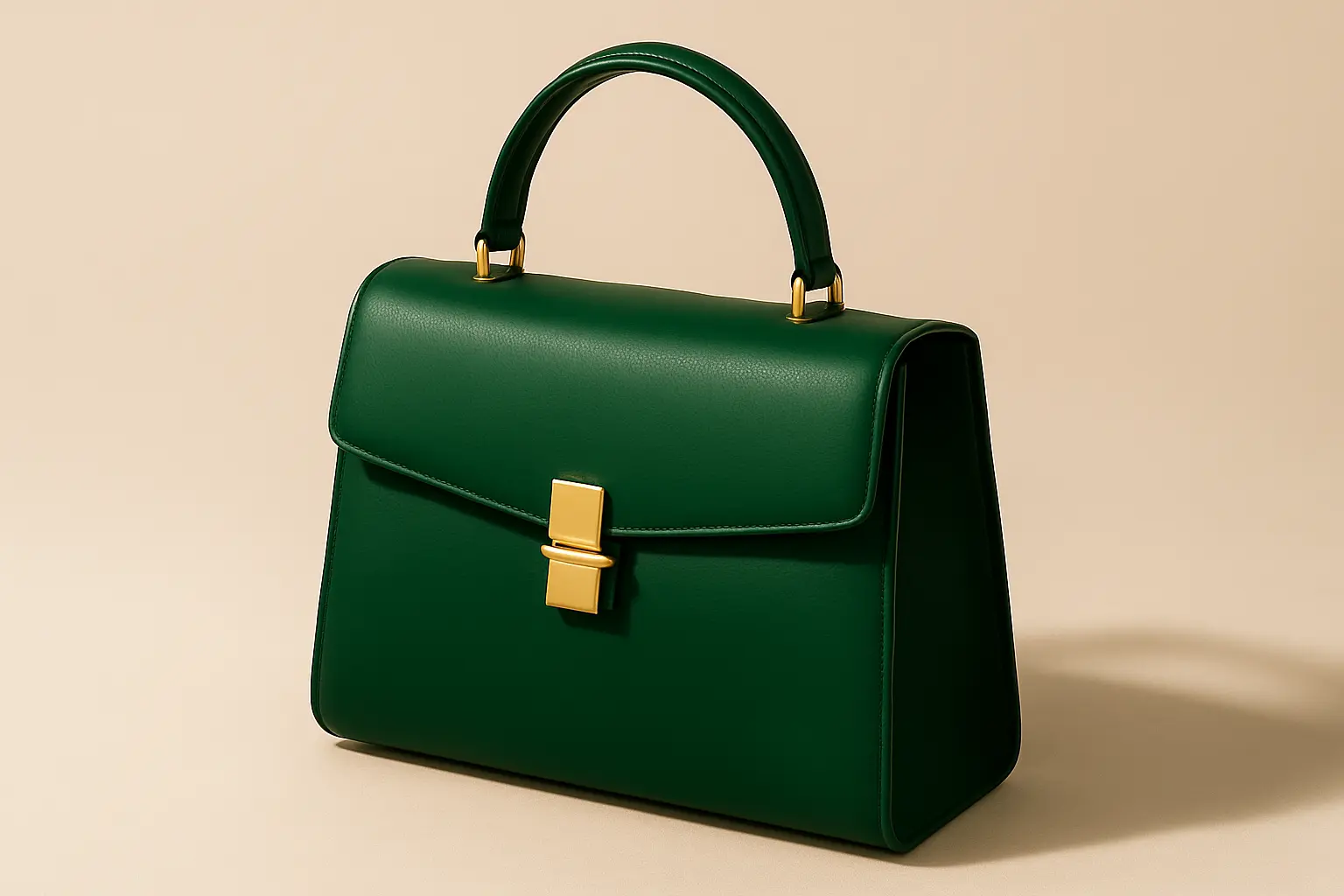


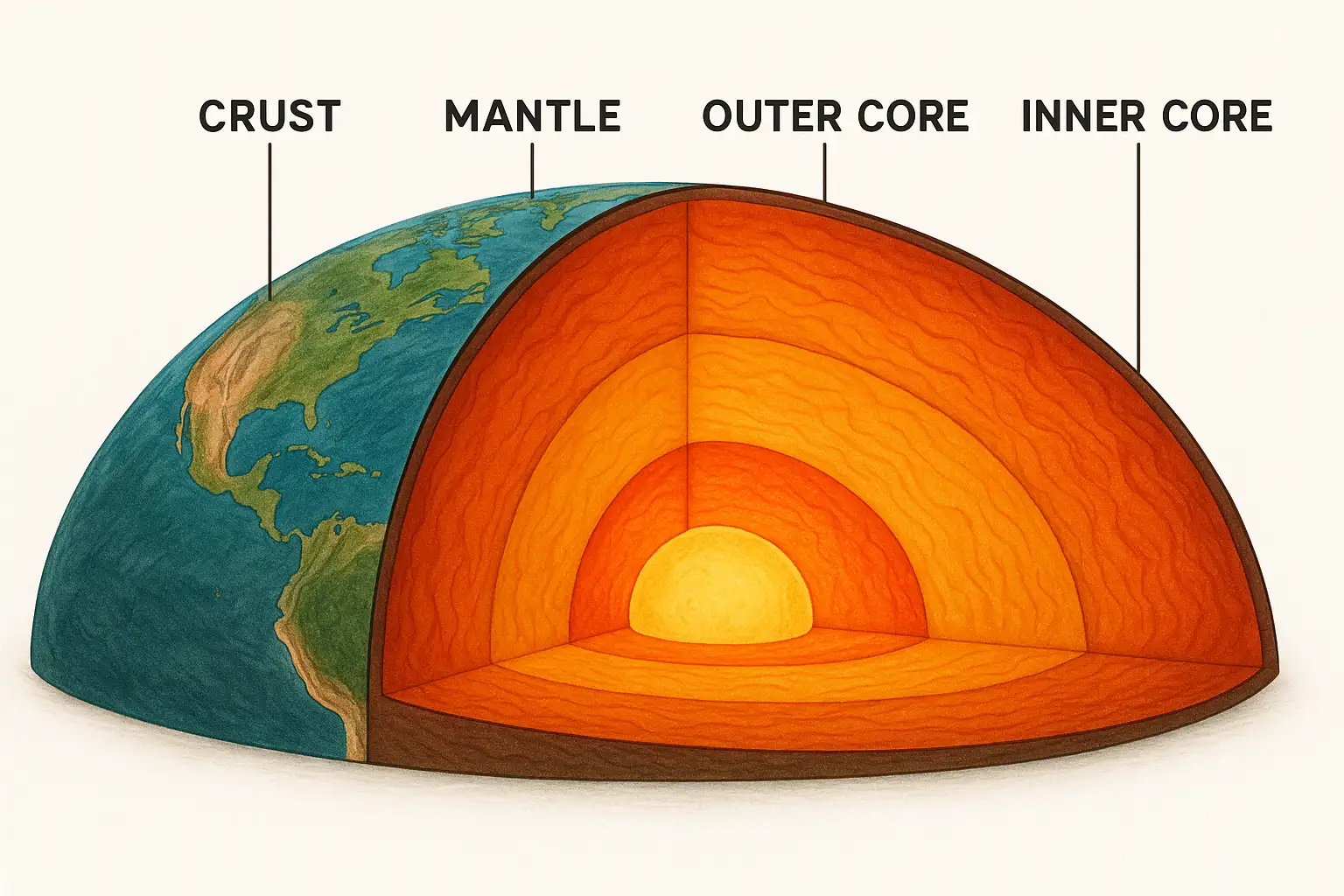
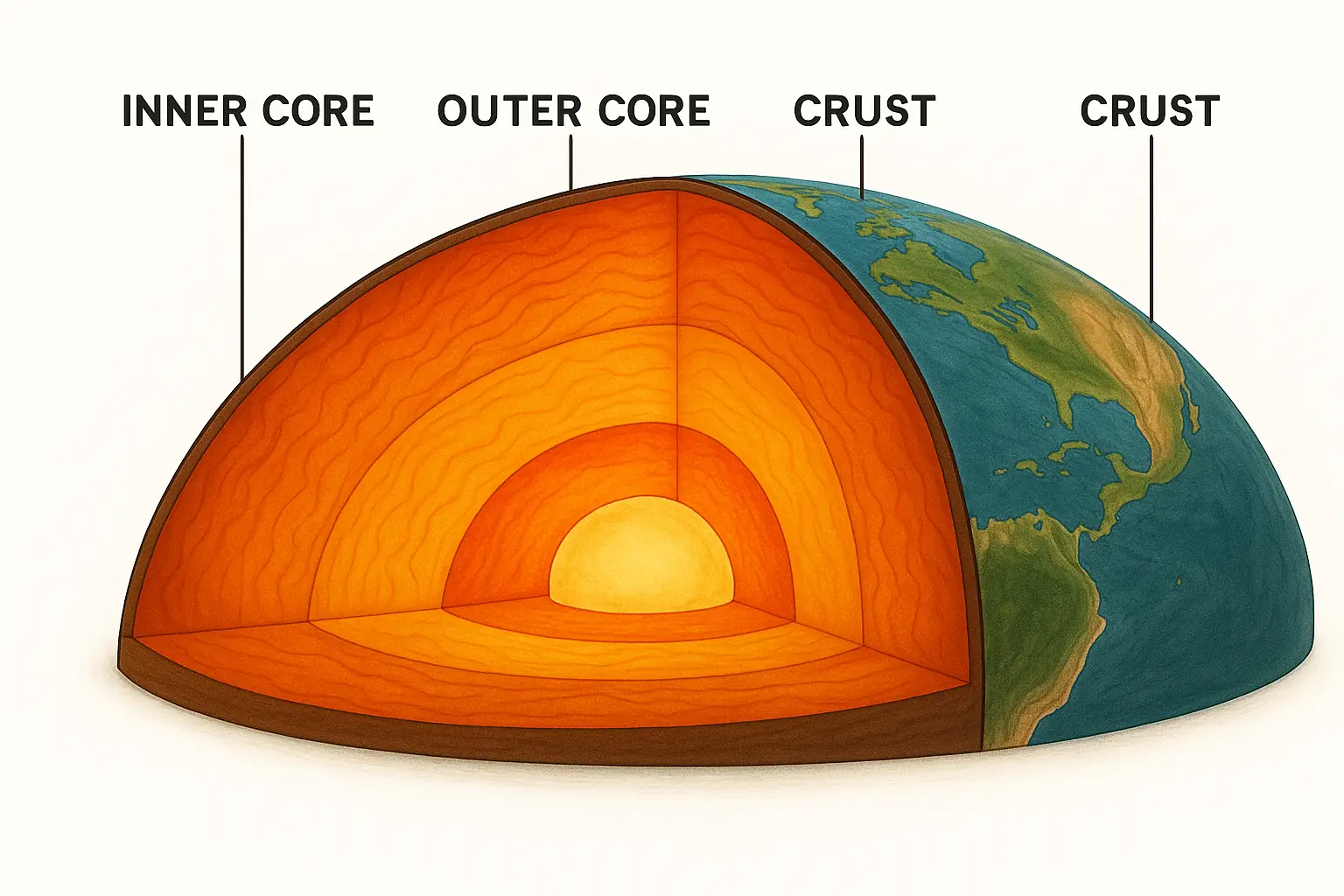
Features of Fava AI’s AI Mirror Image Tool
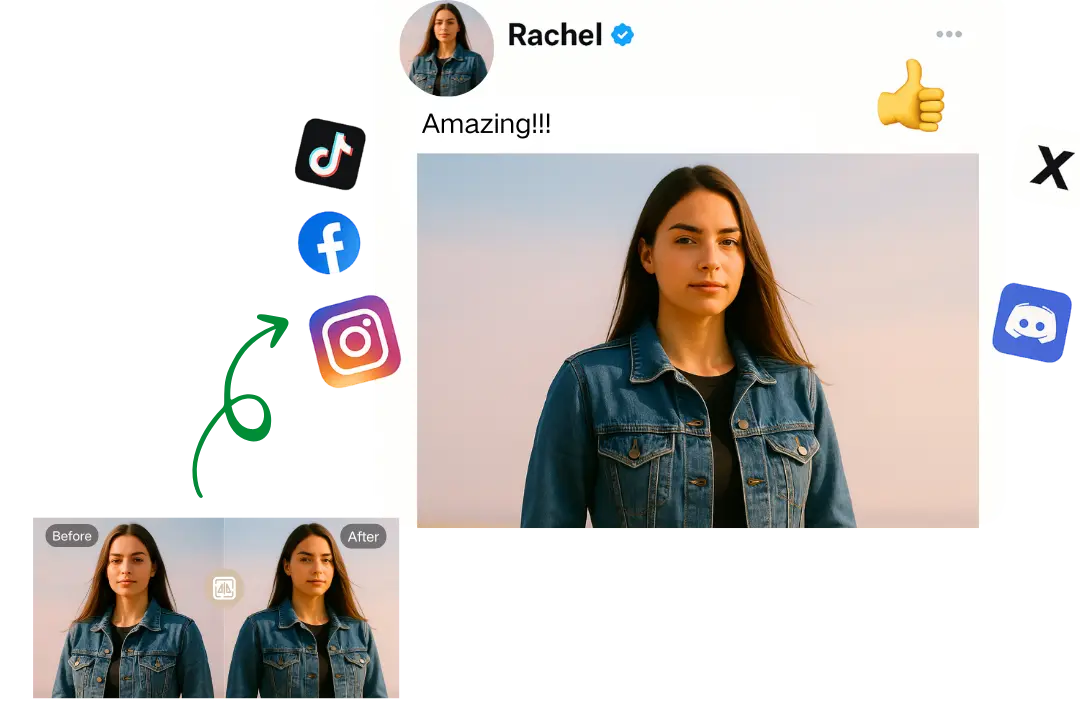
Reverse Image Creation for Social Media
Create unique social media profiles by reversing your portrait images—whether horizontally, vertically, or at a custom angle. This flipped image effect adds creativity and individuality to your online presence. You can even adjust the background to match the new mirrored look with Fava AI’s AI background generator.
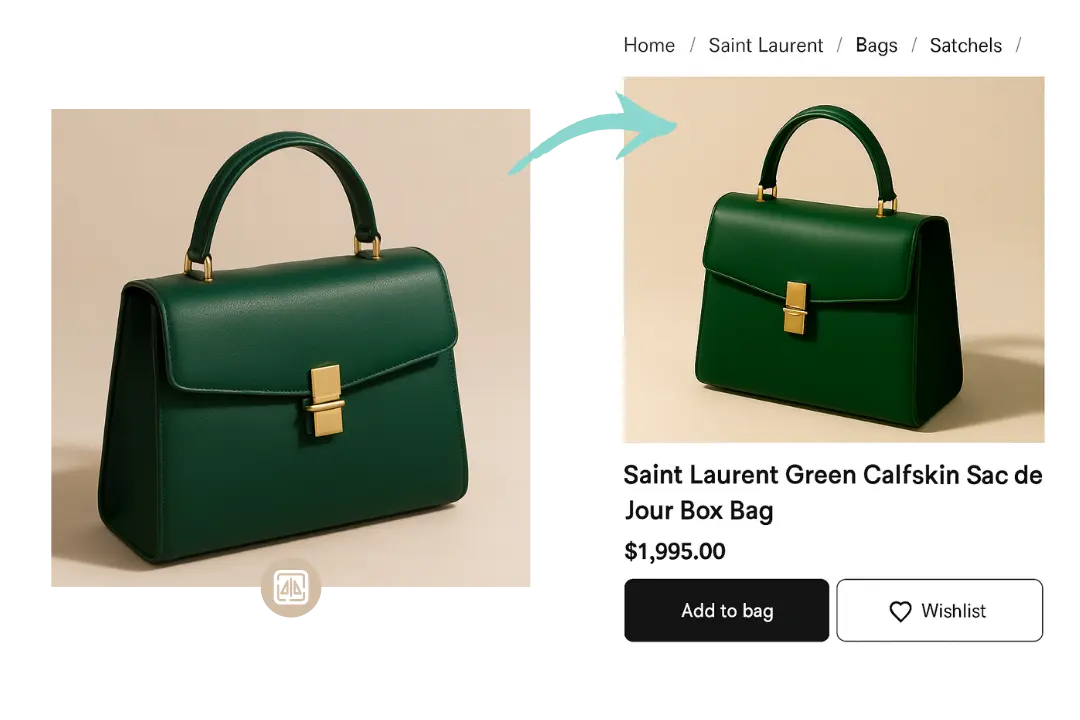
AI-Optimized Product Photography Mirror Effects
Fava AI’s AI ensures accurate and clean mirror effects for product photos. Input custom angles to flip images of jewelry, creating symmetrical reflections that enhance your e-commerce listings and improve visual appeal.
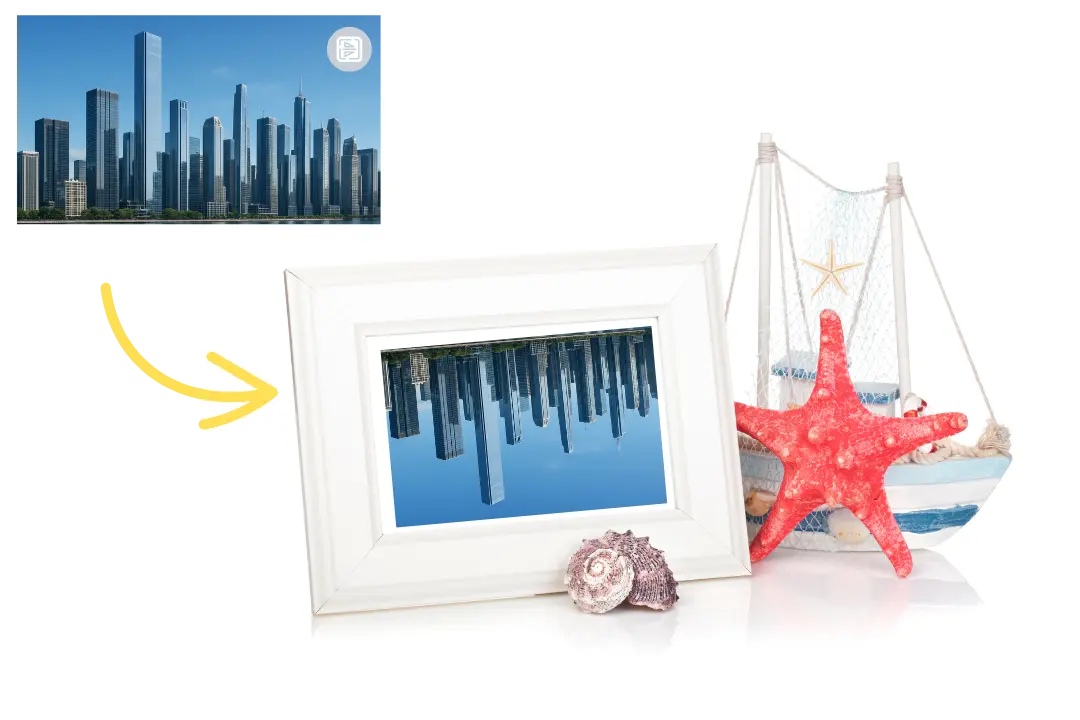
Custom Poster Design Mirror Reflections
For your poster designs, mirror cityscapes or artworks by inputting custom angles. This creates striking symmetrical visuals that are perfect for event promotion, including music festivals or art exhibitions.
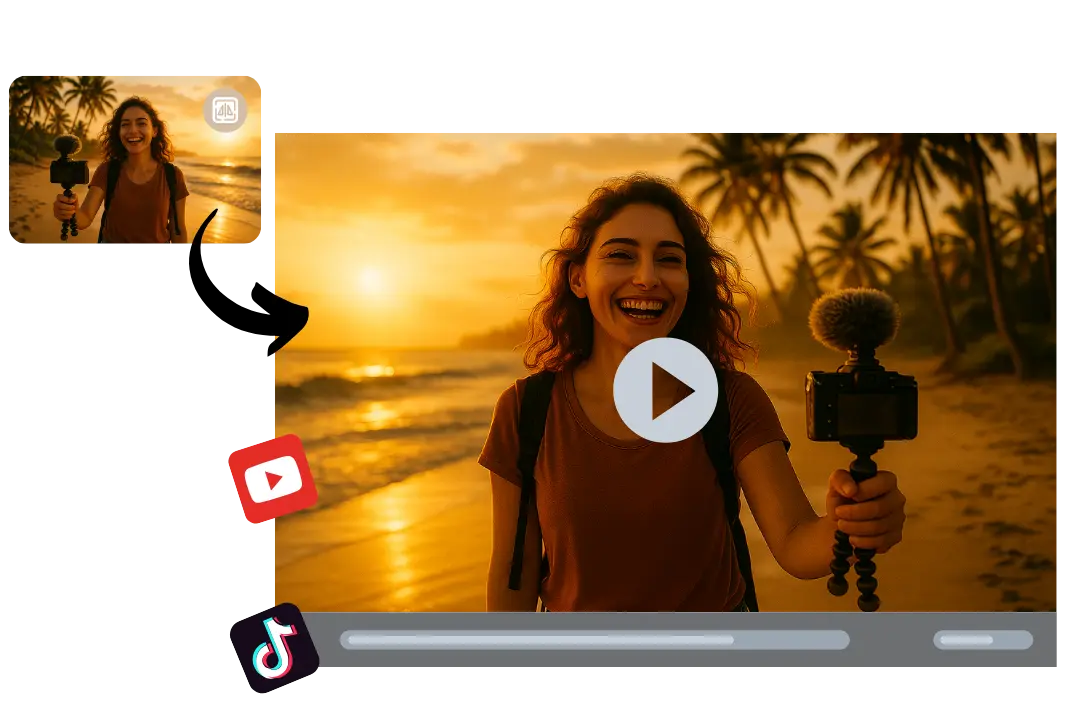
Quick Vlog Image Flipping
Use Fava AI’s mirror photo tool to quickly flip a vlog thumbnail. Whether it’s a mirrored beach scene or a flipped landscape, this tool grabs your audience's attention on platforms like YouTube.
How to Mirror An Image Free on Fava AI
Upload Your Image
Choose a high-quality JPG or PNG image from your device and upload it to Fava AI. Ensure that the image is ready for editing.
Select Your Mirror Style
Enter your desired mirror style: horizontal, vertical, or a custom angle. This feature allows you to flip your image exactly how you want, whether for creative or corrective purposes.
Download Your Mirrored Image
Once Fava AI generates the mirror image, preview the result and download it to your device for use in various creative projects.
Creative Applications of Mirror Image Tool
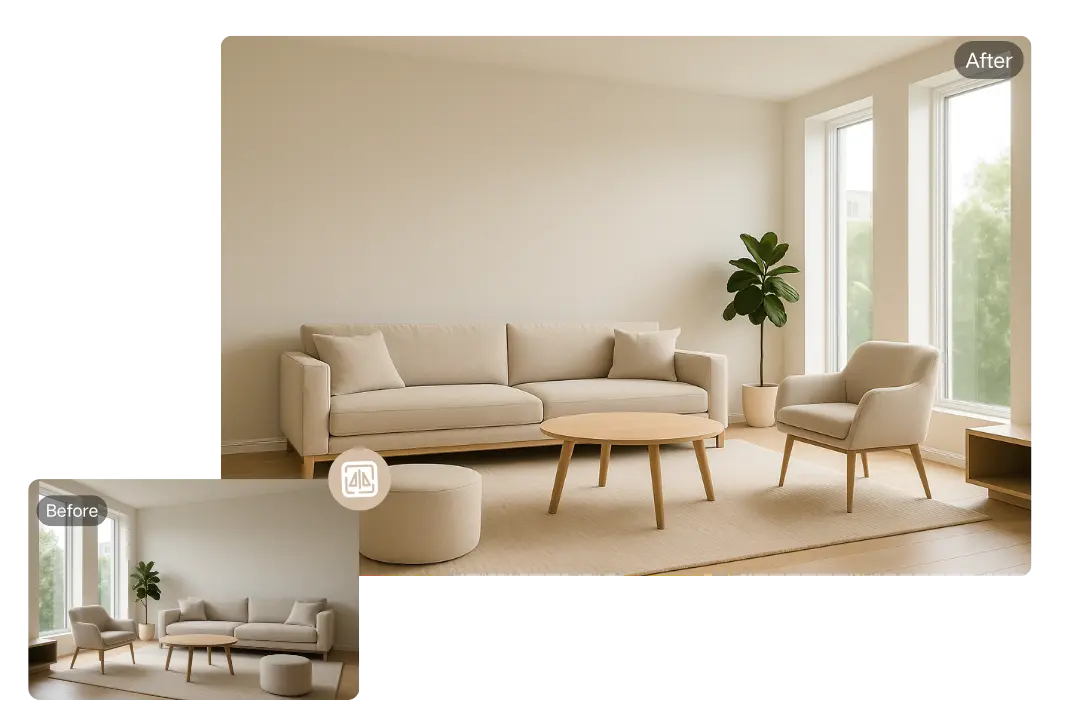
Interior Design Image Flipping
Use the mirror image tool to flip room layouts and reflect interior designs, making it easier for clients to visualize mirrored decor and layouts for home staging or real estate presentations.
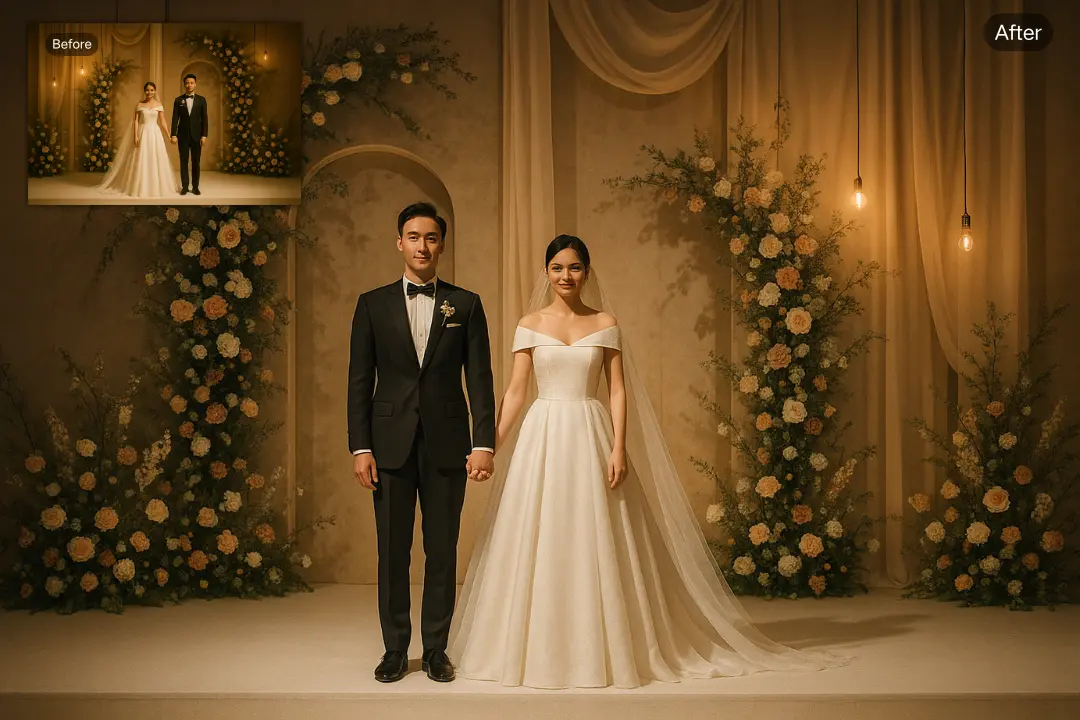
Event Photography Mirror Effects
Generate wedding photos or engagement shots with custom mirror effects. These symmetrical images create a romantic, balanced feel, ideal for photo albums or client previews.
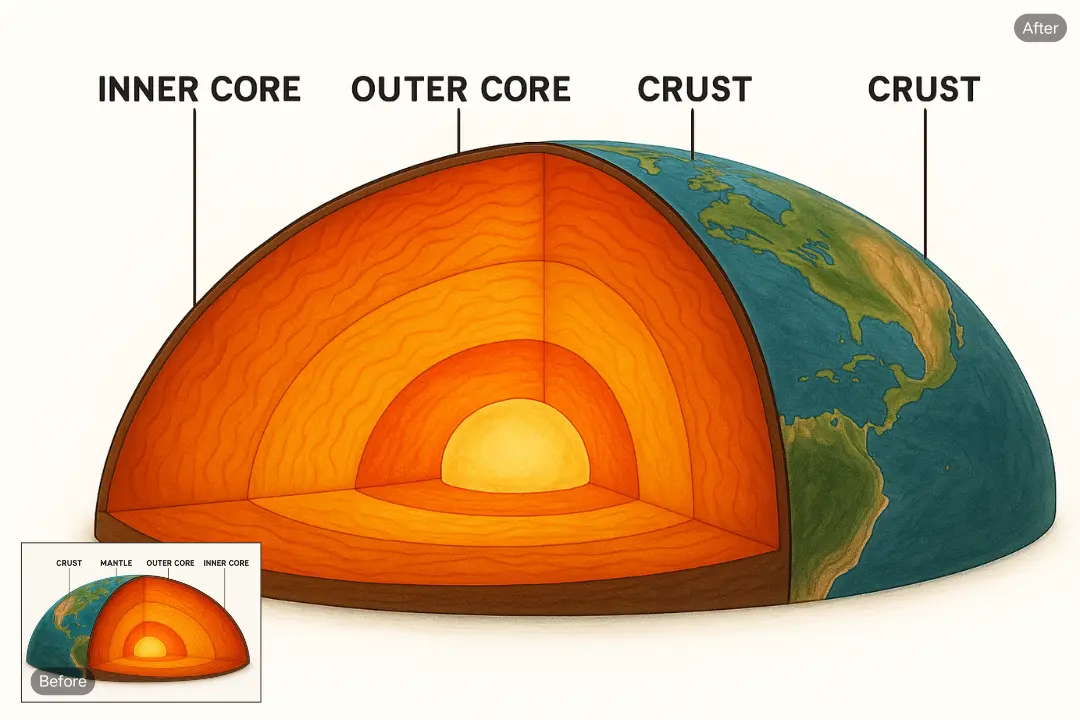
Educational Visuals with Image Reflection
Mirror diagrams at specific angles to create engaging educational visuals, making your textbooks or online courses more visually appealing and easier to understand.
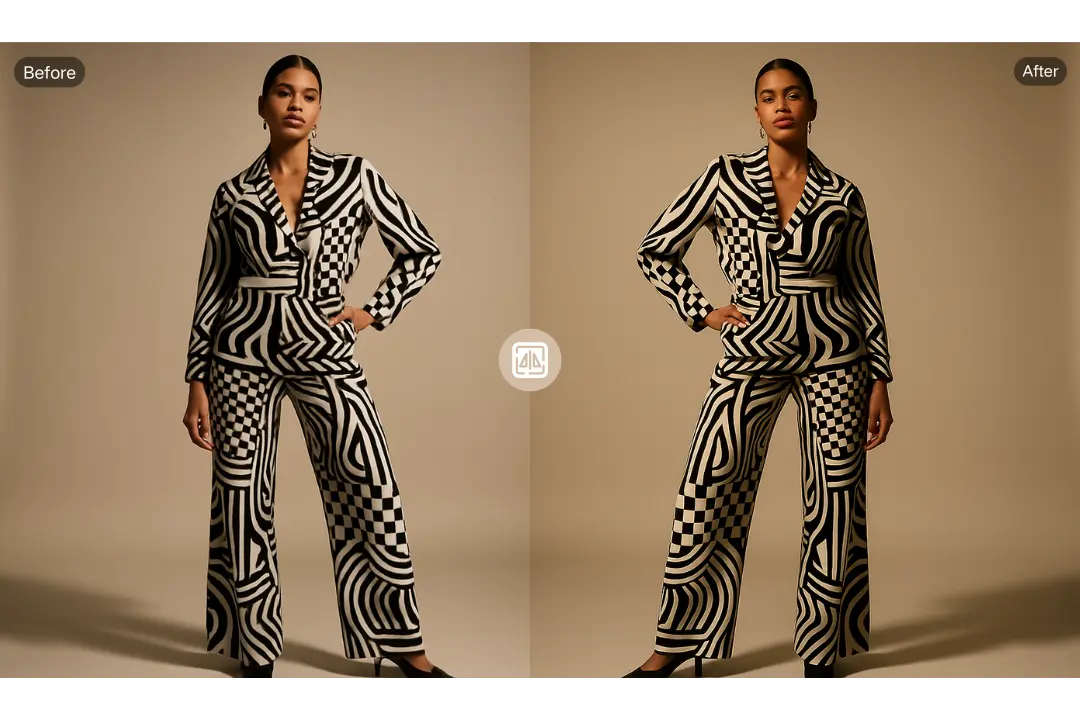
Fashion Lookbook Image Reflection
Mirror outfit photos with custom tilts to highlight symmetry in clothing designs. This is perfect for creating eye-catching fashion catalogs or portfolios.
What Users Are Saying About Fava AI's Mirror Image Tool
Fava AI’s mirror image tool made my Instagram selfies pop with a unique look!
Sophia R.
Social Media InfluencerI mirrored product shots for my online shop, and the custom flips gave them a stylish edge!
Ethan W.
E-commerce EntrepreneurFava AI’s AI-powered mirror effects helped me create the perfect mirrored cityscape for my travel blog!
Daniel M.
Travel BloggerMirroring logos for my clients was a breeze with Fava AI’s image inverter. It’s simple and effective!
Olivia J.
Graphic DesignerUsing the custom tilt feature, I mirrored my vacation photos, making them perfect for my blog!
Charlotte F.
Content CreatorI created a mirrored album cover using Fava AI and it turned out exactly how I envisioned!
Joshua D.
Music Artist
Frequently Asked Questions About Fava AI’s Mirror Image Tool
What is a mirror image?
A mirror image is a flipped version of your image, either horizontally, vertically, or at a custom angle. It creates a reflection-like effect, useful for creative projects, photo corrections, and more.
Why should I mirror an image?
Mirroring an image enhances symmetry, corrects orientations, or adds a creative flair to visuals. Whether for social media, product photography, or personal projects, a mirrored image can bring a fresh perspective.
How do I customize mirror styles?
Simply select your preferred mirror style—horizontal, vertical, or custom angle—in Fava AI. The tool will generate your desired mirror effect instantly.
Can I use Fava AI on any device?
Yes, Fava AI is a web-based tool that works on desktops, laptops, tablets, and smartphones. Whether you're using Windows, macOS, iOS, or Android, you can easily upload and mirror images from your browser without installation.
Will mirroring affect my image quality?
No, Fava AI preserves the original resolution and clarity of your image during the mirroring process. The AI-powered tool ensures your final image is sharp and high-quality, with no loss of detail.
Which file formats are supported?
Fava AI supports JPG and PNG image formats. These widely-used formats ensure compatibility and deliver high-quality results for any mirrored effect you apply.
Is Fava AI’s mirror image tool free to use?
Fava AI offers a free trial of its mirror image tool, giving you access to basic features at no cost. To access premium options or continue using the service after the trial period, an upgrade may be required.