
Enhance Your Visuals with Motion Blur Effects at Fava AI
Revolutionize Your Photos with Fava AI’s Motion Blur: Where Speed Sparks Creativity
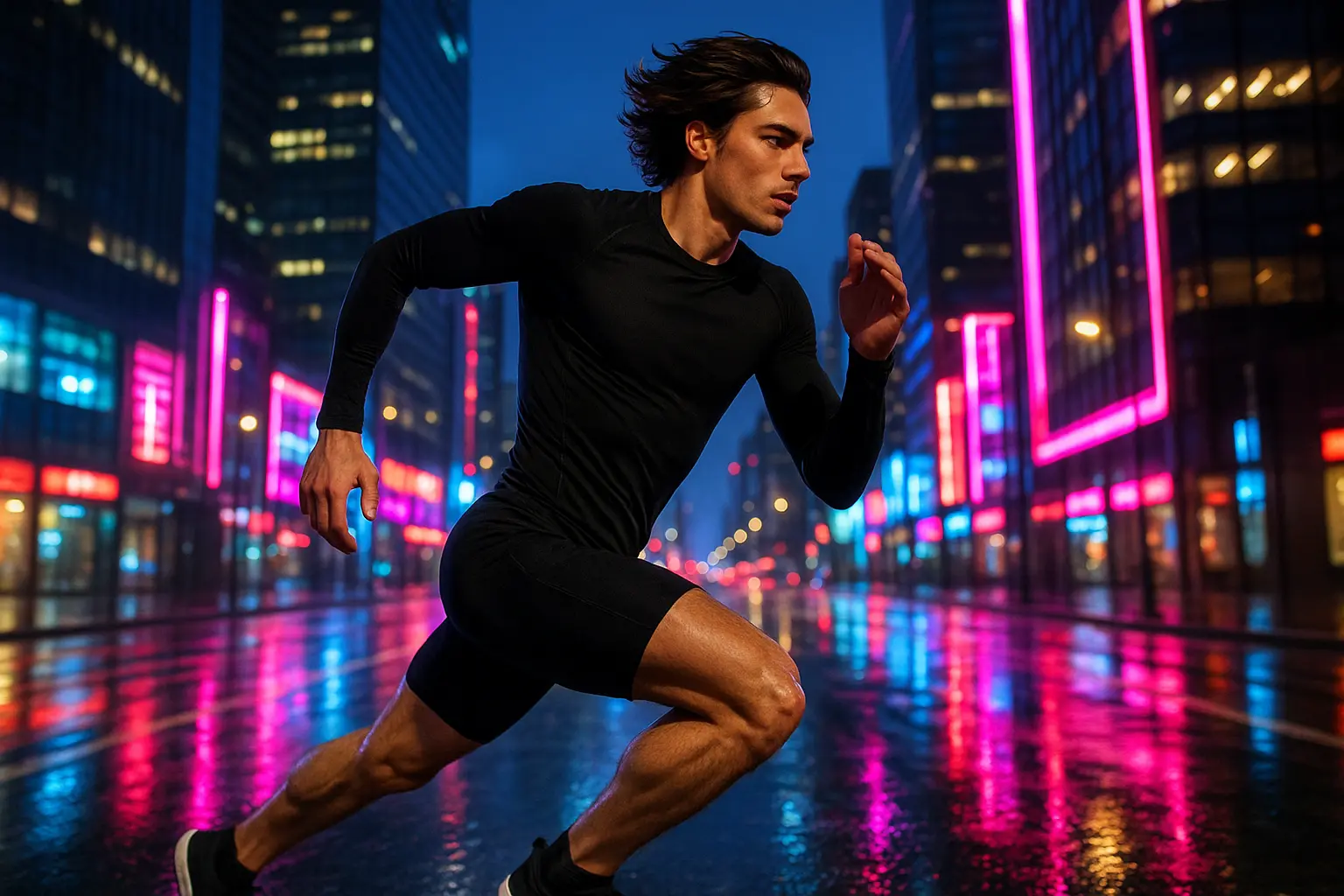
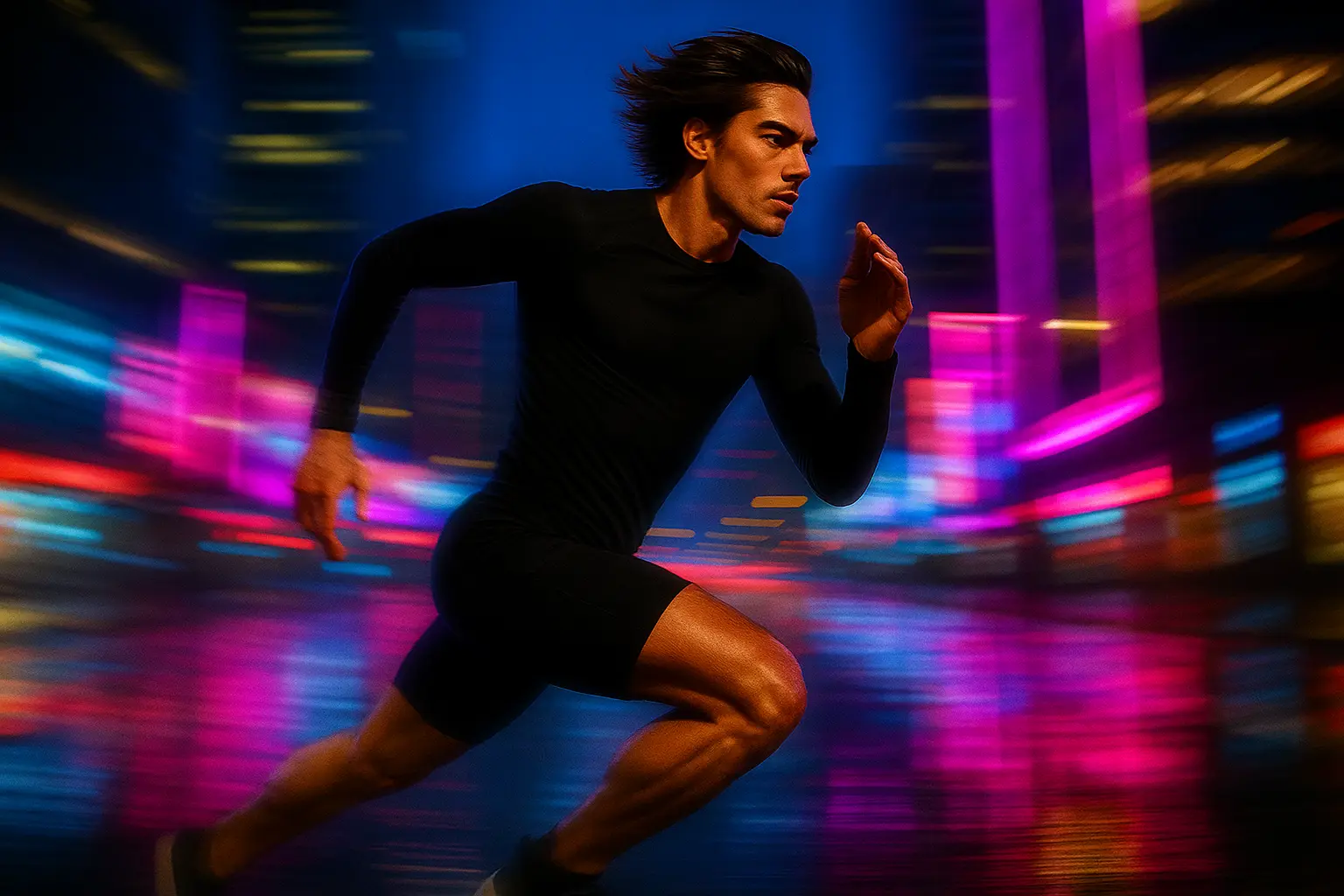
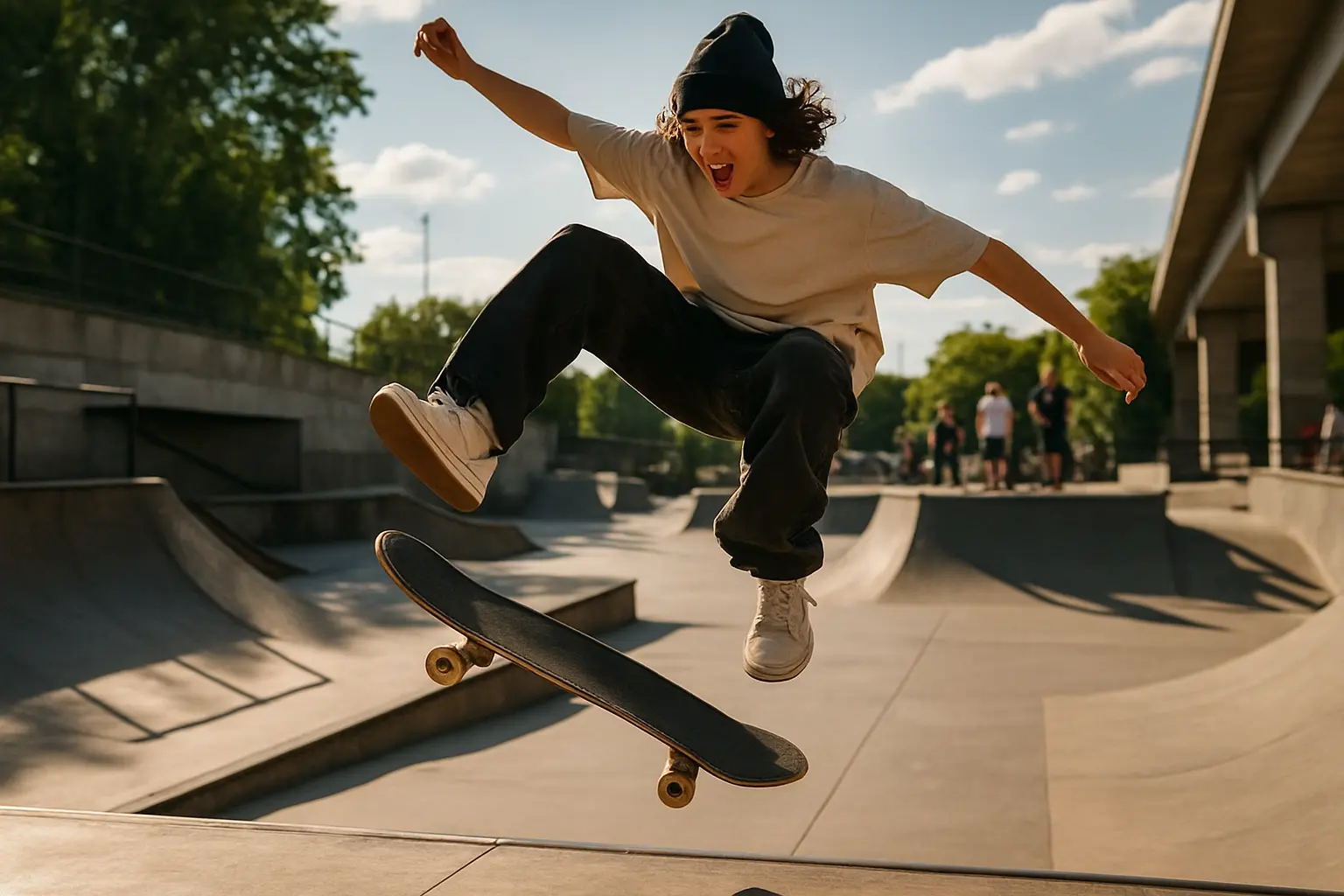
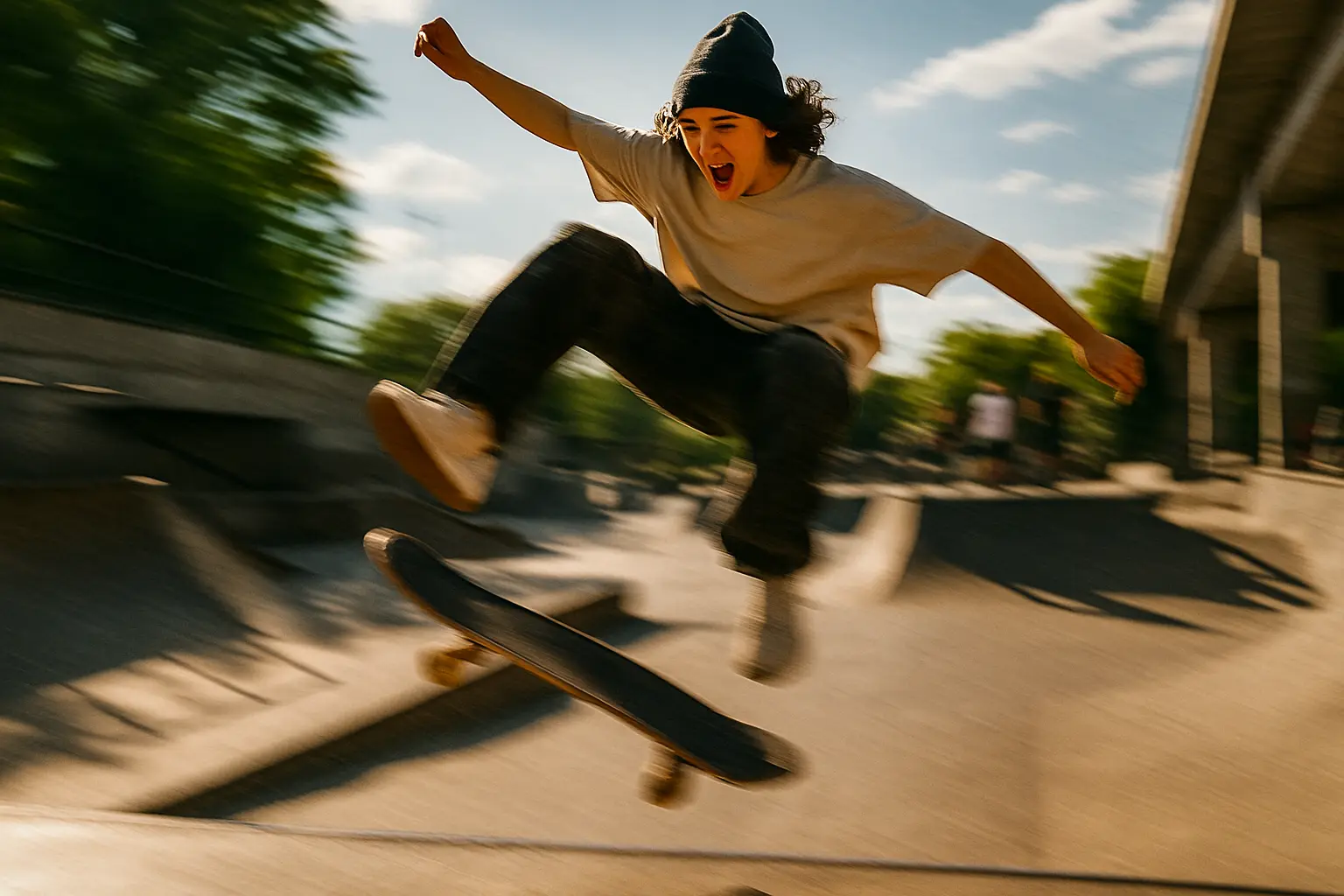
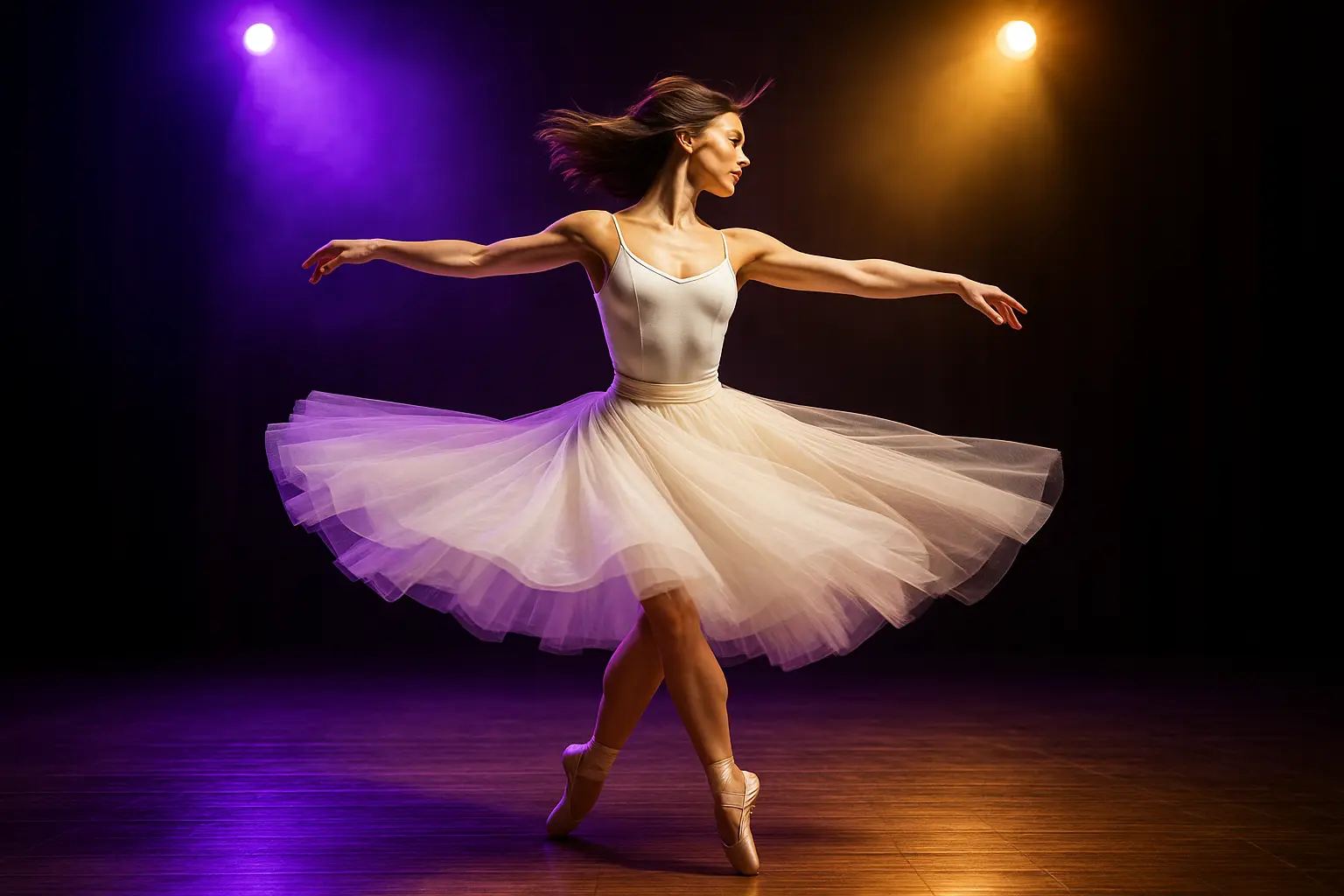
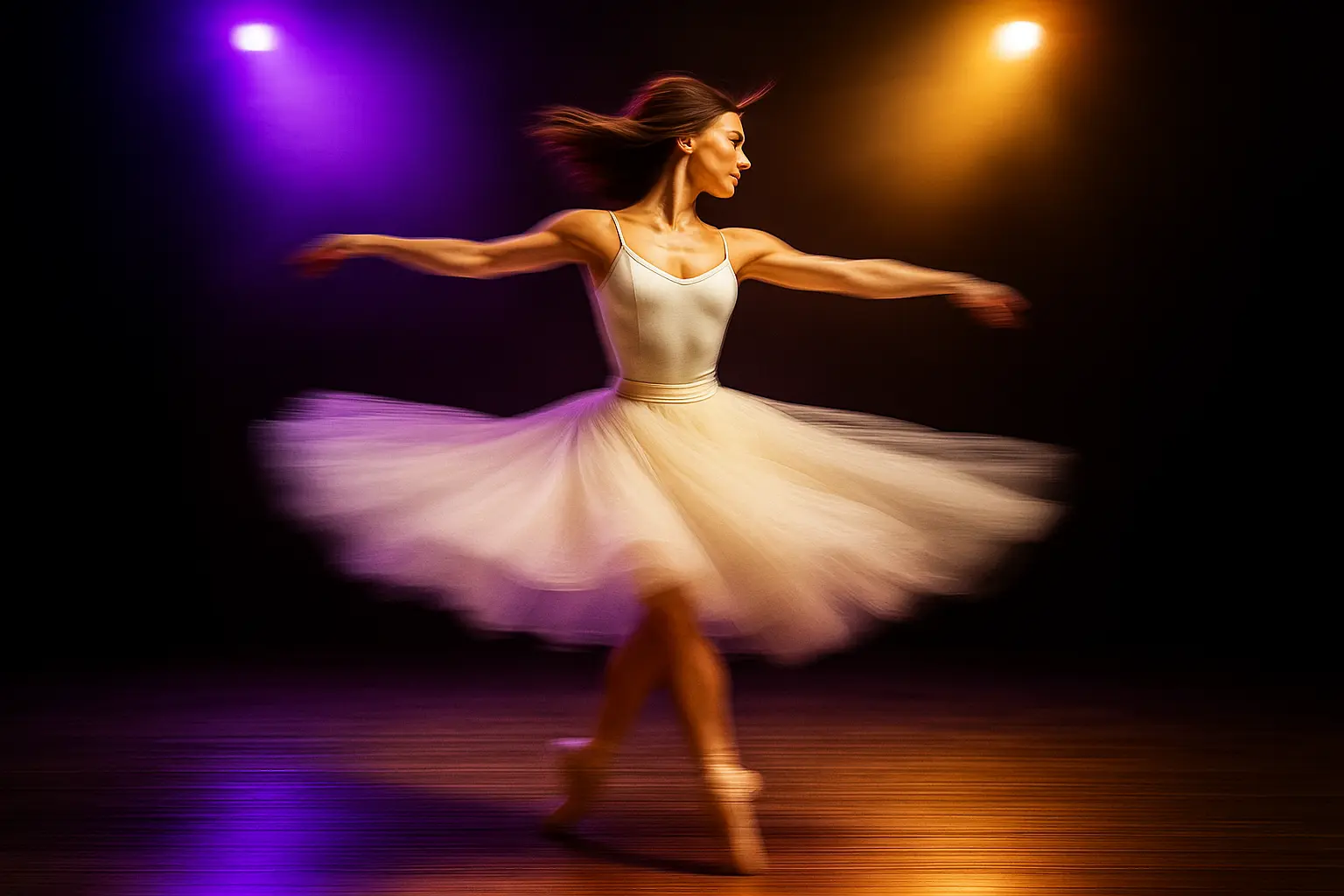
Key Features of Fava AI’s Motion Blur Effect
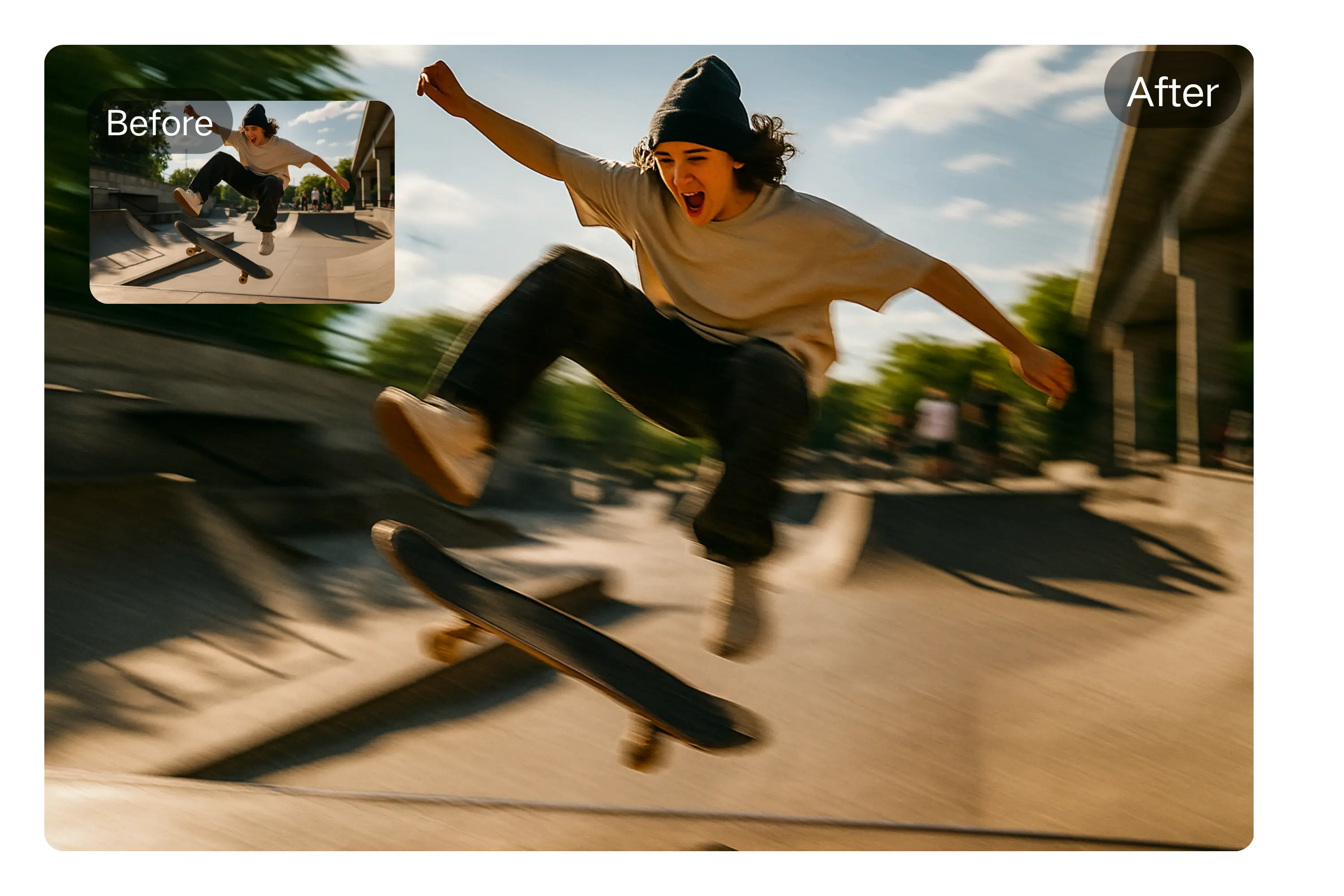
User-Friendly Interface
Fava AI’s motion blur tool offers a streamlined, intuitive interface, making it simple for users of all experience levels to apply dynamic motion blur effects to their photos with ease.
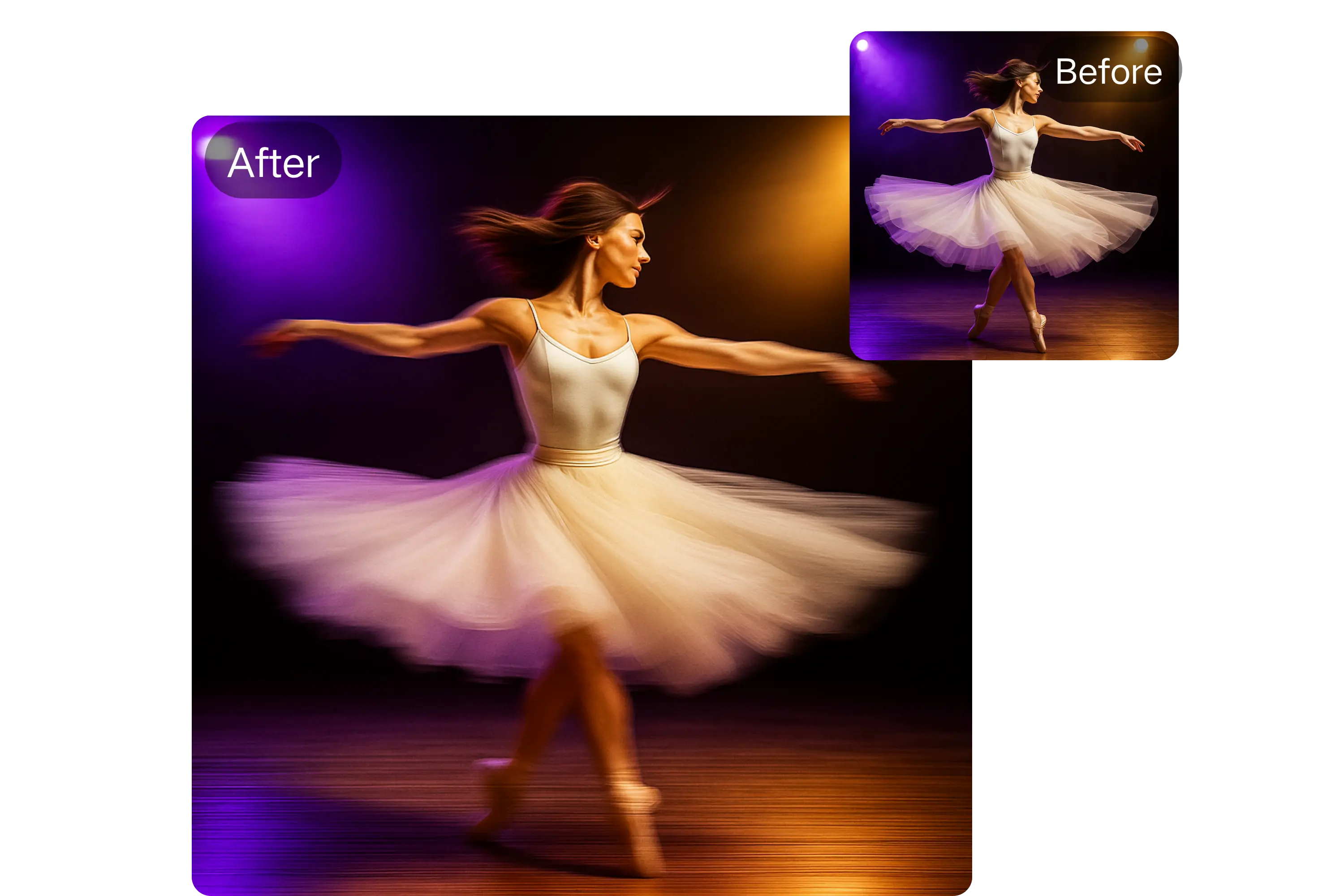
Curated Motion Blur Styles
Choose from an array of professionally designed motion blur filter styles to match your creative vision and amplify the visual appeal of your images.
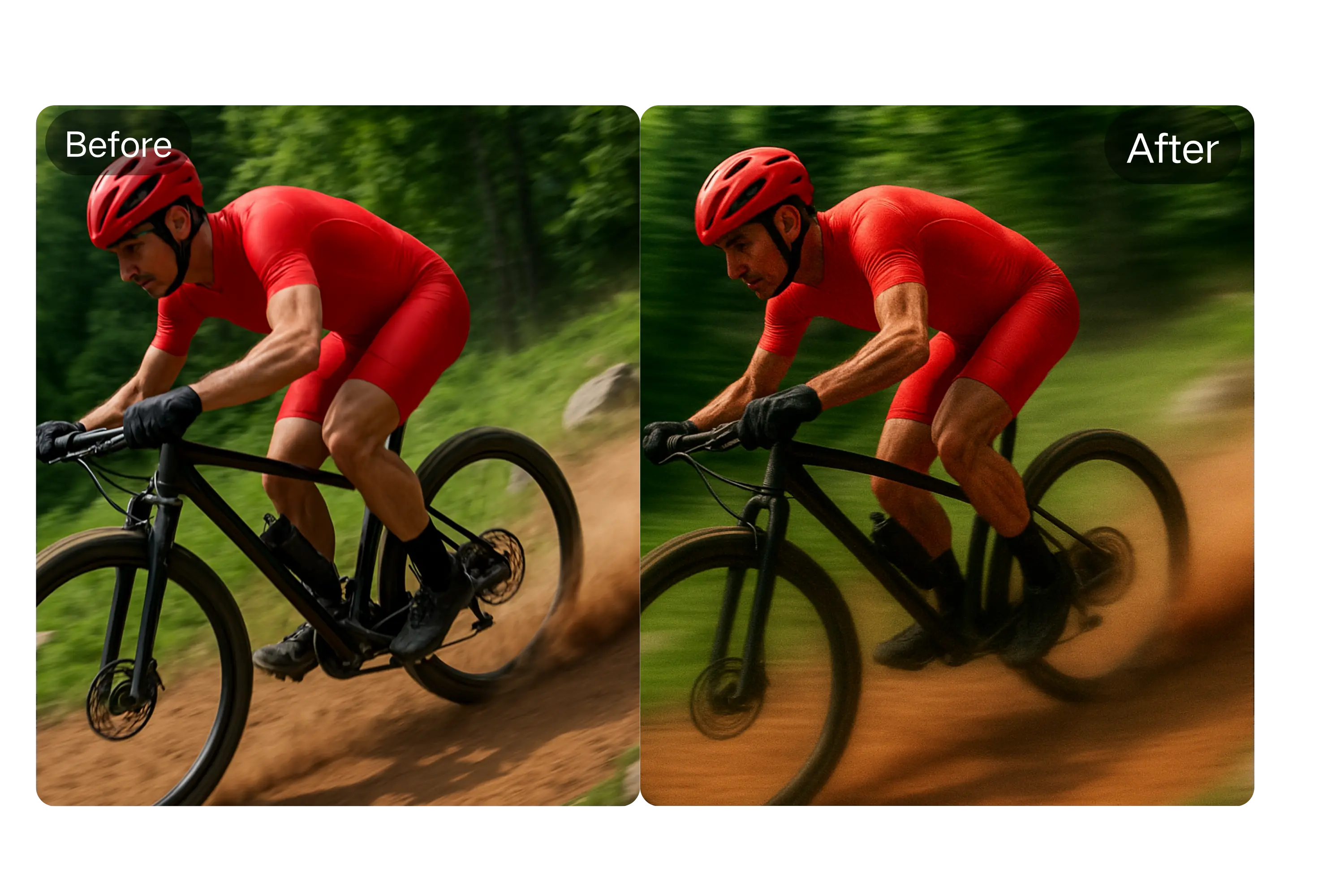
Real-Time Preview and Adjustment
Instantly preview your motion blur image as you work, allowing for immediate adjustments to ensure the final result matches your expectations perfectly.
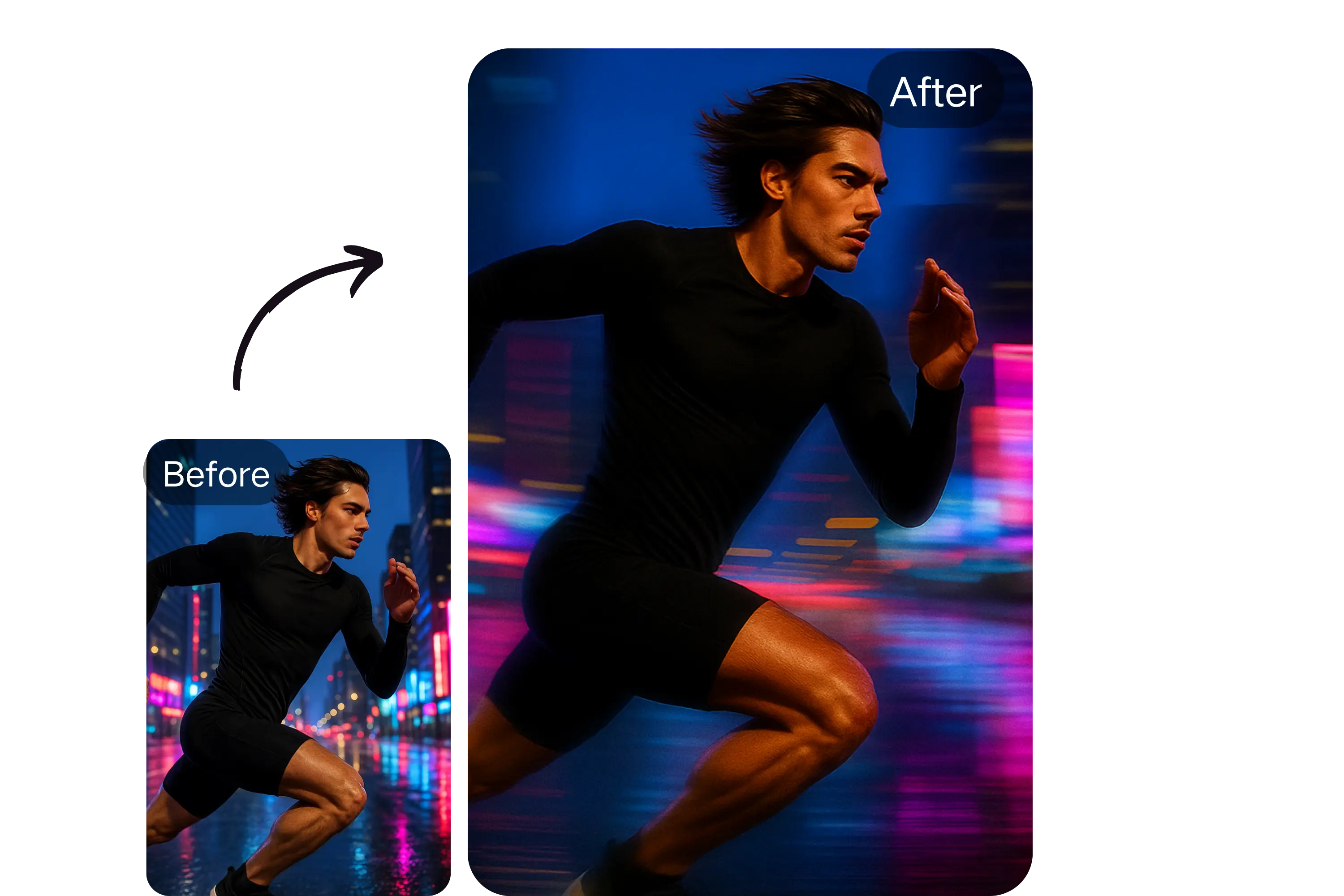
Web-Based & No Downloads
Apply motion blur online directly in your browser—no software installation required. Fava AI offers a fully web-based experience for seamless, onMotion Blur Tool Content-the-go editing.
How to Use Fava AI’s Motion Blur Tool Online
Upload Your Photo
Start by uploading a high-resolution image that you want to enhance with a motion blur effect. Simply drag and drop or click to browse your files.
Select a Motion Blur Style
Pick from a range of curated motion blur filters to apply the effect. Use the real-time preview to explore different looks.
Download Your Image
Once you’re satisfied with your motion blur photo, download it in JPEG or PNG format—perfect for online or offline use.
Creative Uses for Motion Blur
Social Media Posts:
Use a motion blur background for Instagram or TikTok thumbnails to create eye-catching, energetic visuals.
Creative Photography:
Use free photo blur to infuse still images with a sense of motion, ideal for artistic portfolios.
Marketing Campaigns:
Apply motion blur filters in advertisements to showcase products in motion, such as vehicles or sports equipment.
Gaming Artwork:
Produce engaging motion blur photos for gaming thumbnails or promotional materials, highlighting action.
User Feedback on Fava AI’s Motion Blur Tool
Fava AI’s motion blur filter has transformed my social media designs. Creating polished motion blur images is so quick and easy!
Sophie L.
Graphic ArtistThe motion blur background feature made my YouTube thumbnails pop, boosting my click-through rates significantly.
Ryan M.
Content CreatorThe free photo blur tool is fantastic for testing creative effects without spending a dime.
Anika P.
PhotographerAdding motion blur photos to my client’s site was effortless with Fava AI’s fast and reliable tool.
Ethan W.
Web DesignerFava AI’s motion blur online platform saved me hours. The visuals are perfect for our ad campaigns.
Clara T.
Marketing SpecialistAs a newbie, I found Fava AI’s interface incredibly easy to use. My motion blur images look professional!
Lucas B.
Student
Frequently Asked Questions About Motion Blur with Fava AI
Is Fava AI’s Motion Blur Tool Free to Use?
Yes, you can test the free photo blur feature without creating an account or paying.
Can I Use Motion Blur Images for Commercial Projects?
Commercial use may require a subscription. Please review Fava AI’s terms of service for full details.
How Long Does It Take to Apply the Motion Blur Effect?
The motion blur effect is applied in minutes, delivering quick, high-quality results with minimal wait.
Do I Need to Install Software to Use the Tool?
No software installation is needed. Fava AI’s motion blur tool is fully online and works in your browser.
What File Formats Can I Download?
You can download motion blur photos in high-resolution JPEG or PNG formats.
Is My Uploaded Image Safe?
Yes, Fava AI prioritizes user privacy and does not store uploaded images after the session ends.