
Vignette Effect: Create Stunning Photos with Fava AI
Elevate Your Images with the Classic Vignette Effect at Fava AI!
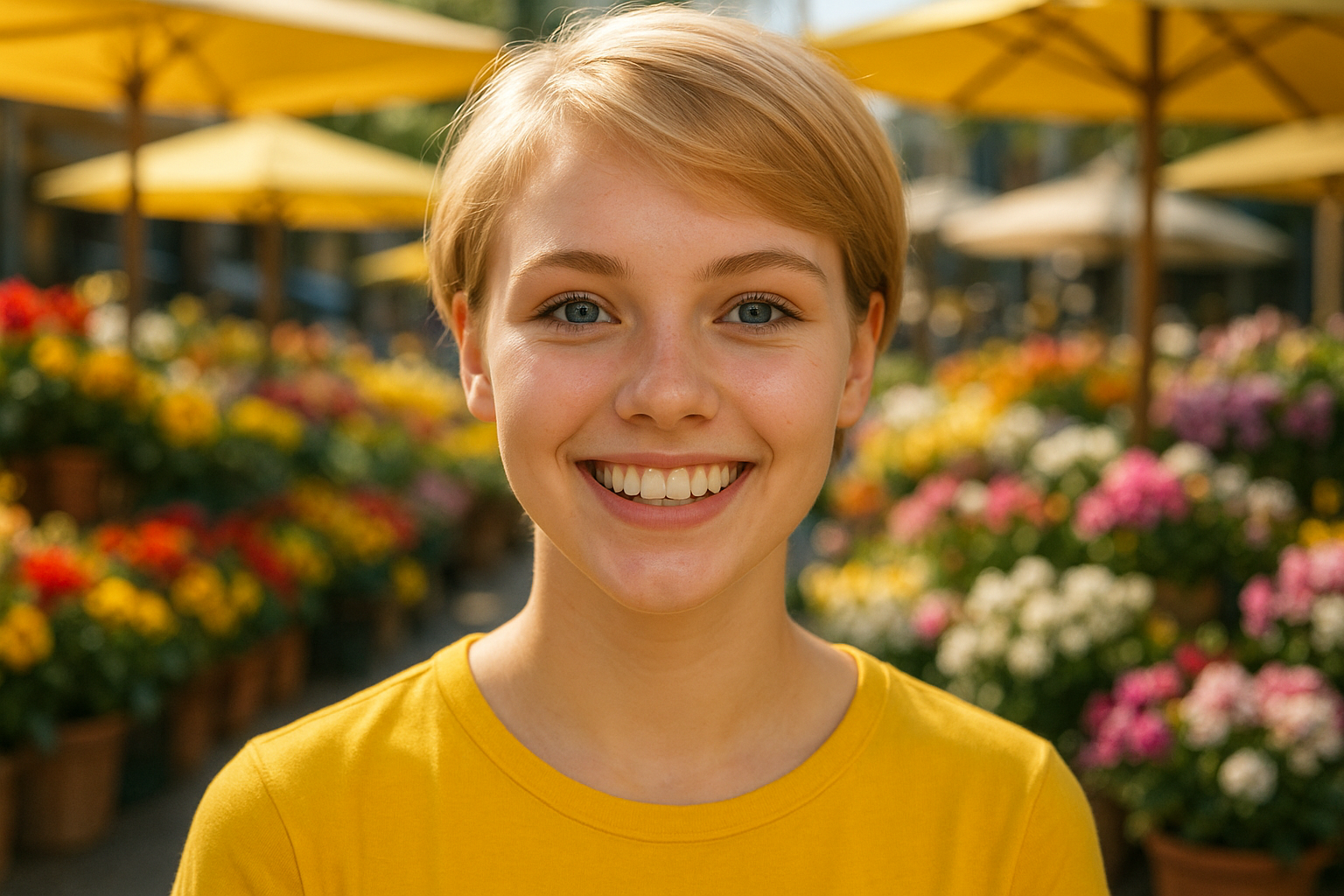
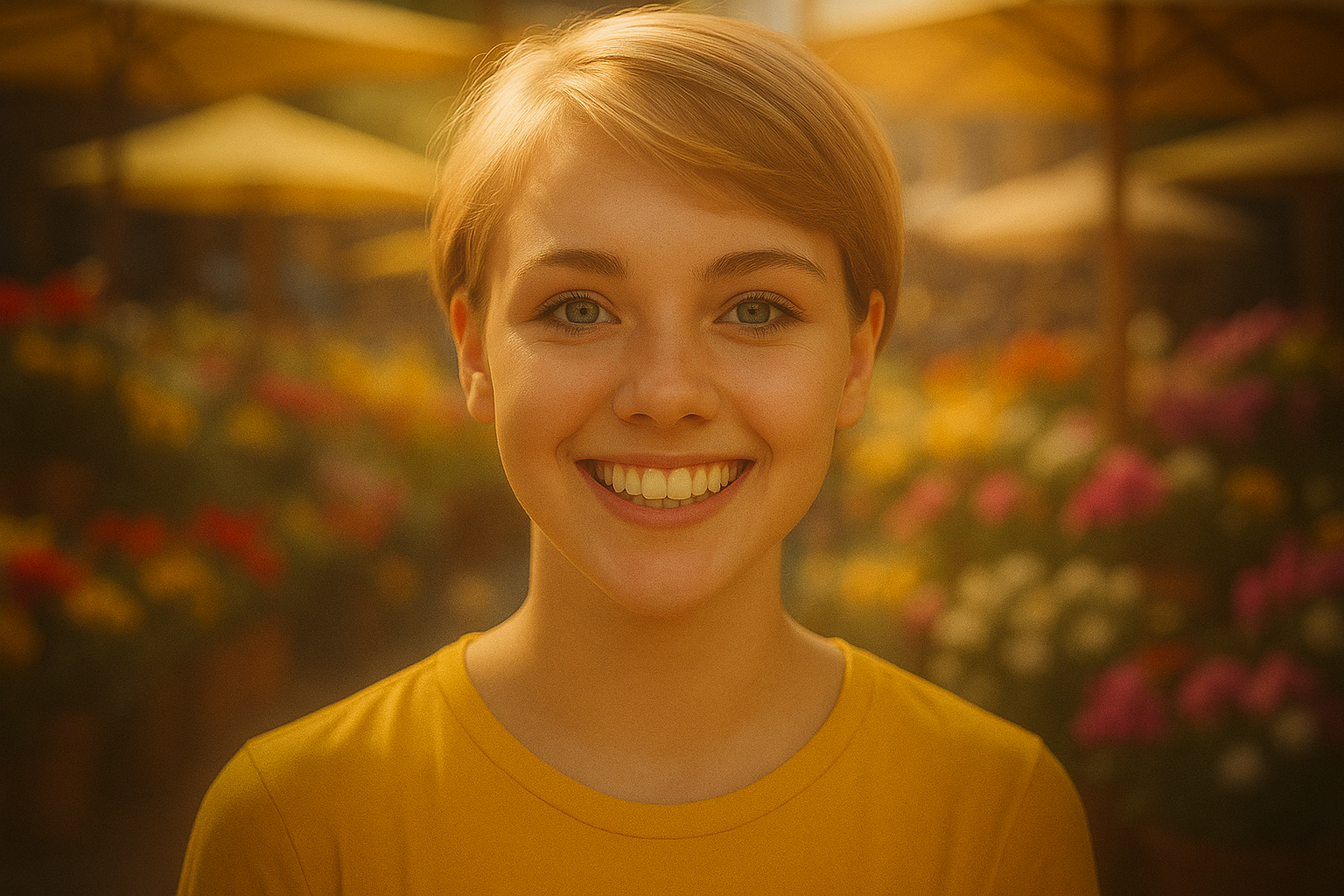
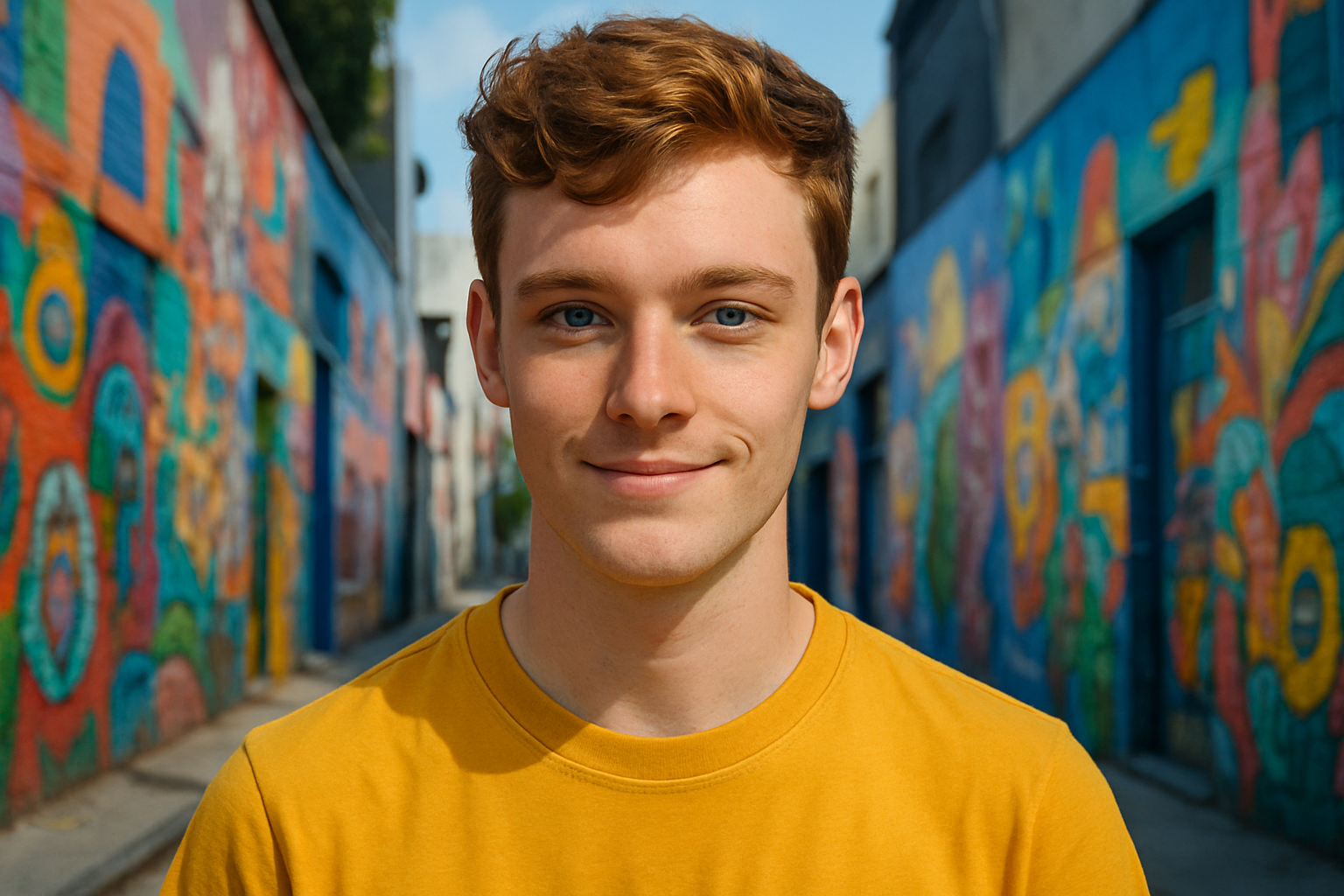
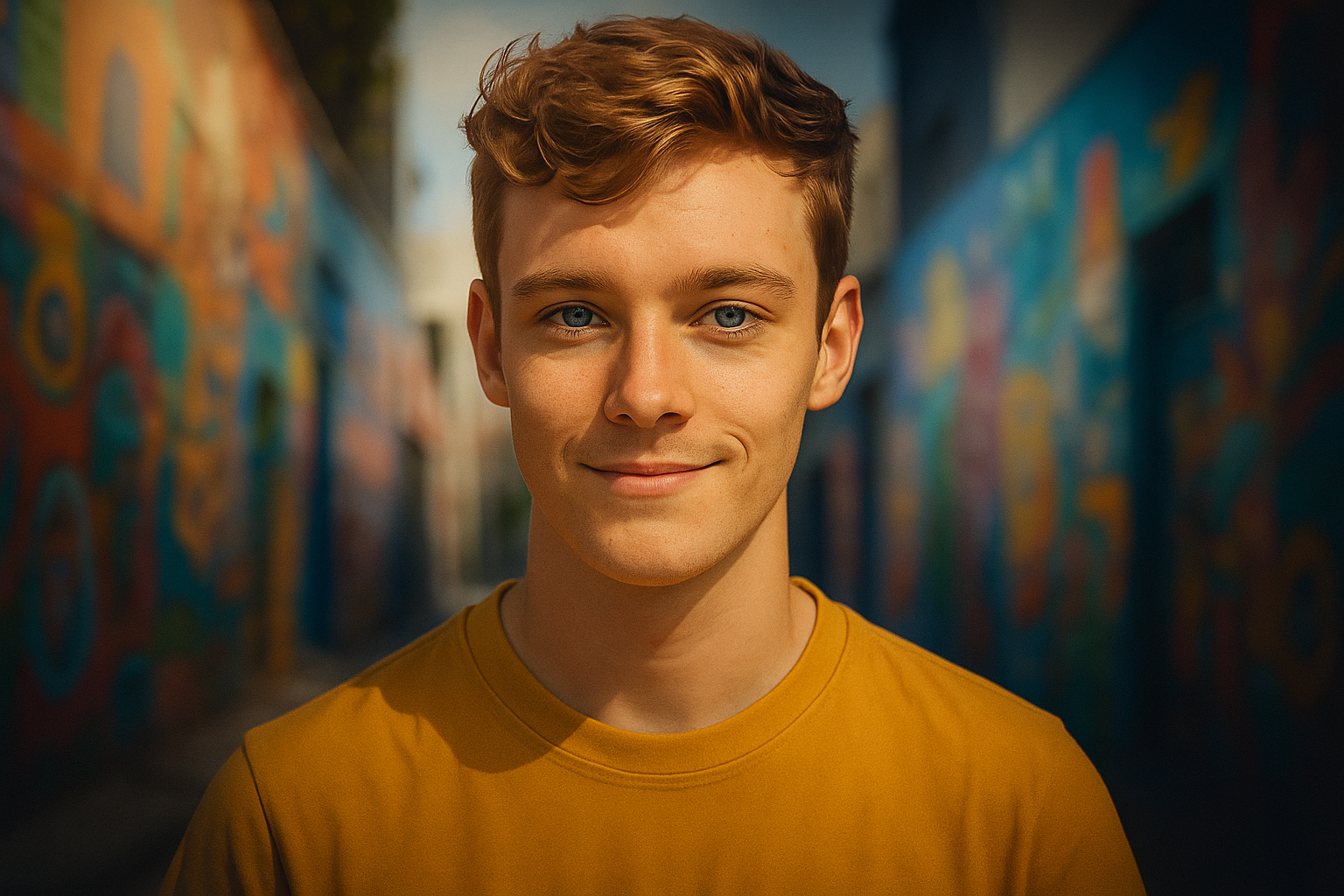

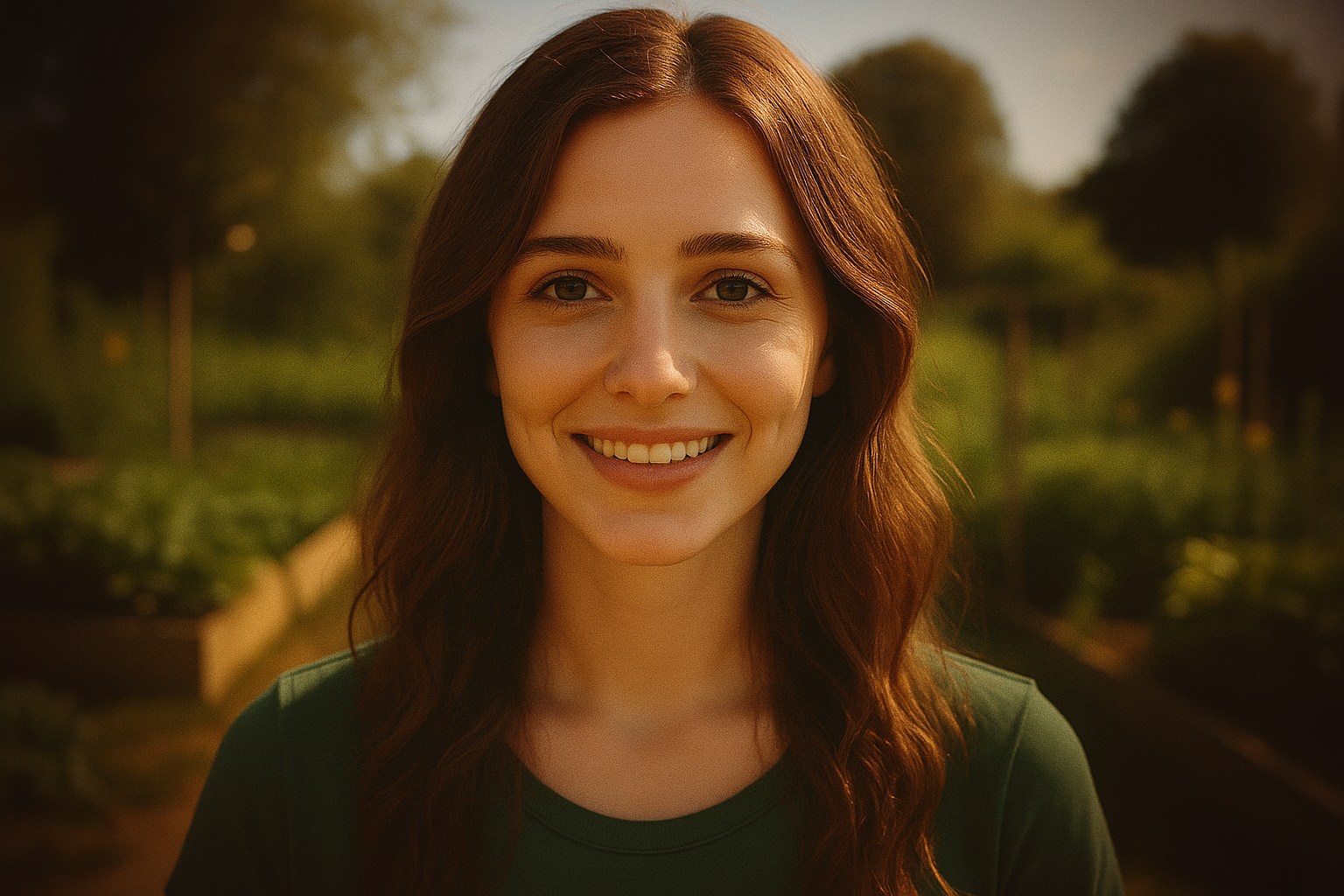
What is Vignette Photography?
Vignette photography is a technique where the edges of an image gradually darken or fade, focusing attention on the center. This vignette effect brings depth, drama, and emphasis to your photos, making them visually compelling. Whether you're enhancing a portrait or adding a subtle background vignette to a product image, vignetting elevates the mood and narrative of your visuals. With Fava AI, you can effortlessly add a vignette to a photo online, no advanced editing skills needed.
Key Features of Fava AI’s Vignette Tool
Pre-Optimized Vignette Effect:
Enjoy a perfectly balanced vignette that delivers a professional vignetting effect without manual tweaks.
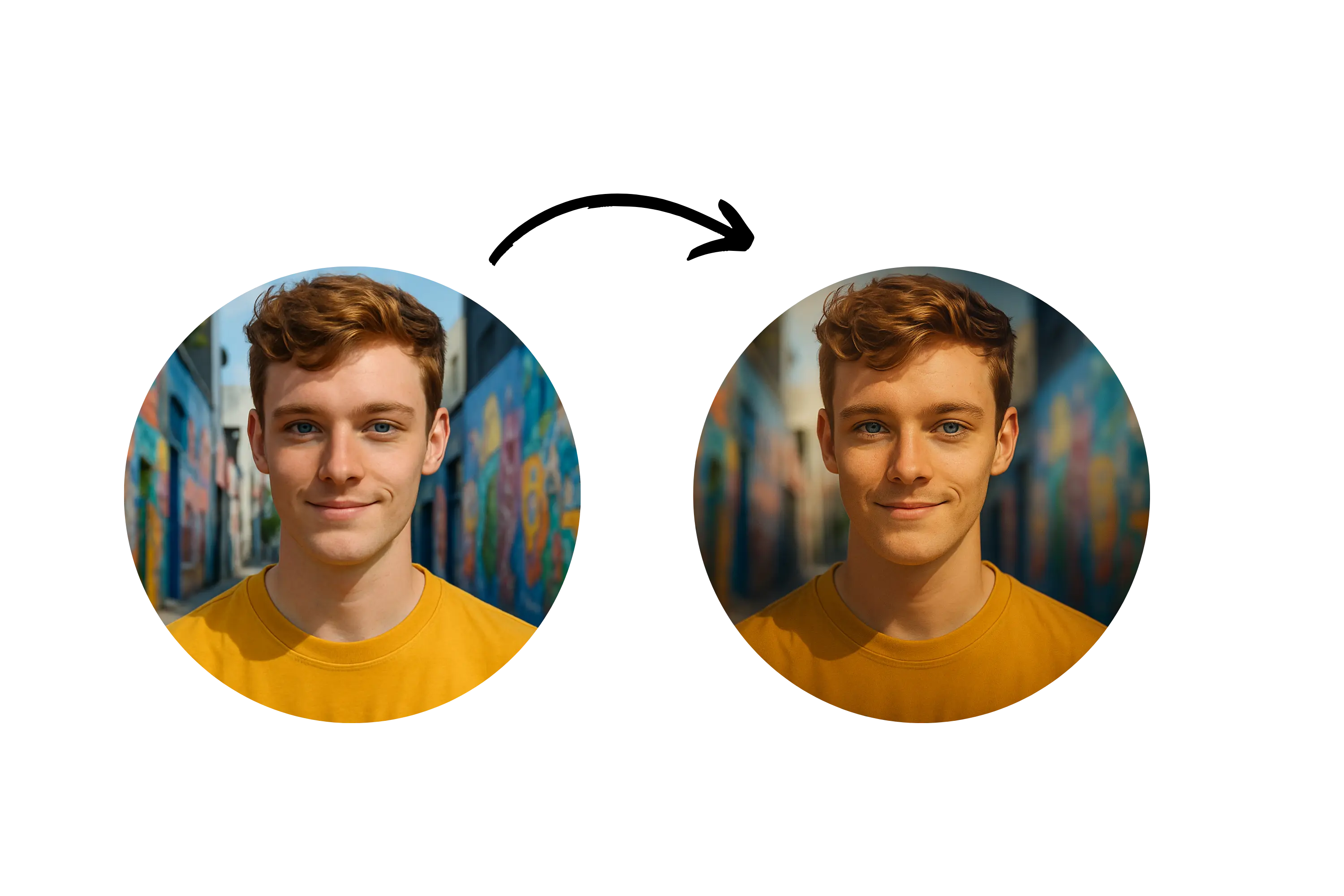
AI-Selected Vignette Style:
Our AI automatically applies a classic vignetting effect, tailored to enhance your image’s aesthetic.
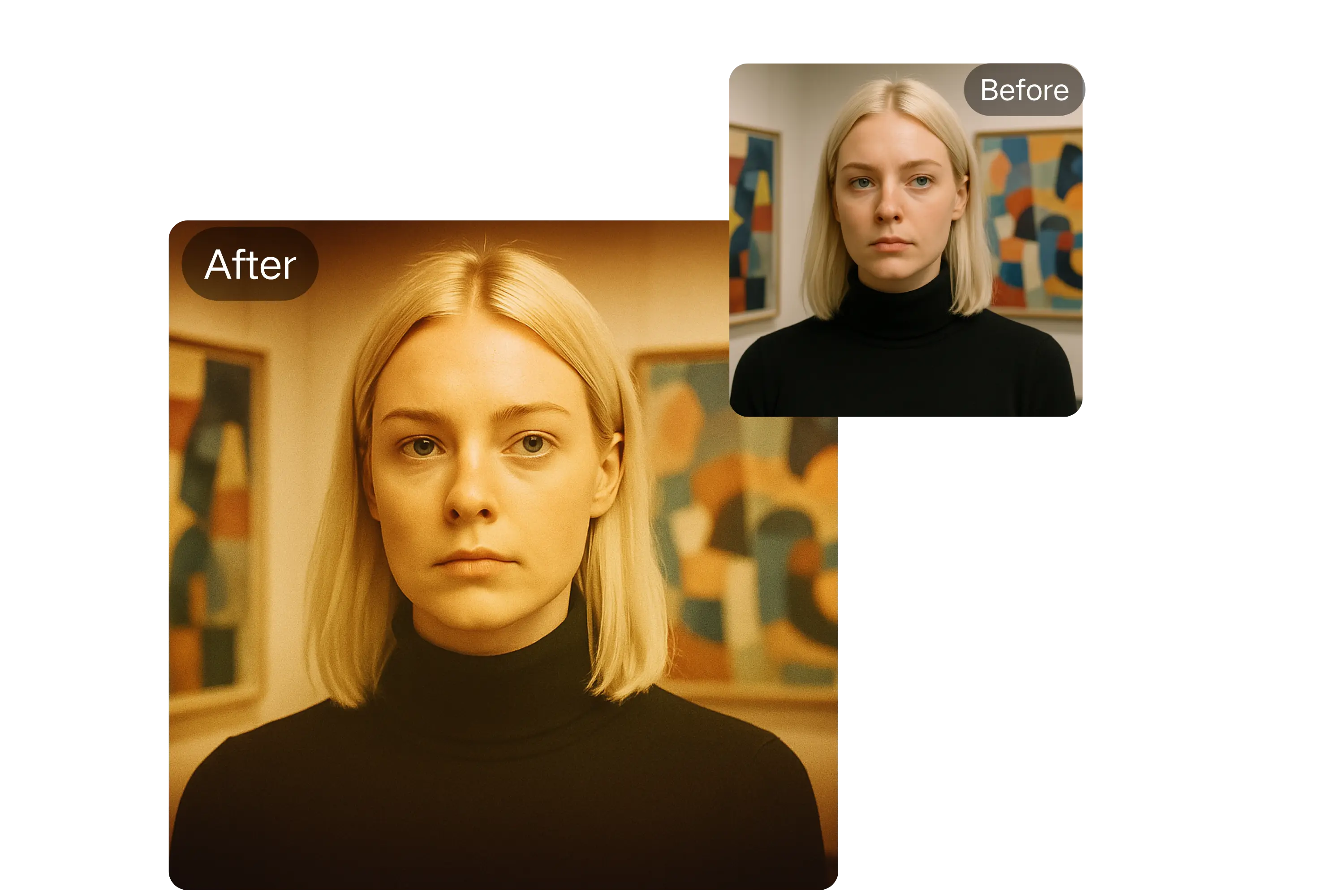
User-Friendly Interface:
Even beginners can master how to vignette with our intuitive drag-and-drop editor.
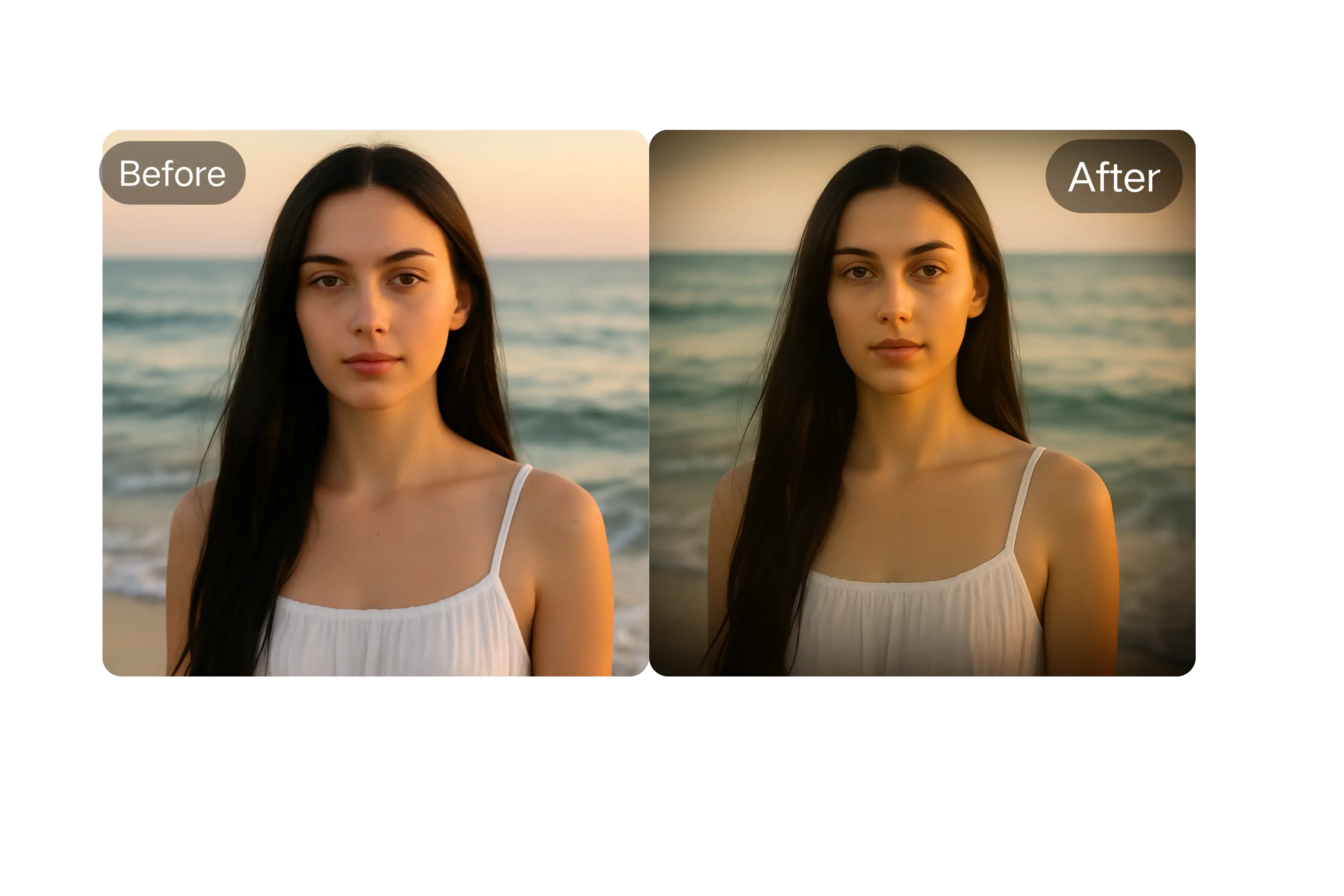
Online Accessibility:
Create vignette pictures instantly with our web-based tool—no downloads required for online vignette creation.
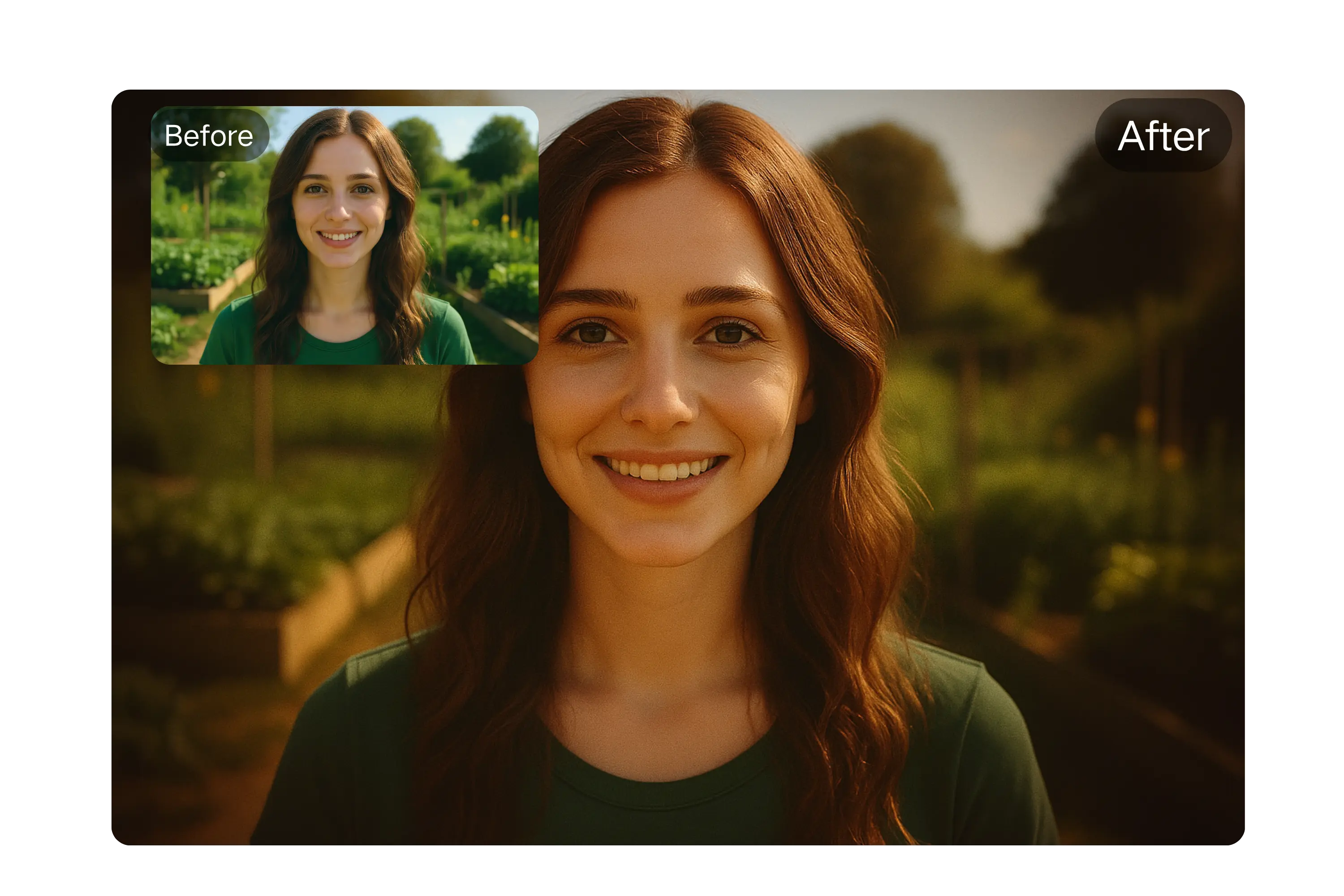
Use Cases for Vignette Photography
Portraits with Emotion:
Use a vignette photo to highlight your subject’s face, perfect for Instagram or LinkedIn profiles.
Product Photography Drama:
Apply a background vignette to make your eCommerce products stand out on Etsy or Shopify.
Travel Snapshots:
Emphasize landmarks with a vignetting effect to create shareable vignette images for blogs or Pinterest.
Social Media Engagement:
Increase click-through rates with vignette pictures tailored for YouTube thumbnails or Twitter posts.
How to Use Fava AI’s Vignette Effect Tool
Upload Your Photo:
Select a high-quality image to serve as the base for your vignette image.
AI-Enhanced Vignette Processing:
Fava AI’s AI automatically applies a classic vignetting effect, optimized for your image.
Generate and Download:
Click “Generate” to create your vignette photo and download it as a JPEG or PNG.
Reviews of Fava AI’s Vignette Tool
“I love how I can add a vignette to a photo online without Photoshop. My travel vignette photos look amazing!”
Maya R.
Blogger“Fava AI’s vignette photography tool made adding a professional vignette effect to my portraits so easy. The AI styling is perfect!”
Liam S.
Photographer“Creating vignette pictures for my YouTube thumbnails was so simple. It’s free and fast!”
Sophia T.
Content Creator“The AI-applied vignette lets me focus on creativity with my digital art. Fava AI is my go-to for image vignette work.”
Noah K.
Artist“Fava AI’s photo vignettes added a romantic touch to my client albums. The tool is incredibly user-friendly!”
Ava L.
Wedding Planner“The background vignette feature made my product images pop on my website. Fava AI is a game-changer!”
Ethan J.
Small Business Owner
FAQs About Fava AI’s Vignette Effect Tool
Is Fava AI’s Vignette Tool Free to Use?
Yes, you can try Fava AI’s online vignette tool for free to create your first vignette photo without signing up.
Can I Use My Vignette Images Commercially?
Commercial use may require a subscription. Visit Fava AI for terms of service details.
How Long Does It Take to Create a Vignette Photo?
Fava AI’s vignette effect tool generates your vignette image in just seconds, delivering professional results fast.
Do I Need to Install Anything to Add a Vignette?
No installation needed. Fava AI’s vignette photography tool is fully web-based and works on all modern devices.
What File Formats Are Available for Download?
Download your vignette photos as high-resolution JPEG or PNG files, perfect for online or print use.
Is My Personal Information Safe?
Uploaded images are not stored after your session, ensuring privacy while using Fava AI’s image vignette tool.