
Unpixelate Images Online Free with AI – Fix Pixelated Photos Instantly
Restore clarity, sharpen details, and depixelate pictures in seconds with Fava AI’s AI tool—fast, simple, and no login required.
Why Choose Fava AI to Fix Pixelated Images
Fix Pixelated Images in Screenshots, Notes, and Documents
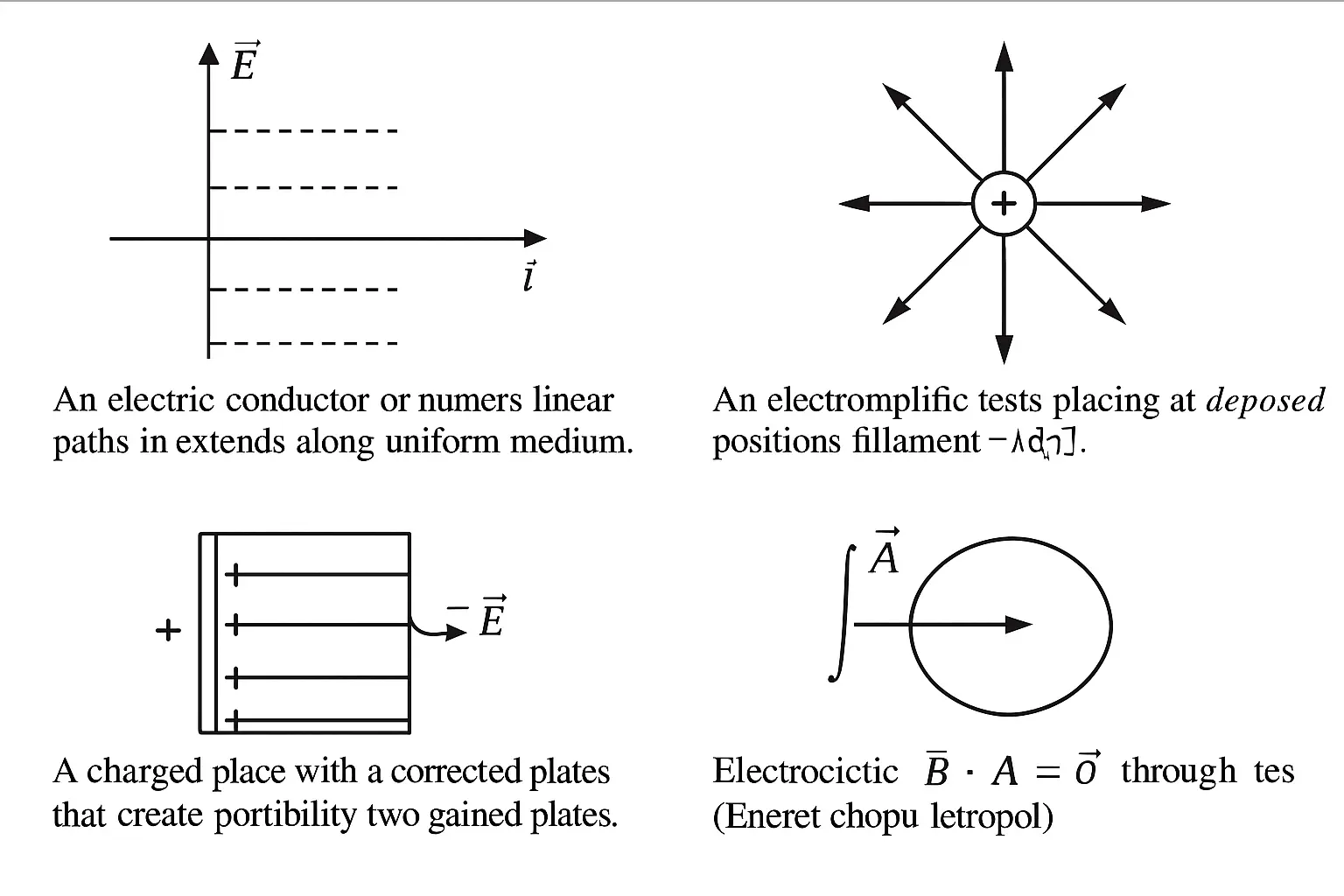
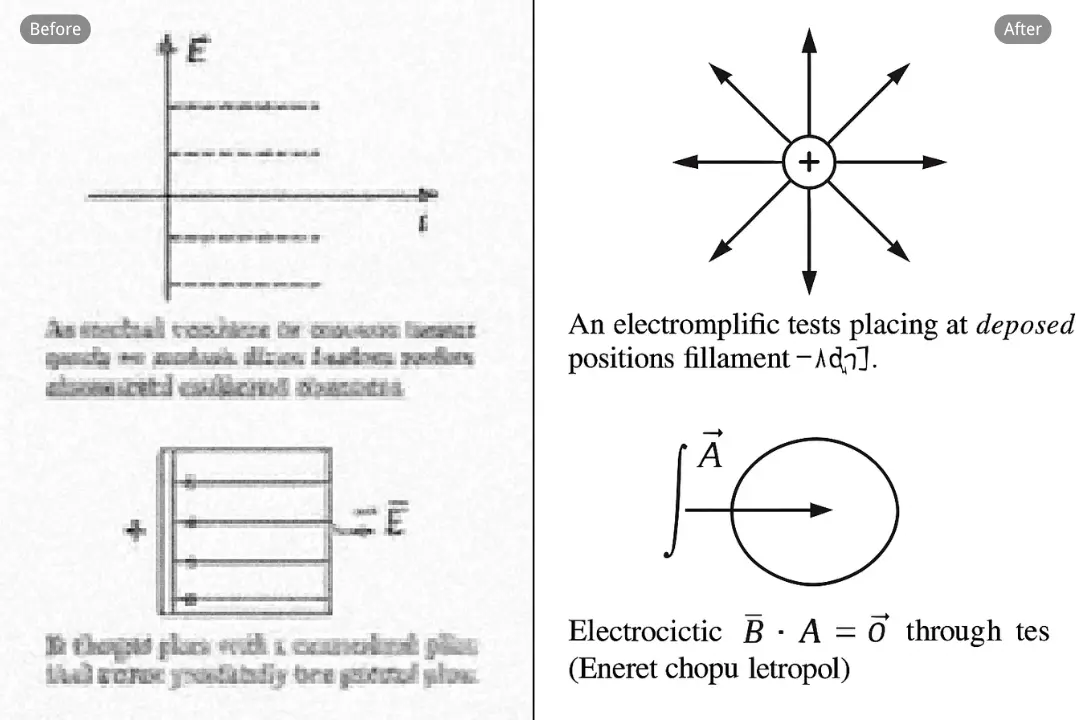
Blurry screenshots or unreadable notes are no longer a problem. Fava AI helps you fix pixelated images containing text by sharpening letters, cleaning up diagrams, and clarifying layouts, making files easy to read and useful for study or work.
Unpixelate Images Instantly for Clear and Lifelike Photos
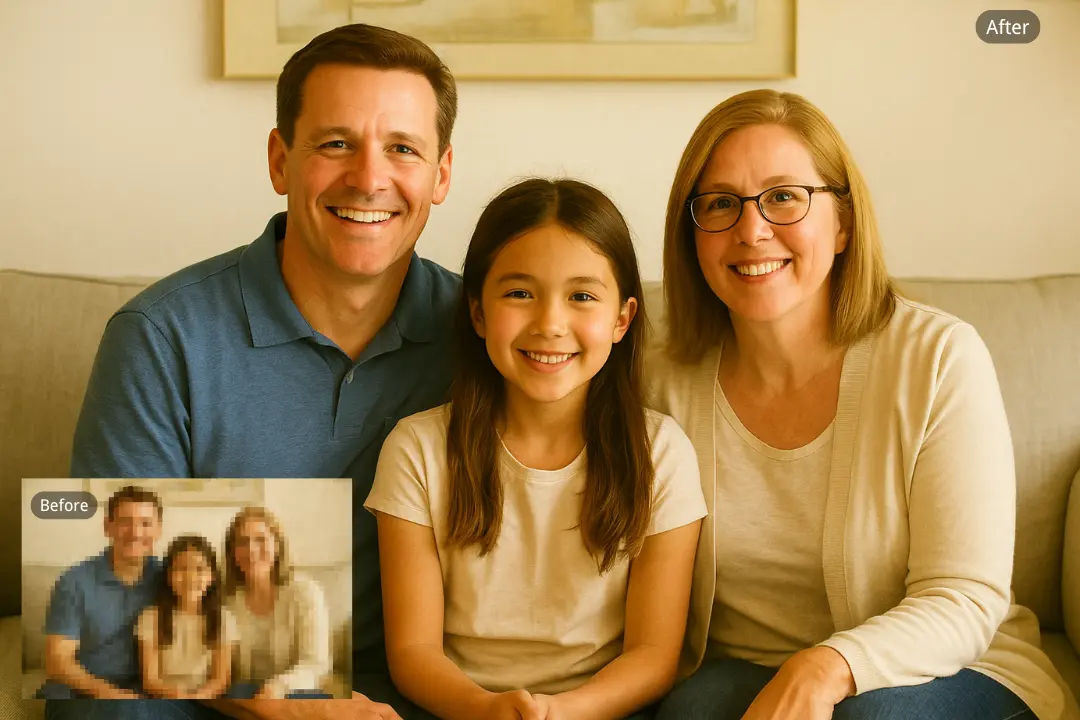
With Fava AI, you can unpixelate images within seconds. From family portraits to vacation snapshots, AI restores natural colors, smooths blocky areas, and enhances fine details, ensuring your photos look realistic, sharp, and ready to share.
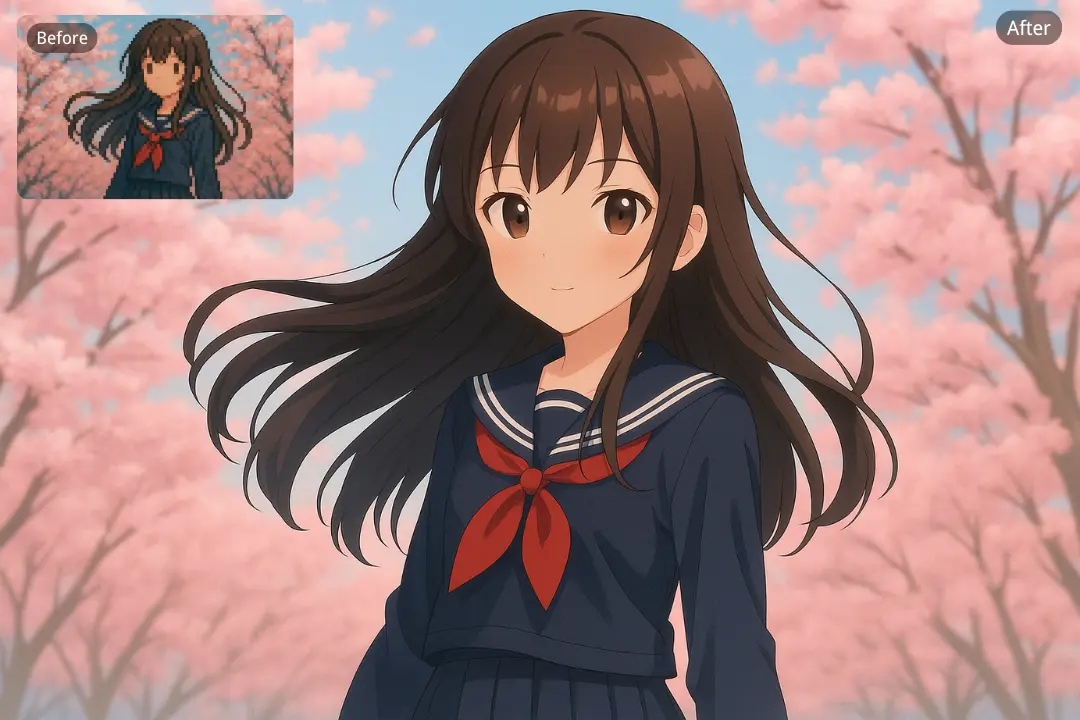
AI Depixelate Image for Digital Art, Sketches, and Anime
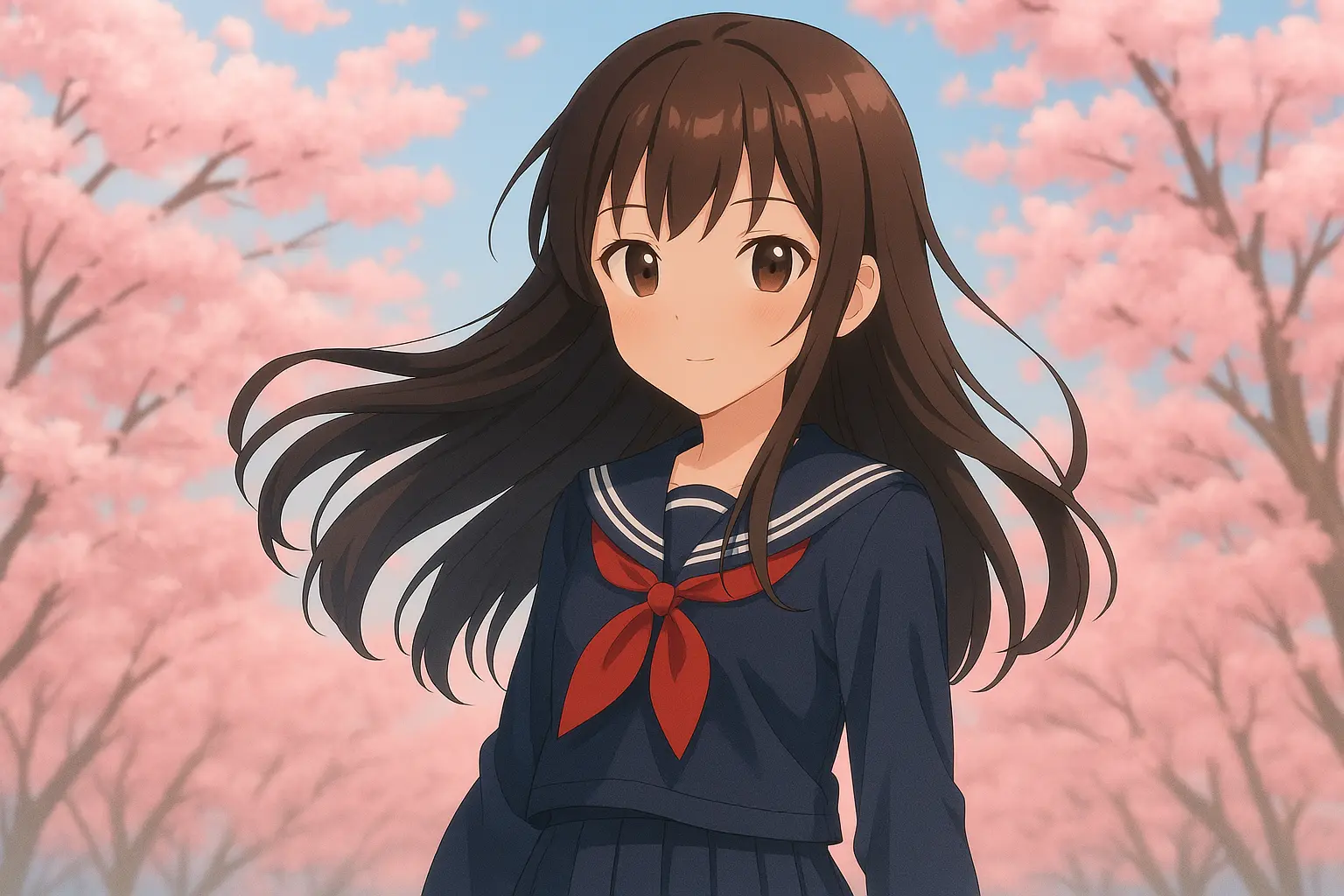
Artists can use Fava AI to AI depixelate image files, from anime drawings to creative sketches. The tool sharpens outlines, enriches colors, and preserves unique styles, while offering extras like an AI clothes color changer for added customization.
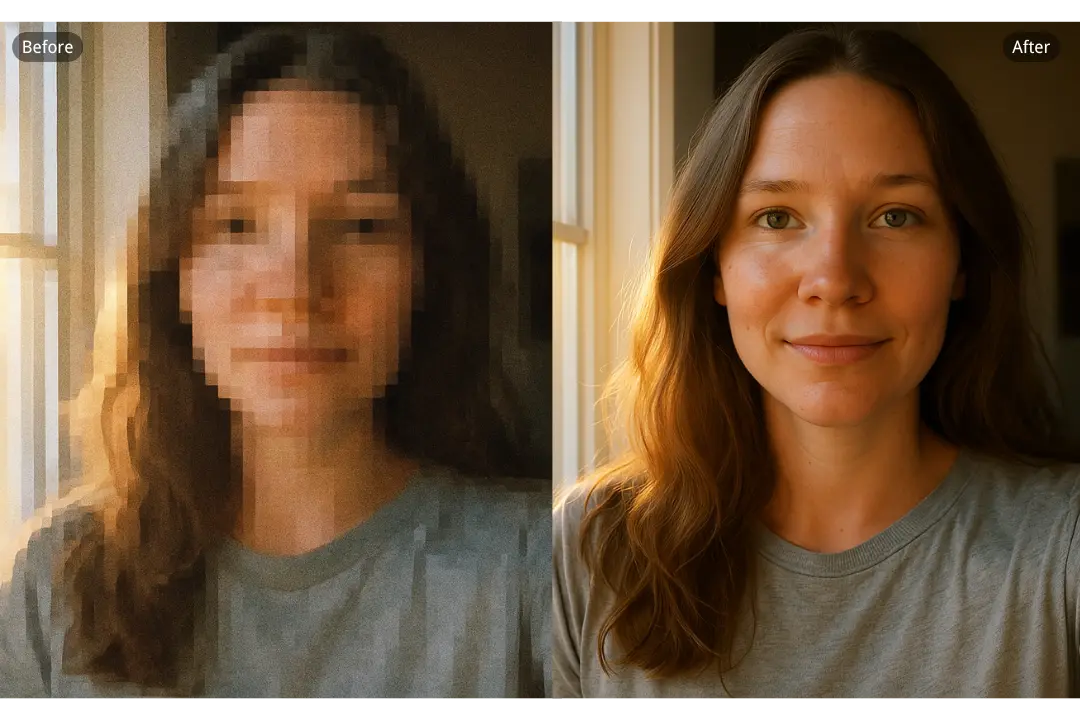
Unpixelate Image Online Free for Social Media Posts
Pixelation can ruin online content. Fava AI lets you unpixelate image online free, producing clear, eye-catching visuals for Instagram, TikTok, or Facebook. The AI ensures every photo looks vibrant, polished, and engaging for your followers and audience.
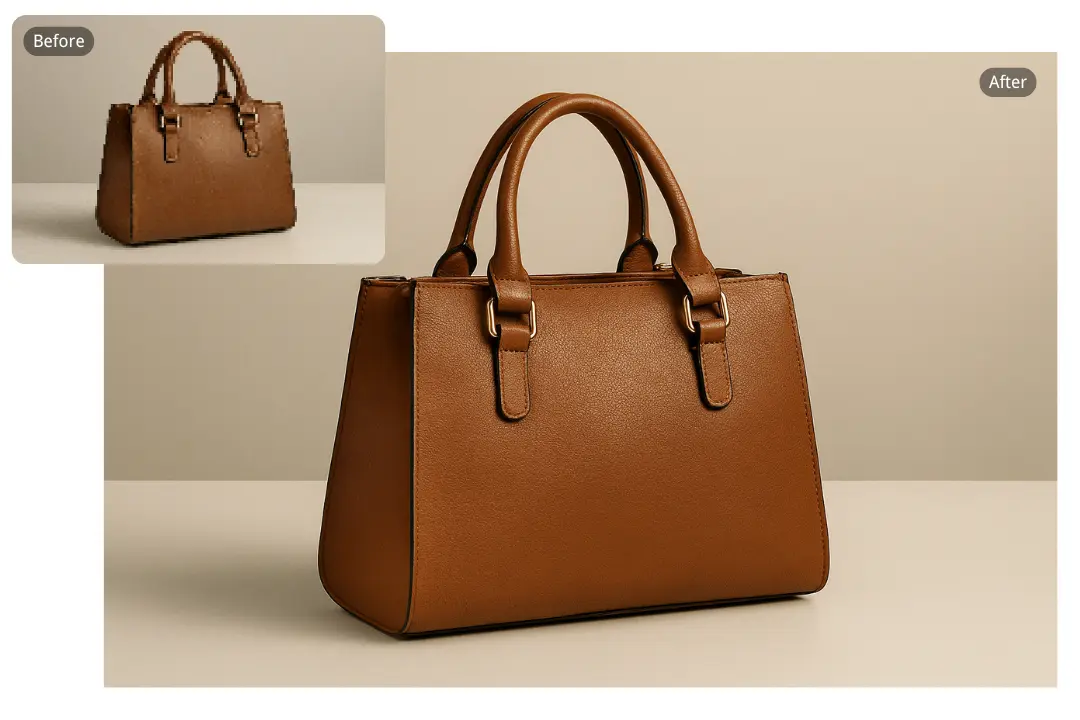
Depixelate Pictures for E-Commerce Product Listings
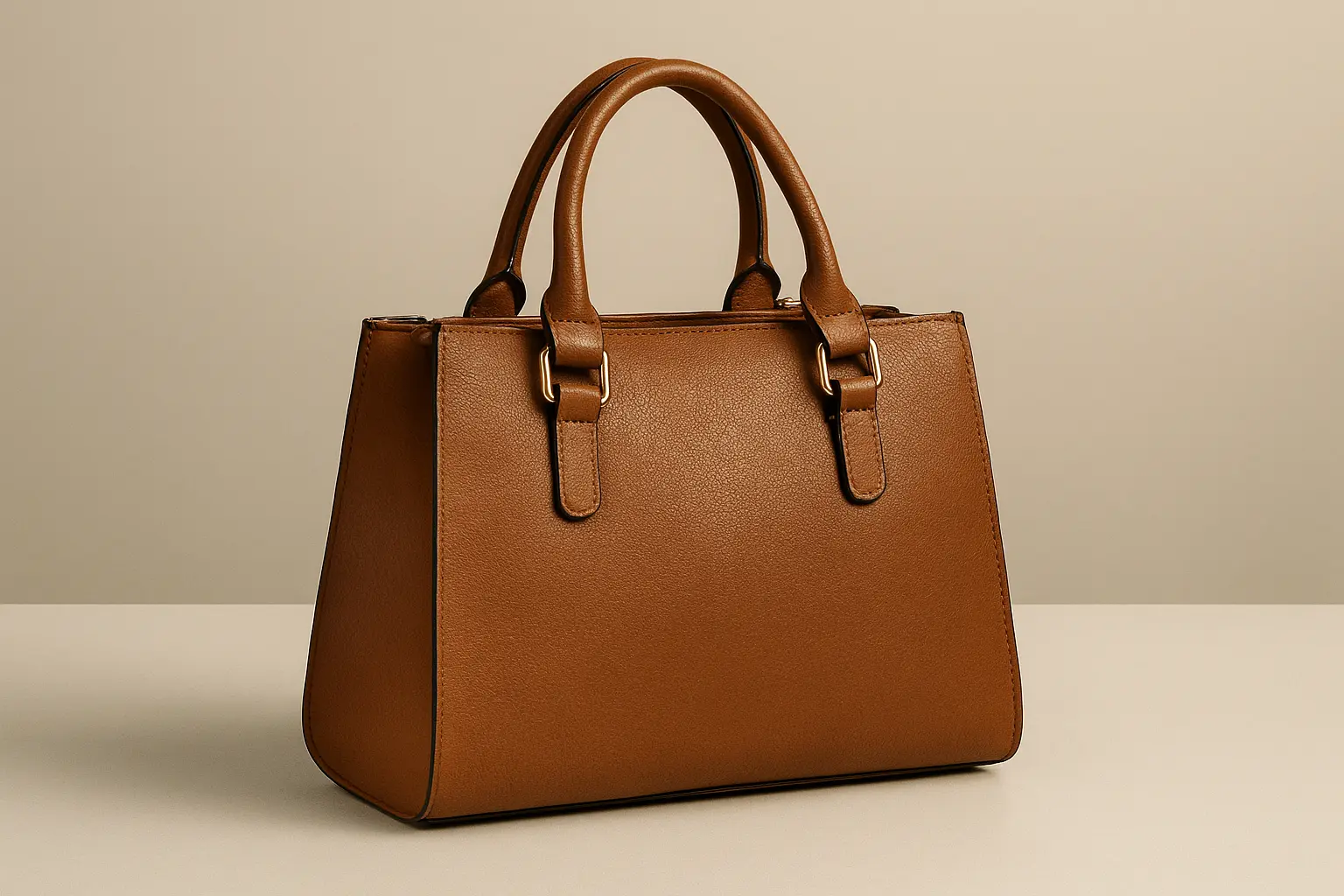
Professional product photos matter. Fava AI allows sellers to depixelate pictures of items, restoring textures, stitching, and edges. The result is sharper visuals that increase buyer confidence and make online catalogs appear polished and trustworthy.
How to Unpixelate Image Online Free with Fava AI
Upload Your Pixelated Image File
Click “Upload Image” and select your photo, screenshot, or scanned page. Fava AI supports JPG and PNG formats, making it easy to start with any content you want to restore.
Let AI Depixelate Images and Restore Details
Once uploaded, Fava AI scans the file with its AI depixelate image system. It detects pixelated areas, reconstructs textures, sharpens edges, and smooths rough patches. The preview shows restored clarity in just a few seconds.
Download or Share Your Fixed Pixelated Image
When processing is complete, download your restored file instantly. The fixed image is ready to use in personal projects, business materials, or social media posts, giving you a polished, professional-looking result.
Practical Applications of AI to Fix Pixelated Images
Fix Pixelated Images in Study Notes and Educational Materials
Students and teachers can rely on Fava AI to fix pixelated images from scanned textbooks, lecture slides, or notes. The tool enhances text clarity and diagram sharpness, improving readability for study sessions or classroom use.
Unpixelate Images for Family Photo Restoration
Fava AI helps you unpixelate images of old or vintage photographs. The AI sharpens faces, restores fine details, and revives colors, allowing you to preserve and share precious family memories in clear, lifelike quality.
AI Depixelate Image for Creative Projects and Anime Art
Fava AI’s AI depixelate image feature enhances anime illustrations, sketches, and creative projects. Outlines are refined, colors enriched, and original styles preserved, making your artwork look professional and ready to showcase or publish online.
Depixelate Pictures for Marketing Campaigns and Presentations
Clarity is key in professional visuals. Fava AI lets businesses depixelate pictures for ad campaigns, pitch decks, and slides. Crisp graphics and polished imagery ensure presentations look persuasive and engaging for audiences and clients.
User Feedback on Fava AI’s Unpixelate Image Tool
Using Fava AI, I can unpixelate images before publishing campaigns. My posts look sharp and professional, which has significantly boosted engagement across Instagram and TikTok.
Olivia
Social Media StrategistSupplier photos were often blurry and blocky. Fava AI helped me fix pixelated images, giving my store a polished, professional catalog. Customers now trust my listings, and my sales are steadily improving.
Ethan
Online Store OwnerMany of my scanned course notes were difficult for students to read. With Fava AI’s AI depixelate image tool, every page is clear and sharp, improving the classroom experience.
Sophia
University LecturerI frequently restore old pixelated portraits for clients. Fava AI’s unpixelate image online feature reveals details I thought were lost, and the results never fail to impress.
Daniel
Freelance PhotographerResizing logos used to ruin quality. Now I use Fava AI to depixelate pictures and keep lines clean. It saves time and delivers reliable results for my design projects.
Hannah
Graphic ArtistPixelated lecture screenshots made studying frustrating. Fava AI helped me fix pixelated images quickly, and I can now share clear, readable notes with classmates.
Liam
Student
FAQs About Using Fava AI to Unpixelate Images Online
What does it mean to Unpixelate Images online with AI?
To unpixelate images online is to restore clarity to low-resolution photos. Fava AI’s AI depixelate image tool rebuilds missing details and sharpens textures, producing natural, high-quality visuals.
Can AI really fix pixelated images effectively?
Yes. Fava AI’s algorithms accurately fix pixelated images, detecting blurred areas, reconstructing edges, and delivering results that look smooth and professional.
How do I unpixelate image online free with Fava AI?
Upload your file, allow AI to process it, and download the enhanced version. Fava AI makes it easy to unpixelate image online free in seconds, with no special skills needed.
When should I use AI depixelate image tools?
Fava AI’s AI depixelate image tool is ideal when pictures look blurry due to resizing, low resolution, or compression. It works for social media, study notes, e-commerce, and artwork.
Does the tool work to depixelate pictures with text?
Yes. Fava AI can depixelate pictures containing text, sharpening scanned notes, ads, or screenshots so every word is clean and legible.
What file types can I upload to fix pixelated images?
Fava AI supports common formats like JPG and PNG. You can fix pixelated images for family portraits, documents, products, or anime illustrations.
How long does it take to unpixelate images with AI?
Most unpixelate images tasks are completed within seconds. The AI shows clear previews almost instantly, making the process fast and efficient.
Can I use unpixelate image online for professional projects?
Yes. Many professionals use Fava AI to unpixelate image online for marketing, product catalogs, and design assets. The tool delivers clear, reliable, and polished results.